Quick Answer
If a dead pixel appears after a 240Hz monitor upgrade, inspect it within the dead-pixel return or warranty window, since a new panel arriving with a defect should be addressed quickly. Confirm it is dead with a full-screen colour test before claiming. A quality 240Hz monitor at Evetech starts near R6,000, and many carry a dead-pixel policy worth checking at delivery.
Check a New Panel Promptly
A 240Hz monitor upgrade is exciting, and the best time to spot a dead pixel is right after unboxing, while you are within any dead-pixel return or warranty window. A dead pixel on a brand-new panel is a manufacturing defect, not something you caused, so claiming early is straightforward. Run a thorough test before heavy use rather than discovering the fault weeks later. The refresh upgrade itself does not create pixels, but the fresh panel is exactly when to inspect for them.
Post-Upgrade Dead Pixel Checks
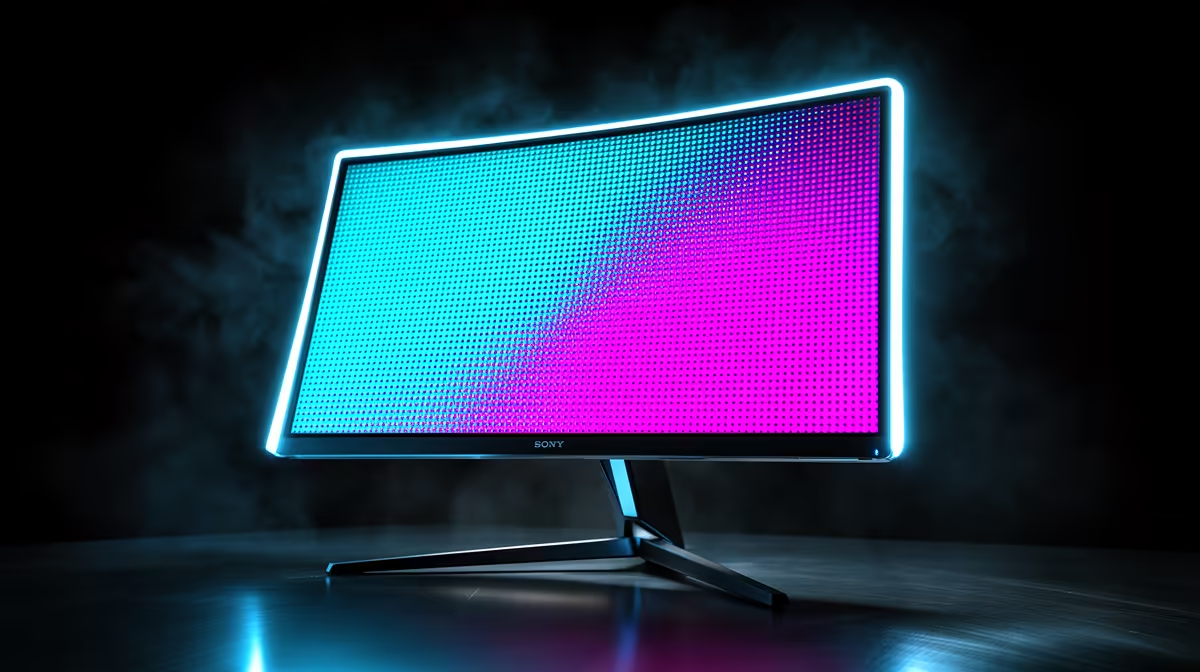
Display a full-screen dead-pixel test on the new 240Hz panel, cycling solid red, green, blue, white, and black. A pixel black on every colour is dead; a single fixed colour is stuck and may revive with a pixel-exerciser. Clean the screen first to exclude shipping dust, and confirm native resolution and 240Hz in Windows 11. Photograph any defect on a solid colour immediately. Inspect the whole panel carefully, edges included, while the return window is open.
Claiming on a New Monitor
If you confirm a dead pixel on a new 240Hz monitor, raise it promptly with the retailer, citing the dead-pixel policy and your fresh proof of purchase. New-panel claims are usually the easiest, and a defect found at delivery has the strongest case. Keep your photos and packaging. Acting within the return or warranty window means you can swap the panel for a flawless one and enjoy your 240Hz upgrade as intended.
FAQ
Should I test a new 240Hz monitor right away?
Yes. Inspecting immediately after unboxing, while the return and dead-pixel window is open, is the best time to catch a defect. A dead pixel on a new panel is a manufacturing fault with the strongest, simplest claim.
How do I confirm a dead pixel on a new panel?
Run a full-screen colour test cycling red, green, blue, white, and black, with the panel at native resolution and 240Hz. A pixel black on every colour is dead; a single fixed colour is stuck and may revive with pixel-cycling.
Is a dead pixel on a new monitor covered?
Usually, yes. New panels carry a dead-pixel policy, and a defect found at delivery makes the strongest claim. Document it on a solid colour, keep your proof of purchase, and raise it within the return or warranty window.
Pro Tip
Inspect a new 240Hz panel the day it arrives with a full colour cycle; catching a dead pixel inside the return window makes the swap effortless.