


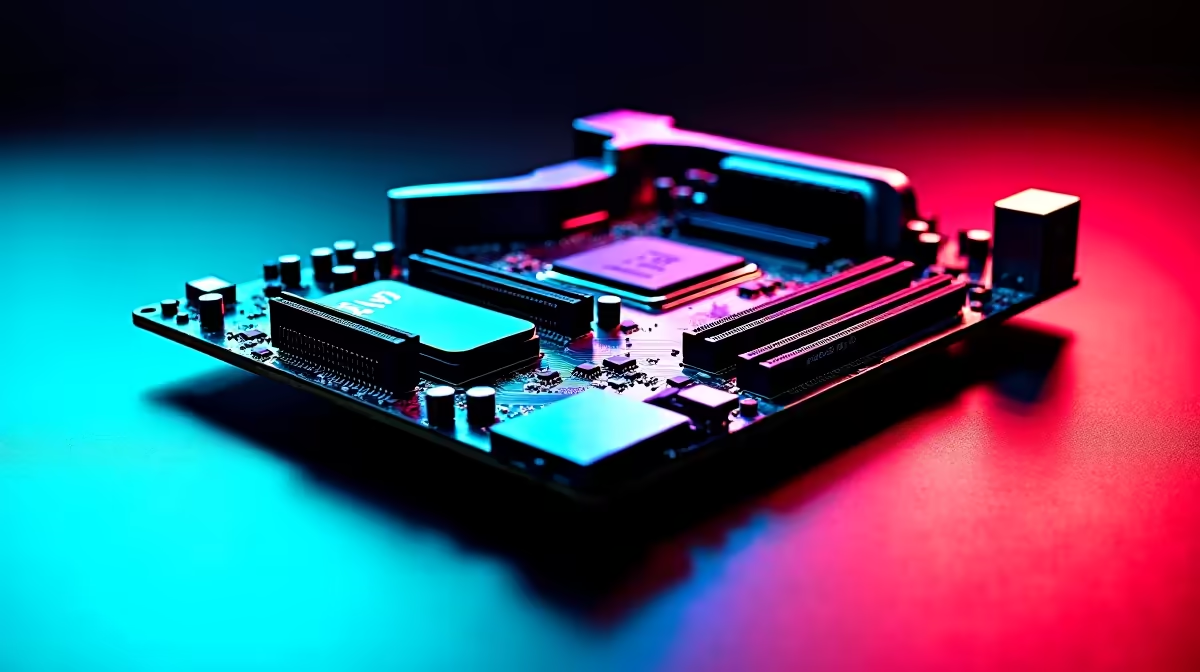
An X870E motherboard is a premium AM5 platform with full PCIe 5.0 and USB4, so stutter on it points to BIOS, memory training, or lane sharing rather than a weak board. The fix is firmware and setup.
Quick Answer
Update the X870E BIOS, enable EXPO for DDR5-6000 CL30, and check that your Gen5 SSD and GPU are not forced to share lanes in a way that drops the GPU to x8. A tuned X870E runs flat frame times across heavy games.
BIOS and memory on X870E
Premium boards still ship with early AGESA. Flash the latest BIOS, re-enable EXPO, and let memory retrain. DDR5-6000 CL30 is the sweet spot; pushing higher on this board can cause the periodic hitch you are chasing. A current X870E board with a fresh BIOS posts DDR5-6000 reliably, avoiding early-platform stutter.
PCIe lane allocation
X870E offers many fast slots, but populating certain M.2 sockets can drop the primary GPU slot to x8 or disable a port. Check the manual's lane map so the GPU keeps full bandwidth and storage does not stall.
Drivers and USB4 quirks
Install the AMD chipset driver and keep the GPU driver clean. USB4 devices can occasionally cause power-state hitches; disable USB selective suspend if a connected dock or DAC introduces stutter during play. Keep the chipset, GPU, and audio drivers current so no single stale component reintroduces the hitch you fixed.
FAQ
Does filling M.2 slots hurt my GPU on X870E?
It can, since some sockets share lanes with the GPU slot. Read the lane map so adding a Gen5 SSD does not drop the GPU to x8.
What memory speed suits X870E?
DDR5-6000 CL30 via EXPO. The board can post faster kits, but stability and pacing are best at 6000 for gaming.
Can USB4 devices cause stutter?
Rarely, through power-state changes. If a dock or DAC hitches play, disable USB selective suspend and update the chipset driver.
Pro Tip
Before adding a second Gen5 SSD to an X870E board, check the lane map so the move does not silently drop your GPU slot to x8.











