


Quick Answer
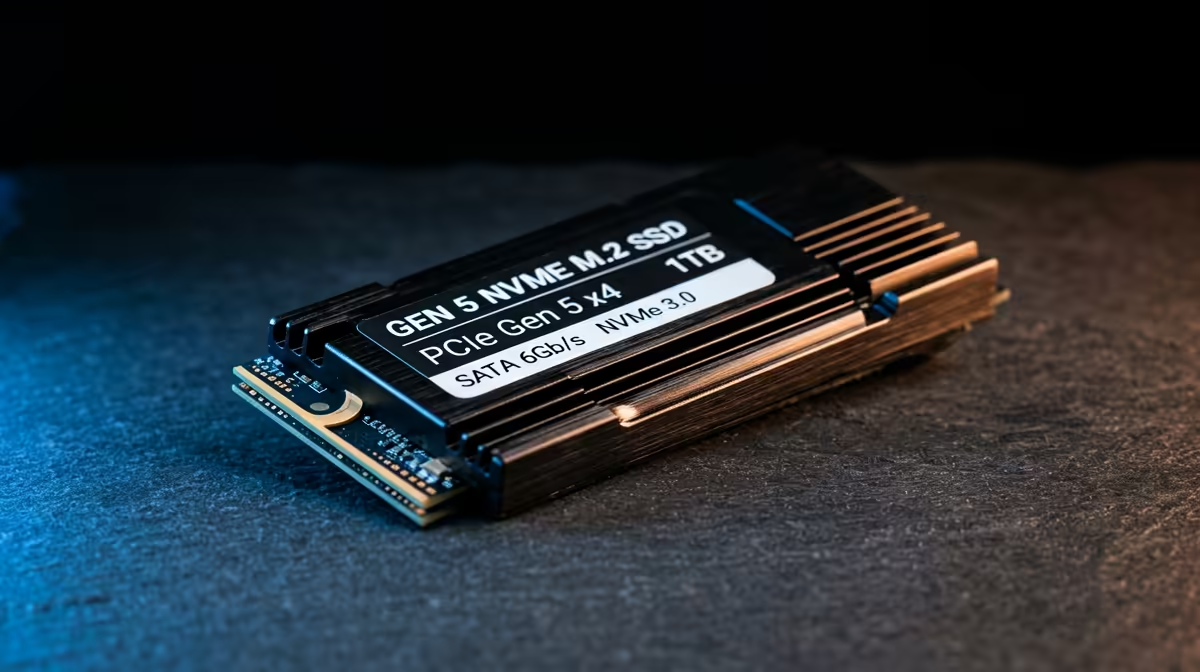
A Gen 5 NVMe SSD setup can reduce asset streaming delays, but shader compilation stutter still comes from the CPU, GPU driver, game cache and first-run pipeline work. Fix it by clearing the relevant shader cache, updating GPU and chipset drivers, testing stock BIOS settings, and replaying the same route for 10-15 minutes so the cache can rebuild. For SA buyers, avoid replacing parts too early; NVMe SSD pricing can sit roughly R2,000-R6,000 for fast 1TB-2TB NVMe options, while the fix is often a cache or driver reset.
Separate Shader Stutter From Low FPS
Shader compilation stutter is a sharp frame-time spike, often the first time you enter a new area, trigger an effect, or load a DX12 or Unreal Engine 5 scene. Low FPS is constant; shader stutter is intermittent. A Crucial T705-class Gen 5 NVMe SSD should not feel broken just because one new game hitches during the first run at 1440p, 165Hz or 240Hz.
Rebuild The Cache Cleanly
Update the GPU driver, then clear DirectX Shader Cache from Windows storage cleanup and restart. On NVIDIA builds, also refresh the driver shader cache after a clean install; on AMD builds, reset shader cache in Adrenalin if the option is available. Launch the same game, use the same save point, and give it 10-15 minutes before judging the result.
Check Platform Stability
Return EXPO, XMP, Curve Optimizer, PBO and undervolt settings to stock for one test, especially on AM5, X870E, DDR5 or high-end Ryzen builds. Install current chipset drivers and check that the NVMe drive has free space, because a nearly full SSD can make cache rebuilding feel worse. In South African gaming PCs, a stable 1TB or 2TB NVMe drive is usually enough; the key is clean drivers and repeatable testing.
FAQ
Is shader compilation stutter normal after an upgrade?
Yes, some first-run stutter is normal after a GPU driver, motherboard, CPU or storage change. It should reduce after the cache rebuilds and the same scene is played again.
Does a faster NVMe SSD fix shader stutter?
Sometimes it helps asset streaming, but it does not remove every shader hitch. The CPU, GPU driver, game engine and cache state still decide how smooth the first run feels.
Which games show this problem most clearly?
Large DX12 and Unreal Engine titles show it most often because they compile many effects during play. Test one repeatable route and compare frame-time spikes rather than only average FPS.
Cache check
Clear DirectX Shader Cache, restart, then replay the same scene twice before changing hardware or BIOS settings again.











