



Content Warning PC build under R20,000 for SA gamers
Content Warning on R20,000 needs careful part balance. This SA build guide frames CPU, GPU, RAM, SSD, cooling, and upgrade trade-offs without promising live prices, stock, or exact FPS.
Read more5G router throughput depends heavily on signal strength, so placing the router near a window facing the nearest tower and on an upper floor measurably raises SINR and RSRP.
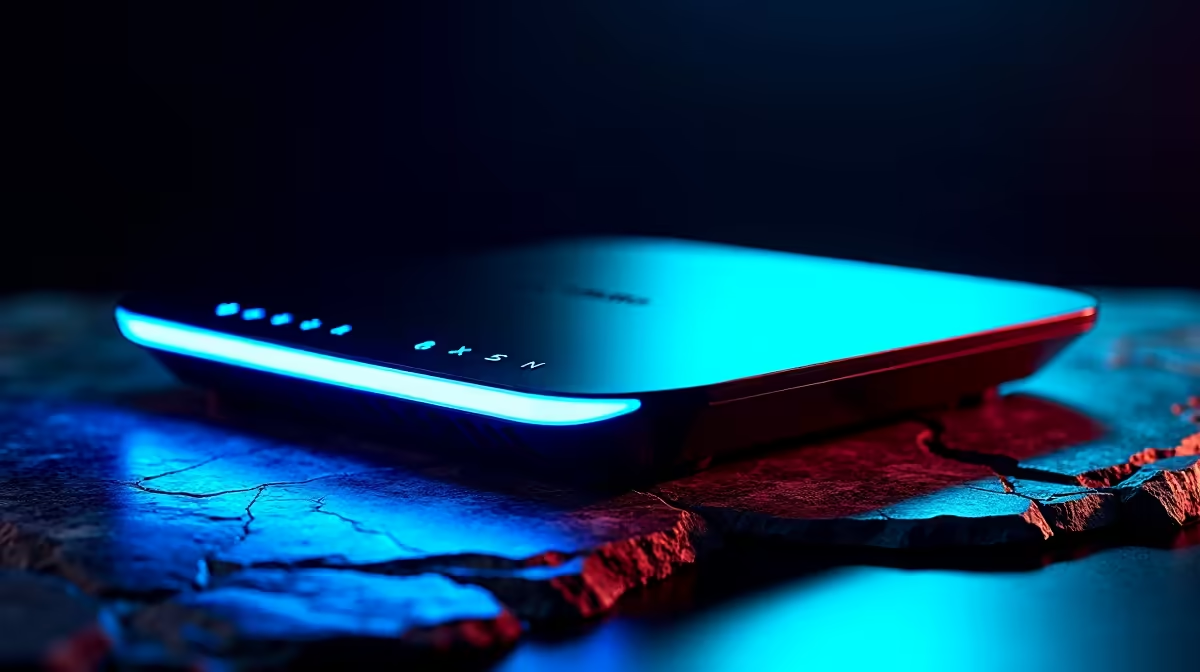
A 5G home router promises fibre-like speeds, then delivers a fraction of them, and the router itself is rarely the culprit. The single biggest lever you control is signal quality, and that is almost entirely about where the unit sits and how it faces the nearest tower. Getting the fastest speed from your 5G home router is less about settings buried in menus and more about treating the device like an antenna that needs a clear line to the mast.
Move the router to a window facing your nearest 5G tower, ideally on an upper floor, and watch the SINR figure in its app while you nudge and rotate it. Aim for SINR above 20 dB and RSRP of minus 80 dBm or better. Small position changes can lift SINR by 3 to 5 dB, which can roughly double your download speed without changing your plan at all.
Speed on 5G tracks signal quality, so the first job is knowing which direction matters.
Use a tower-mapping tool to find the nearest mast your provider uses, then note the direction from your home. Now open your router's app or web dashboard and find two figures:
Chase SINR, not the bar icon. Plenty of routers show full bars while delivering mediocre speed because the SINR is poor.
Walls, especially concrete and anything with metal or low-emissivity glass, absorb 5G signal heavily. The fix is to give the router the clearest path to the mast you can.
This one change often produces the biggest jump in real-world speed, because you are removing the obstacles that were quietly throttling the link. If you are still deciding which unit to base this around, the networking range is the place to compare current 5G routers and their signal-reporting features.
Once the router is roughly in the right spot, treat placement as a small experiment rather than a guess.
A gain of just 3 to 5 dB in SINR from this fiddling can translate into a markedly faster connection, so a few patient minutes here pays off more than any firmware tweak.
Not all 5G bands behave the same, and the router's automatic choice is not always the best one.
A high-capacity band like a mid-band 5G channel gives the fastest speeds but has a shorter, more fragile reach. On the fringe of that coverage, a router can cling to it even when it has become unusable. Sometimes nudging the device so it falls back to a lower, longer-reaching band gives a slower but far steadier connection, which is the better outcome for video calls and streaming. During busy evening hours, when a popular band gets congested, settling on a less loaded band can hold speeds up even at slightly weaker raw signal.
5G routers run warm, and a hot modem throttles itself, causing the speed to sag or the connection to drop after it has been running a while. Good airflow around the unit helps it hold peak performance, and a small fan moving air across or under a router that runs hot can turn an hours-long stable window into weeks of steady uptime. Pairing the router with simple supporting gear, much of which sits in the accessories best sellers, is a cheap way to keep a fast link from quietly degrading.
Bars usually reflect raw signal strength, not quality. The number that actually governs 5G speed is SINR, the signal-to-noise ratio. A router can show full bars while a poor SINR drags the real throughput down, so check that figure in the app rather than trusting the icon.
Target SINR above 20 dB and RSRP of minus 80 dBm or higher for excellent performance. SINR of 10 to 20 dB and RSRP down to minus 100 dBm are still good, while values near the poor end will feel sluggish regardless of how strong the signal looks.
At a window on the side of the house facing your nearest tower, ideally on an upper floor. Height and a clear line to the mast reduce signal-blocking walls and reflections, which is where most of the speed gain comes from.
It can. Internal antennas are directional, so turning the unit a little at a time while watching SINR can add 3 to 5 dB, which may roughly double download speed. The best orientation is not always the front facing the tower, so test and watch the numbers.
Yes. 5G modems throttle when they overheat, causing speed drops and disconnects after extended use. Good airflow, and a small fan if the unit runs hot, keeps performance steady over long stretches.
Most of the speed your 5G plan can deliver is unlocked by placement and signal quality, not luck. Dial in position and orientation by the SINR numbers, and if you are choosing a capable unit to start with, compare options in the networking range.
Bars usually reflect raw signal strength, not quality. The number that actually governs 5G speed is SINR, the signal-to-noise ratio. A router can show full bars while a poor SINR drags the real throughput down, so check that figure in the app rather than trusting the icon.
Target SINR above 20 dB and RSRP of minus 80 dBm or higher for excellent performance. SINR of 10 to 20 dB and RSRP down to minus 100 dBm are still good, while values near the poor end will feel sluggish regardless of how strong the signal looks.
At a window on the side of the house facing your nearest tower, ideally on an upper floor. Height and a clear line to the mast reduce signal-blocking walls and reflections, which is where most of the speed gain comes from.
It can. Internal antennas are directional, so turning the unit a little at a time while watching SINR can add 3 to 5 dB, which may roughly double download speed. The best orientation is not always the front facing the tower, so test and watch the numbers.
Yes. 5G modems throttle when they overheat, causing speed drops and disconnects after extended use. Good airflow, and a small fan if the unit runs hot, keeps performance steady over long stretches.
Content Warning on R20,000 needs careful part balance. This SA build guide frames CPU, GPU, RAM, SSD, cooling, and upgrade trade-offs without promising live prices, stock, or exact FPS.
Read more
Atomic Heart at R50,000 needs a balanced CPU, GPU, memory, SSD, and cooling plan. This SA build guide frames the budget without exact FPS, stock, or live price promises so you can match parts to your monitor.
Read more
Sea of Thieves at R60,000 gives SA buyers a high-end desktop tier for 1440p luxury and sensible 4K headroom. Balance a high-end GPU with a fast CPU, 32GB RAM, quality power and SSD storage instead of chasing vanity spend.
Read more
Openserve Durban packet loss should be checked step by step before replacing gear. Test Ethernet, Wi-Fi signal, router logs, device drivers and time-of-day patterns, then escalate with evidence.
Read more
Minimum 1440p gaming PC for MMO and live-service games should balance GPU, CPU, RAM, storage and cooling around real workloads. SA buyers can use this guide to avoid overbuying and plan a sensible upgrade path.
Read more
Cheapest 1440p ultrawide gaming PC at R80,000 should be shortlisted around the job it must do. South African buyers should compare panel type, resolution, refresh rate, and ports, warranty path, and upgrade room before treating any pick as best.
Read more
Yes, if you split your time between a phone and a PlayStation, because the GameBuds use two links. Evetech sells them at R3,999 with IP55 protection and a Qi charging case. Dongle for console, Bluetooth for phone.

Skip the RTX 5060 Ti for podcast recording when quiet operation, display support, and simple PC fit matter more. SA creators should compare thermals, port layout, local warranty, and editing needs before picking a GPU.

80+ Gold vs 80+ Platinum for video editing in 4k is about PSU efficiency, heat, fan behaviour, quality, and wattage headroom, not direct FPS. SA buyers should compare the whole build.

A recommended build for Marvel Rivals at R25 000 should feel clearly stronger than budget tiers while staying balanced. In SA, use the extra room for GPU power, CPU support, SSD capacity, case airflow, and upgrade flexibility.

File Explorer preview pane can be toggled with Alt+P. A downloaded file may still have its preview blocked by Windows security; that warning is different from a hidden panel or a broken drive.

File Explorer opens Home by default on current Windows 11 layouts. Set Open File Explorer to This PC if you prefer drives first; the change does not move documents or remove their Quick access pins.

Windows show hidden files is a File Explorer visibility option, not a recovery tool. Enable Hidden items to inspect a known folder, keep protected system files separate and avoid deleting unfamiliar entries.

Windows Snap layout popup appears when you hover over a window maximise button. Its dedicated Multitasking option can turn that flyout off; a popup missing in only one app may instead be an app-window issue.

Magnetic switches are taking over SA gaming keyboards because adjustable actuation gives players faster control. For Mbombela gamers, the appeal is rapid reset, smoother key feel, and tuning per title without changing boards.

Where Cape Town gamers buy a Steam Deck should be shortlisted around the job it must do. South African buyers should compare fit, performance, compatibility, and upgrade room, warranty path, and upgrade room before treating any pick as best.

RTX 5090 1440p Horizon Forbidden West should be checked through settings, CPU balance, drivers, and monitor goals. SA gamers can use this quick checklist before choosing visuals, refresh targets, upgrade timing, or a monitor pairing.

What laptop do Mechatronics students at should be shortlisted around the job it must do. South African buyers should compare CPU, GPU, RAM, and screen quality, warranty path, and upgrade room before treating any pick as best.