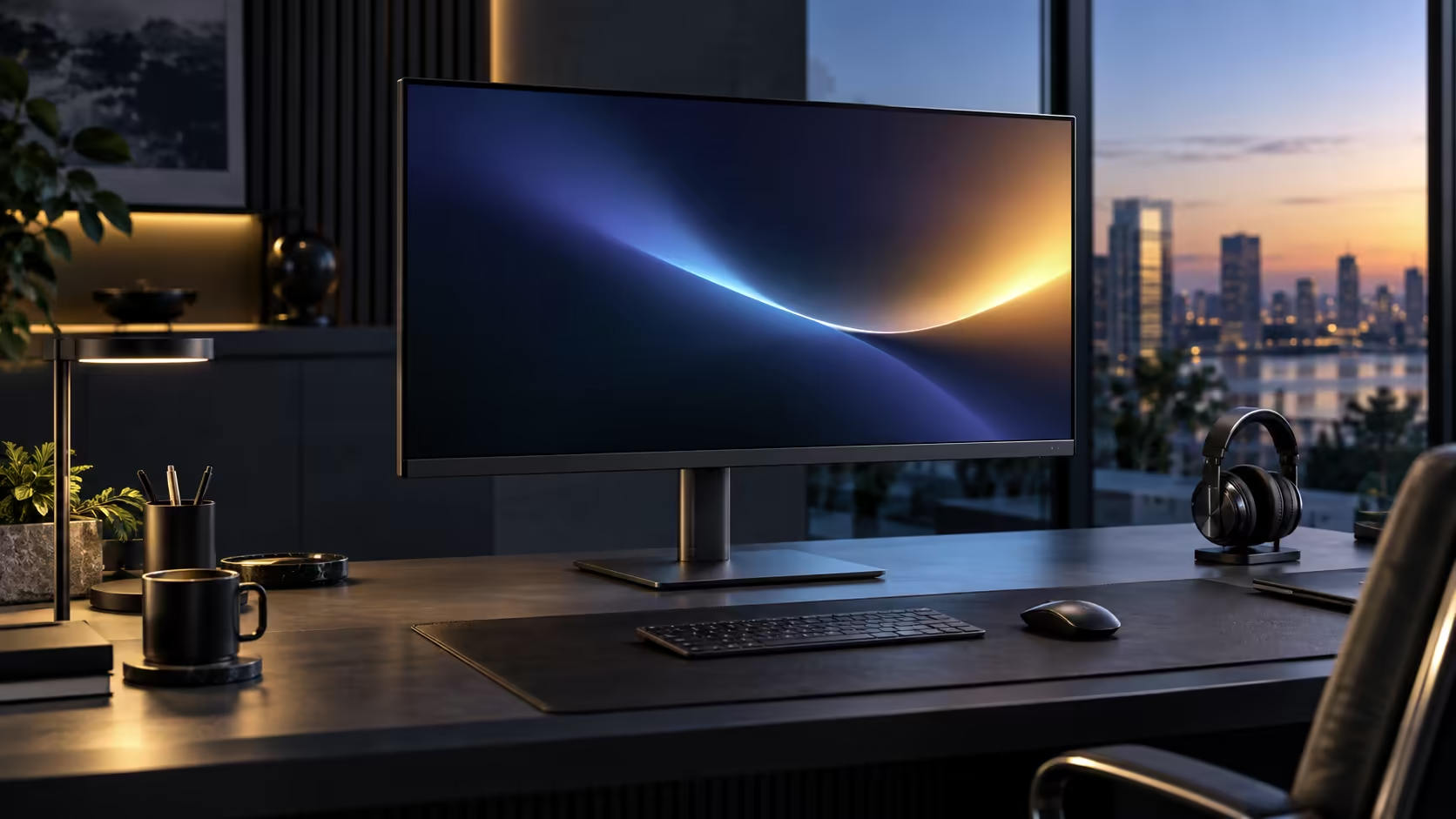
A 31.5-inch screen positioned like a 24-inch one is the single most common ergonomics mistake people make when they size up, sitting too close to a panel that was designed to be viewed from further back. Positioning the 31.5-inch monitor correctly, using the Dell Pro 32 Plus P3225DE's own adjustable stand at R8,799, fixes most of the discomfort in one sitting.
Quick Answer
Sit about 70 to 90cm back, with the top of the panel level with your eyes and a slight backward tilt. A 31.5-inch screen wants more distance than a 24-inch one, which is where the height-adjustable stand on the R8,799 Dell Pro 32 Plus earns its keep.
📏 Why viewing distance scales with screen size
The comfortable distance for a monitor is not a fixed number; it moves with the physical size of the panel.
A larger screen fills more of your field of view at any given distance, so sitting at the same 50 to 60cm that suits a 23 or 24-inch monitor puts a 31.5-inch panel uncomfortably close, forcing your eyes to scan further to take in the whole picture and making the edges harder to see without turning your head. Moving back to 70 to 90cm restores a comfortable field of view for this size, similar in proportion to how a smaller screen feels at its own shorter distance.
📐 Setting height and tilt once the distance is right
Distance is the first setting to get right, but height and tilt still need their own attention afterwards.
Settle into the chair with your feet resting flat and your elbows at roughly desk height, then raise or lower the monitor until the top third of the screen lines up with your eyes. A slight backward tilt, angling the top of the panel 5 to 10 degrees away from you, redirects reflections from overhead lighting rather than sending them straight back at your eyes, which matters more on a large panel simply because there is more glass for a reflection to land on.
🪑 Why the stand's adjustment range matters more at this size
A 31.5-inch panel is heavier and physically larger than a smaller monitor, which makes a properly engineered stand more important, not less.
The included stand on the Dell Pro 32 Plus P3225DE adjusts for height, tilt, swivel and a full pivot, giving genuine room to correct posture on a desk that is not perfectly suited to the panel's size. On a desk that is shallower than the ideal 75 to 80cm this size wants, angling the screen back slightly with tilt, or lowering the whole panel via height adjustment, can claw back some comfort without needing to physically move the desk itself.
🖥️ A quick way to check you have it right
Once everything is adjusted, a short test confirms the setup rather than leaving it to guesswork.
A quick check confirms it: settle into your usual position, shut your eyes briefly, then open them, and your gaze should fall near the centre of the screen without any forward lean or up-down tilt of the head. If you find yourself unconsciously leaning in to read text clearly, the distance is likely still too far or the resolution's pixel density is working against you; if you feel your neck straining downward, height needs another look. Stands with this same adjustment range sit in the office monitor range, a VESA arm from monitor accessories is worth adding for extra travel, and a desk mat finishes off the desk.
Frequently Asked Questions
How far back should I sit from a 31.5-inch monitor?
Roughly 70 to 90cm is comfortable for most people at this size, noticeably further than the arm's-length distance that suits a smaller 23 to 24-inch screen.
Does sitting too close to a large monitor cause eye strain?
It can contribute to it, mainly through the extra eye movement needed to take in the whole screen at a distance that is closer than the panel is designed for.
Should the whole monitor tilt back, or just the top edge?
Just the top edge, angling a few degrees away from you. This is the standard tilt adjustment most stands provide, rather than the entire panel reclining.
Does a larger monitor need a deeper desk regardless of viewing distance preference?
Generally yes, since fitting the recommended 70 to 90cm viewing distance on a shallow desk usually means the desk itself needs to be positioned further from the wall behind it.
Is it normal to need a longer adjustment period with a bigger screen?
Yes, a few days of minor discomfort while your eyes and neck adjust to the new distance and field of view is common, and it usually settles once the height and distance are both dialled in correctly.
Ready to fix the most common mistake with a large monitor?
Move back to 70 to 90cm first, then fine-tune height and tilt from that distance.