



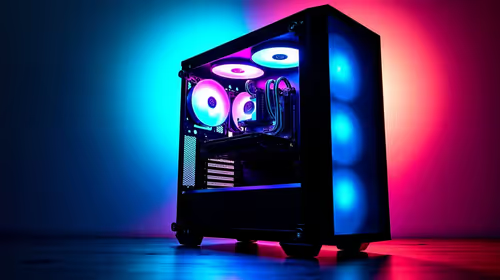
Content Warning PC build under R20,000 for SA gamers
Content Warning on R20,000 needs careful part balance. This SA build guide frames CPU, GPU, RAM, SSD, cooling, and upgrade trade-offs without promising live prices, stock, or exact FPS.
Read morePosition the pillow behind the neck curve, not high against the back of the skull. It should meet you in a supported sitting angle without tipping the chin down; the Arozzi Avanti includes a headrest pillow for this contact point.
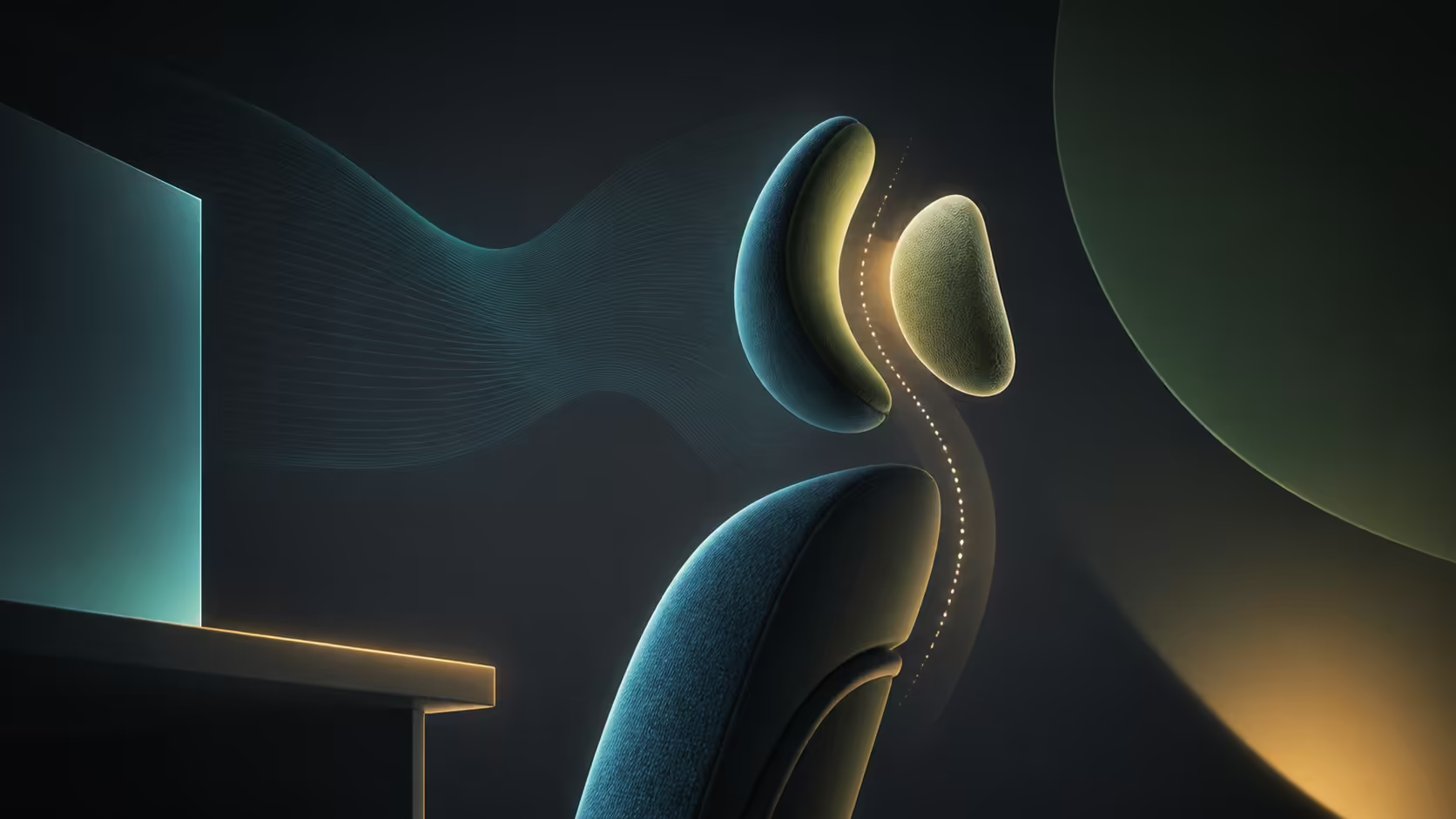
A headrest pillow can support a relaxed neck or quietly create forward-head posture. Positioning a headrest pillow for neck support means finding the point where the lower head meets the upper neck, then checking it again as the chair reclines. The R3,599 Arozzi Avanti includes a headrest pillow with soft upholstery fabric, cold-cured moulded foam and a reclining/tilting seat mechanism.
Place the pillow so it meets the lower curve of the skull without pushing the chin down or the head ahead of the shoulders. Test it while upright and during a modest recline, because the useful contact point can change with torso angle. At R3,599, the Avanti includes the pillow, but its best position is defined by a neutral neck rather than a decorative location.
Sit back with the chest relaxed and look straight ahead. Imagine the ears resting above the shoulders rather than drifting towards the monitor. The neck should not work to hold the head away from the pillow, and the pillow should not force a curve that feels unnatural.
Move the support gradually. If contact lands too high, it may tilt the head forward. If it sits too low, it can press into the upper back while leaving the head unsupported. The target is gentle contact, not a firm wedge.
Use a mirror or side photograph for a quick posture check, but judge comfort during actual work. Camera alignment can mislead, whereas a chin that drops, shoulders that tense or eyes that look upward are direct clues.
Compare headrest designs in the gaming chair range, noting that body proportions change where the same pillow lands.
The Avanti includes a reclining/tilting seat mechanism. As the backrest angle changes, the head moves relative to the desk and support. A pillow that barely touches during typing may become useful during reading or controller play.
Set a modest lean, keep the feet supported and let the backrest carry the torso. Reposition the pillow only if the neck has to bend to meet it. Then check the monitor height; reclining while staring at a low screen can bring the chin towards the chest even with good head support.
For upright input work, it is acceptable for the head to hover naturally rather than press into the pillow. Continuous contact is not the objective. Use the support when it reduces effort without changing where the eyes need to look.
The gaming chairs below R4,000 shelf places the Avanti's R3,599 headrest and reclining package beside other budget choices.
A well-placed pillow cannot repair a monitor far to one side. Centre the main display and position its upper area near the relaxed gaze for the working posture. Increase text scaling before leaning forward to read.
Bring the keyboard and mouse close enough for elbows to stay near the torso. Reaching pulls the shoulders and head away from the chair, making any headrest irrelevant. If the desk is high, stable foot support may help the seat position, but the input height still needs attention.
Glasses can change the head angle. A wearer looking through the lower part of progressive lenses may lift the chin towards the screen, fighting the pillow. Adjust display height and text size so the eyes can use a comfortable viewing zone without bending the neck around the lenses.
The Avanti's soft fabric changes surface feel, while the foam supports the body below. Neither should be used as a reason to stay still. Stand, change focus distance and reset posture between long tasks.
Pressure at the base of the skull suggests the pillow may be too firm against the head or placed too high. A chin pushed forward points towards excessive thickness or the wrong contact point. Shoulder tension often begins at the desk or arm position rather than the pillow itself.
Remove the pillow briefly and compare the same task. If the neck immediately feels more neutral, adjust how the pillow is used. If discomfort remains, inspect screen location, reach and recline rather than repeatedly moving one cushion.
Hair, hooded clothing and headset bands can also change contact. Test the normal work and gaming gear instead of judging the support in an empty-room setup. The pillow should remain a gentle reference, not a hard point pressing through everything worn behind the head.
During a long session, notice whether contact becomes stronger as the pelvis slides forward. Reset the seated position before moving the pillow. Otherwise the support may be adjusted to compensate for a lower-body posture that should have been corrected first.
Review office chair choices with head support as one part of a complete posture system. The label ergonomic cannot guarantee a fit for every body.
Keep the pillow clean according to gentle fabric care and allow it to dry fully after spot cleaning. A damp or bunched support changes shape and feel. Persistent neck pain, weakness or numbness needs proper professional attention rather than another desk experiment.
No. It should meet the head or upper neck gently while the ears remain near the line of the shoulders.
Often, because the backrest carries more torso weight and the head can rest against support. Test the exact chair angle and screen position.
Not by itself. Keyboard reach, desk height and arm position commonly influence the shoulders, so inspect the whole workstation.
Use the configuration that keeps the neck neutral. A removable or repositionable support does not need to touch during every task.
Ready to place head support where the neck actually asks for it? Compare Evetech's chair options, test the pillow through upright and reclined positions, and keep the workstation aligned with the posture that wins.
No. It should meet the head or upper neck gently while the ears remain near the line of the shoulders.
Often, because the backrest carries more torso weight and the head can rest against support. Test the exact chair angle and screen position.
Not by itself. Keyboard reach, desk height and arm position commonly influence the shoulders, so inspect the whole workstation.
Use the configuration that keeps the neck neutral. A removable or repositionable support does not need to touch during every task.
Content Warning on R20,000 needs careful part balance. This SA build guide frames CPU, GPU, RAM, SSD, cooling, and upgrade trade-offs without promising live prices, stock, or exact FPS.
Read more
Atomic Heart at R50,000 needs a balanced CPU, GPU, memory, SSD, and cooling plan. This SA build guide frames the budget without exact FPS, stock, or live price promises so you can match parts to your monitor.
Read more
Sea of Thieves at R60,000 gives SA buyers a high-end desktop tier for 1440p luxury and sensible 4K headroom. Balance a high-end GPU with a fast CPU, 32GB RAM, quality power and SSD storage instead of chasing vanity spend.
Read more
Openserve Durban packet loss should be checked step by step before replacing gear. Test Ethernet, Wi-Fi signal, router logs, device drivers and time-of-day patterns, then escalate with evidence.
Read more
Minimum 1440p gaming PC for MMO and live-service games should balance GPU, CPU, RAM, storage and cooling around real workloads. SA buyers can use this guide to avoid overbuying and plan a sensible upgrade path.
Read more
Cheapest 1440p ultrawide gaming PC at R80,000 should be shortlisted around the job it must do. South African buyers should compare panel type, resolution, refresh rate, and ports, warranty path, and upgrade room before treating any pick as best.
Read more
Yes, if you split your time between a phone and a PlayStation, because the GameBuds use two links. Evetech sells them at R3,999 with IP55 protection and a Qi charging case. Dongle for console, Bluetooth for phone.

Skip the RTX 5060 Ti for podcast recording when quiet operation, display support, and simple PC fit matter more. SA creators should compare thermals, port layout, local warranty, and editing needs before picking a GPU.

80+ Gold vs 80+ Platinum for video editing in 4k is about PSU efficiency, heat, fan behaviour, quality, and wattage headroom, not direct FPS. SA buyers should compare the whole build.

A recommended build for Marvel Rivals at R25 000 should feel clearly stronger than budget tiers while staying balanced. In SA, use the extra room for GPU power, CPU support, SSD capacity, case airflow, and upgrade flexibility.

File Explorer preview pane can be toggled with Alt+P. A downloaded file may still have its preview blocked by Windows security; that warning is different from a hidden panel or a broken drive.

File Explorer opens Home by default on current Windows 11 layouts. Set Open File Explorer to This PC if you prefer drives first; the change does not move documents or remove their Quick access pins.

Windows show hidden files is a File Explorer visibility option, not a recovery tool. Enable Hidden items to inspect a known folder, keep protected system files separate and avoid deleting unfamiliar entries.

Windows Snap layout popup appears when you hover over a window maximise button. Its dedicated Multitasking option can turn that flyout off; a popup missing in only one app may instead be an app-window issue.

Magnetic switches are taking over SA gaming keyboards because adjustable actuation gives players faster control. For Mbombela gamers, the appeal is rapid reset, smoother key feel, and tuning per title without changing boards.

Where Cape Town gamers buy a Steam Deck should be shortlisted around the job it must do. South African buyers should compare fit, performance, compatibility, and upgrade room, warranty path, and upgrade room before treating any pick as best.

RTX 5090 1440p Horizon Forbidden West should be checked through settings, CPU balance, drivers, and monitor goals. SA gamers can use this quick checklist before choosing visuals, refresh targets, upgrade timing, or a monitor pairing.

What laptop do Mechatronics students at should be shortlisted around the job it must do. South African buyers should compare CPU, GPU, RAM, and screen quality, warranty path, and upgrade room before treating any pick as best.