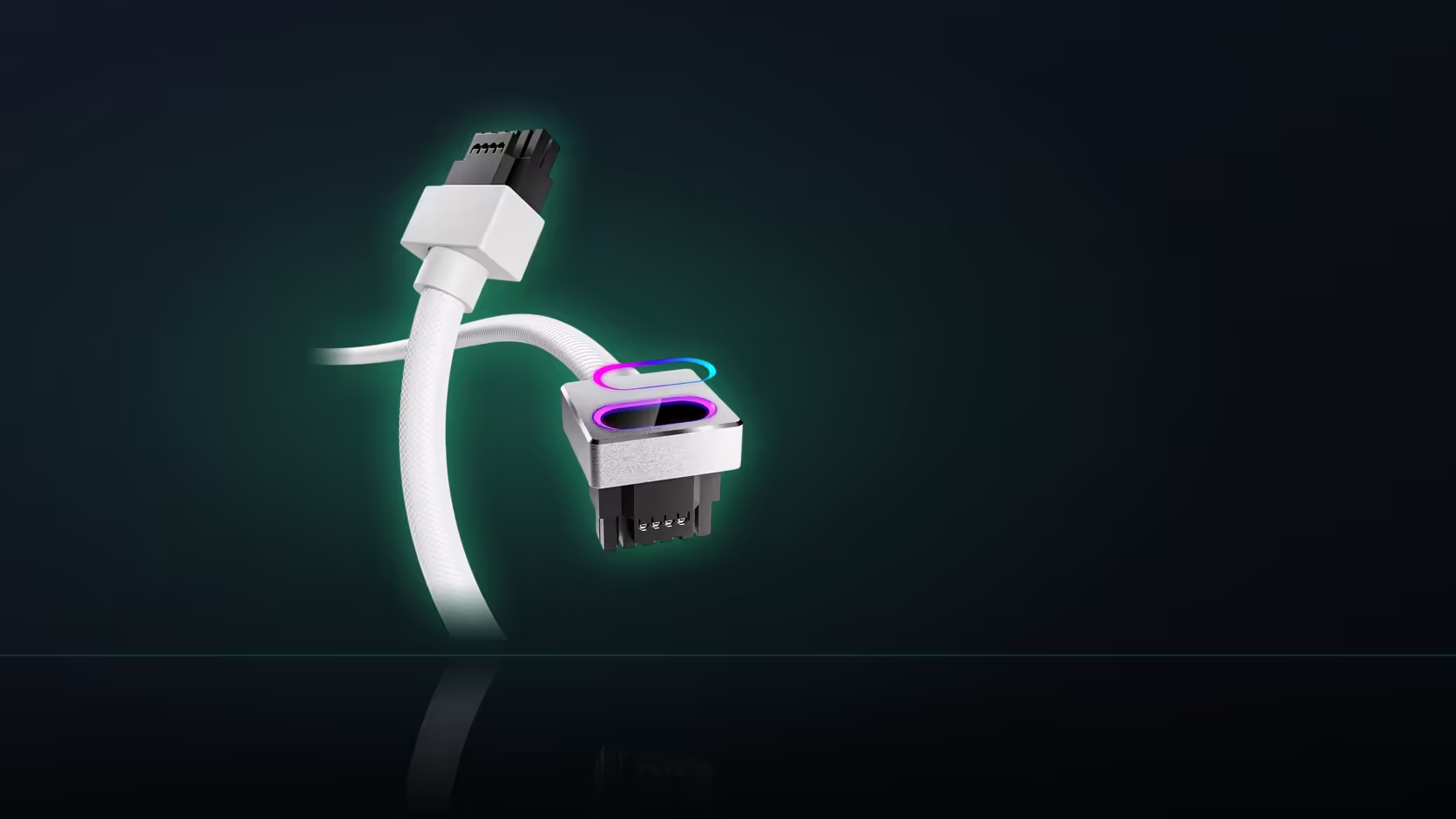
Before anything gets disconnected inside a case, it pays to know exactly where you are heading. Installing the Hydrus 16-pin cable starts at the power supply end, at a socket that has to actually exist on that specific unit - and finding it deliberately, before touching the factory cable, saves a fair amount of working blind.
Quick Answer
This R699 AsiaHorse cable begins its run at a native 16-pin socket on the power supply's modular panel - not at an adapter position. Locate that socket first, confirm it exists and is labelled correctly, before disconnecting the factory cable or starting to route the new one.
Where the socket usually sits
On a modular power supply, the sockets for every detachable cable sit together on one face of the unit, generally becoming visible once the case's side panel nearest the supply is removed. That panel is where the native 16-pin position lives, printed and positioned alongside the eight-pin sockets serving other connections.
Reading the labels correctly
Modular panels typically print the socket type beside or near each position, which means the 16-pin socket should be identifiable by its label rather than by guesswork. It is a distinct marking from the eight-pin PCIe positions nearby, and confirming the label before disconnecting anything is worth the extra thirty seconds.
Why an eight-pin socket will not substitute
The cable requires the native 16-pin port specifically. An eight-pin socket on the same panel serves a different connection entirely, built for a different cable in the supply's own range, and there is no way to make this 16-pin cable work from that position instead. If the panel has no 16-pin socket at all, the cable simply has no home on that unit.
Sequence matters: find, then disconnect
Locating the socket before removing the existing cable avoids working blind partway through the install. Once you know exactly which position the new cable is heading to, disconnecting the factory cable and immediately routing the replacement becomes a single continuous step rather than a pause-and-search in the middle of an open case.
When the supply cage gets in the way
Many cases enclose the power supply inside a cage or shroud, which can mean the modular panel is only reachable from the tray side, or requires the cage to be partly removed before the sockets are visible at all. Checking this before starting - rather than discovering it mid-install with the factory cable already disconnected - keeps the process moving smoothly.
Seating at the supply end
The connector at this end seats one way, so it will only go in correctly oriented - there is no risk of forcing it in backward. What matters is confirming it goes fully home, the same standard AsiaHorse asks for at the card end: firm, with no visible gap, checked while the panel is still off and the connection is still reachable.
What to note down while the panel is open
While the modular panel is exposed and easy to photograph, it is worth capturing more than just the socket position. A quick photo of the whole panel records which other sockets exist alongside the 16-pin one, which is genuinely useful the next time a cable question comes up - for this build or the next one that reuses the same supply. It also removes any ambiguity later about which position the Hydrus cable actually occupies, useful if the factory cable ever needs to go back in.
Worth noting at the same time: the power supply's brand and model, visible on the same label most panels sit beneath. That single piece of information is what settles whether AsiaHorse's Lian Li/Sharkoon caution applies to this specific build - a detail worth having on hand before the cable is committed rather than discovered afterward.
Once the supply end is confirmed, browse comprehensive cable solutions for the rest of the Hydrus range if you are dressing other runs at the same time, and graphics card accessories for whatever else the card end of the build needs.
Frequently Asked Questions
Where is the native 16-pin socket usually located?
On the power supply's modular panel, the face carrying the detachable cable sockets, visible once the nearest side panel is off.
How is the correct socket identified?
Modular panels typically print the socket type beside each position, distinguishing the 16-pin socket clearly from the eight-pin ones nearby.
Can an eight-pin socket be used instead of the 16-pin one?
No. This cable requires the native 16-pin port specifically; an eight-pin socket serves a different connection entirely.
What if the supply has no 16-pin socket at all?
Then this cable has no position to connect to on that unit, and the factory-supplied cable remains the correct one to use.
Should the factory cable be removed before or after finding the new socket?
Find and confirm the socket first. Knowing exactly where you are heading before disconnecting anything avoids working blind.
Does a power supply cage make the socket harder to reach?
Often, yes. Many cases enclose the supply, so the panel may only be reachable from the tray side or with the cage partly removed.
Does the connector orientation matter at the supply end?
It seats only one way, so it cannot go in backward - what matters is confirming it seats fully with no gap once oriented correctly.
About to start the install and need to find the right socket?
Locate the native 16-pin position on your supply's modular panel first, then browse Evetech's cable range once it is confirmed.