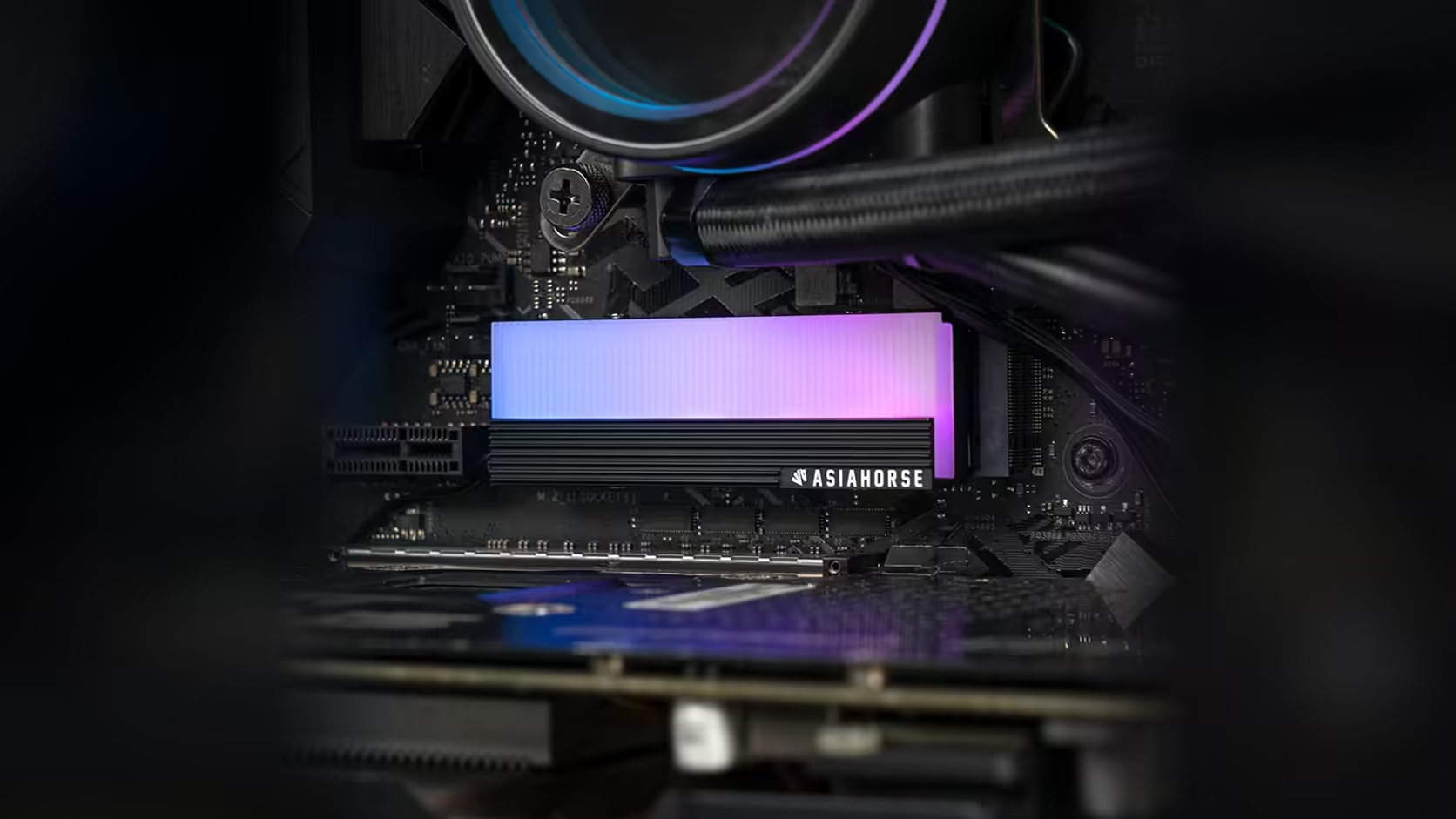
A fit plan that stops at "does it clear the graphics card" is only half finished. This AsiaHorse M.2 2280 cover also needs four screw access, and reaching all four fasteners can be harder than the clearance question that usually gets all the attention.
Quick Answer
The AsiaHorse M.2 heatsink at R199 is secured with a four-screw mount rather than clips, which means the fit plan has to account for reaching every one of those four points, not just the vertical space above the slot. On boards where the top M.2 slot sits under a graphics card, that access is frequently the harder part of the job.
🔩 Not a clip-on part
It is worth stating this plainly before you order: this cover is not tool-free. It attaches with four screws at what are most likely the corners of the aluminium body, given its shape and mounting style. That means a screwdriver is required for fitting, and again for any future removal, including something as routine as swapping the drive underneath it later.
Why four points matter more than one
A single fastener is forgiving of a cramped space, since you can usually angle a screwdriver in from almost any direction. Four fasteners at fixed points remove that flexibility. If even one corner sits close to a neighbouring component, the whole fit becomes fiddlier than the cover's size alone would suggest.
🎮 The graphics card is the usual obstruction
On most modern boards, the top M.2 slot sits directly between the CPU socket and the first PCIe expansion slot, which is exactly where a graphics card gets installed. Once that card is in place, working a screwdriver into four separate points above the slot becomes awkward at best. Removing the card before fitting the cover, then reinstalling it afterwards, is generally faster than trying to work around it in situ.
🧭 Planning the order of operations
If you are assembling a new build, fit the cover before the graphics card goes in and you sidestep the access problem entirely. If you are retrofitting an existing system, budget the extra ten minutes to pull the card, do the fit properly, and put the card back, rather than attempting a compromise install with the card left in place. A drive from Evetech's solid state drive range sorts the storage side of this job, and case accessories is worth a scroll too, since a magnetic screwdriver and a small parts tray both live there.
🧲 A small tool that helps a lot
A magnetic-tipped screwdriver is genuinely useful here. Small screws dropped near an M.2 slot have a habit of disappearing under the graphics card or the board itself, and retrieving one from inside a built case is far more time-consuming than the two seconds a magnetic tip saves on the way in.
🧾 The warranty covers the cover, not the fit
The AsiaHorse cover itself carries a 1 Year Local Warranty, sorted out on home soil rather than shipped abroad and back, and that cover applies to the aluminium body and its lighting, not to any scratches or slipped-screw marks picked up during a rushed install. Since the fit involves four separate screw points on a slot that is often awkward to reach, taking the extra few minutes to remove the graphics card first is worth it for the install quality alone, warranty aside.
Frequently Asked Questions
Is this cover fitted with clips or screws?
Screws. It is explicitly a four-screw mount, not a tool-free clip-on design.
Where are the four screws positioned?
At the corners of the cover body, consistent with a mounting arrangement of this shape and style.
Is the top M.2 slot always under the graphics card?
On most current boards, yes, since it typically sits between the CPU socket and the first expansion slot.
Should the graphics card come out before fitting the cover?
In most cases, yes. Removing the card first gives clear access to all four screws and is usually quicker than working around a fitted card.
Does removing the graphics card first risk damaging anything?
Not if it is done with the power off and static precautions in mind, the same as any other component swap; the extra care needed is minimal compared with the access it buys back for the M.2 fit.
Is a screwdriver bit set worth having for this specific job?
A basic precision screwdriver, the kind sold for electronics rather than furniture, is usually all that is needed, and having one on hand before you start avoids a mid-fit trip to find the right size once the case is already open and the screws are exposed.
Does the drive have its own separate screw?
Yes. The board's own fixing that holds the drive to its standoff is a different fastener from the cover's four screws, and the two should not be mixed up.
Planning an M.2 upgrade around a fitted graphics card?
Check Evetech's solid state drive range and plan your fit order before the case gets crowded.