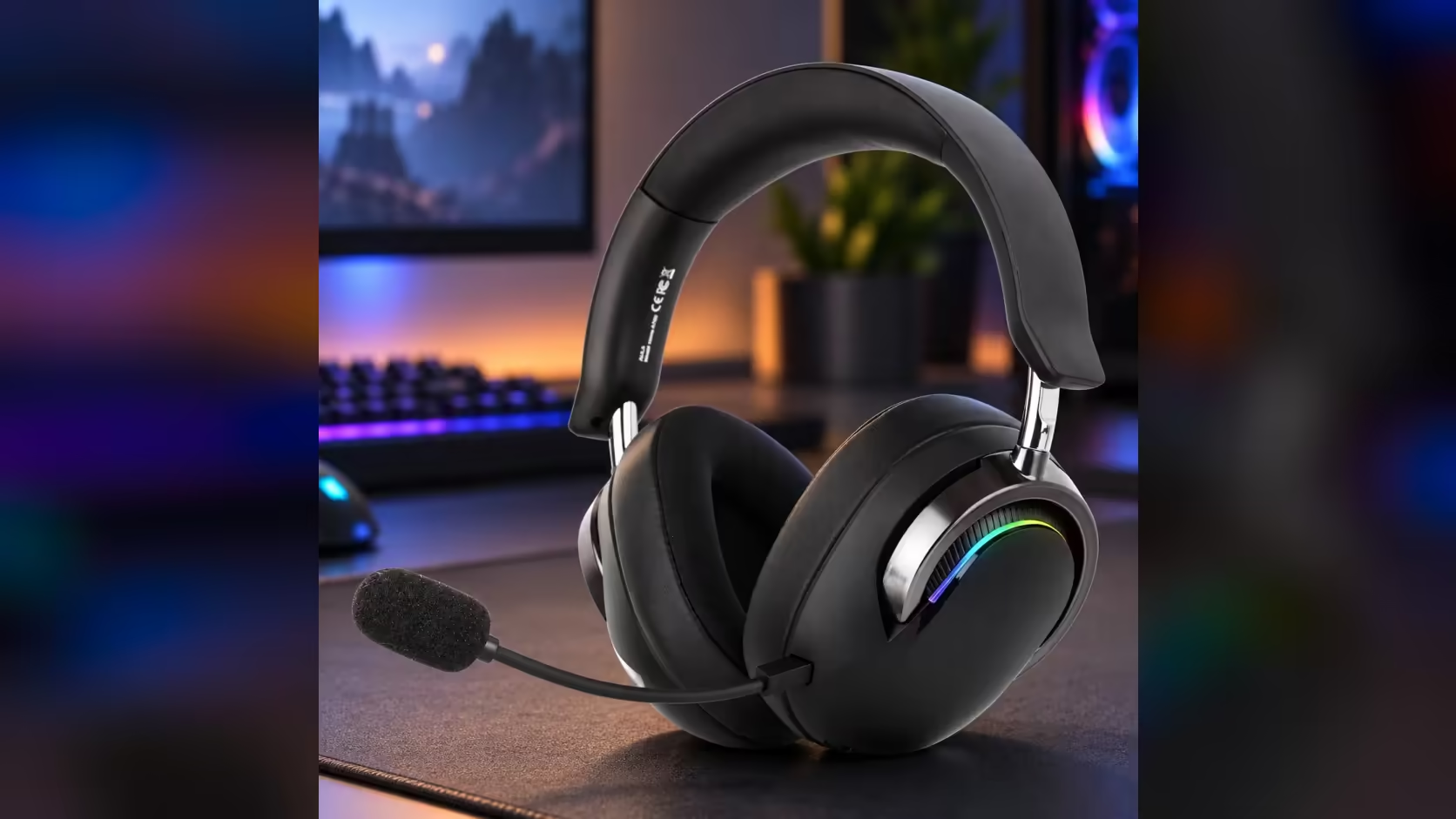
A low-battery warning in the middle of a ranked match usually means one of two things: finish the round on a dying headset, or take it off and lose the rest of the session. The AULA A700 gives you a third option. It charges over USB-C and, according to AULA, keeps working while the cable is in, so the AULA A700 battery life figure matters less at a desk than it would on the move.
Quick Answer
You can play while the A700 charges. AULA lists it as usable during charging, and the port is USB-C at 5V 800mA, so a cable from the PC or a phone charger keeps it going. Between charges, AULA rates its 1500mAh battery at over 40 hours, which makes plugging in a top-up during play rather than a stop. Evetech sells the A700 for R569.
🔌 Building a charge-while-you-play desk
The point of charging during play is that you never have to plan around the battery. A little setup makes that effortless.
Choose the cable length for your chair
A USB-C lead that only just reaches the headset from the PC will tug on your head every time you lean back. Measure from the port you intend to use to where the headset sits when you are seated, then add some slack for turning and reaching. A longer braided lead is easier to live with than a short stiff one, and it is less likely to pull out of the ear cup.
Pick where the power comes from
The A700 asks for 5V at 800mA. That is plain USB voltage, so a spare USB port on the PC, a monitor with a charging port, or a phone charger by the desk can all supply it. A fast charger is fine as well: USB chargers begin at 5V and only step up for a device that requests a higher level.
Route it out of the way
Run the lead along the back of the desk and up behind the monitor, so it drops to the headset from above rather than across the keyboard. A cable clip on the desk edge keeps it from sliding off when you take the headset off.
🔋 What "over 40 hours" really describes
AULA's manual rates the A700 at over 40 hours from a full charge of its 1500mAh cell. Read it as the maker's measurement under its chosen settings, not a guarantee that each week will match it. Volume, the ear-cup lighting and how often you switch modes all draw on the same battery, so your own number may come in lower.
Even at a conservative reading, 40-odd hours is several evenings of play on one charge. The practical effect is that you rarely meet a flat battery at all if you plug in once or twice a week, and when you do, the cable ends the problem without ending the game.
💡 Getting more hours out of each charge
The biggest optional drain is the RGB. The A700's ear cups run a seven-colour breathing effect, and four presses of the power button switch it off; four more bring it back. If nobody sees your headset during play, there is little reason to leave it running.
A few other habits help:
- Keep the volume at the lowest level that still sounds clear. Driving the 50mm drivers harder costs power.
- Switch the headset off at the end of the night rather than leaving it idle on the desk.
- Top up in the background during long sessions instead of running the cell down to empty every time.
None of these are required, since you can keep playing with the cable in. They simply push the gap between charges further out.
🎮 Charging, wireless and the wired mode
Charging and connecting are separate questions, and mixing them up causes confusion. Charging is about feeding the battery through the USB-C port. The connection mode is about how sound reaches the headset: 2.4GHz through the USB receiver, Bluetooth, or wired with a cable. AULA lists all three, and the charging behaviour sits on top of them rather than replacing them.
So a desk where the headset lives on a cable does two jobs at once if you set it up that way, and a laptop user on the 2.4GHz receiver can still plug in the USB-C lead during a long evening. The receiver comes with a USB-C adapter, which suits laptops without USB-A ports.
If you want to compare the A700 with other models that handle long sessions differently, the gaming headsets category at Evetech lists them together, and the wireless headset page narrows the field to cable-free designs. Evetech backs the A700 with a 1 Year Local Warranty, which covers a battery that stops holding charge through a manufacturing fault.
Frequently Asked Questions
Will plugging in mid-game cut the sound?
AULA lists the A700 as usable while charging, so connecting the USB-C cable should not end the session.
Can a PC's USB port charge it?
Yes. The headset asks for 5V at 800mA, which a standard USB port or a phone charger can supply.
Is a fast charger safe to use?
Yes. USB fast chargers start at 5V and only raise the voltage when a device negotiates it, so the A700 receives the 5V it asks for.
Why is my battery lasting less than 40 hours?
AULA's rating comes from its own conditions. Louder volume and the ear-cup RGB both draw extra power, so real sessions can land below that figure.
What is the quickest way to stretch a charge?
Turn the RGB off with four presses of the power button and keep the volume sensible.
Should I run the battery flat before recharging?
No. Lithium cells like the A700's 1500mAh pack do not need a full drain, so topping up whenever the cable is handy is fine.
Ready to stop planning sessions around a battery?
Long sessions go further on a headset you can charge mid-game; see which gaming headsets at Evetech keep playing on the cable.