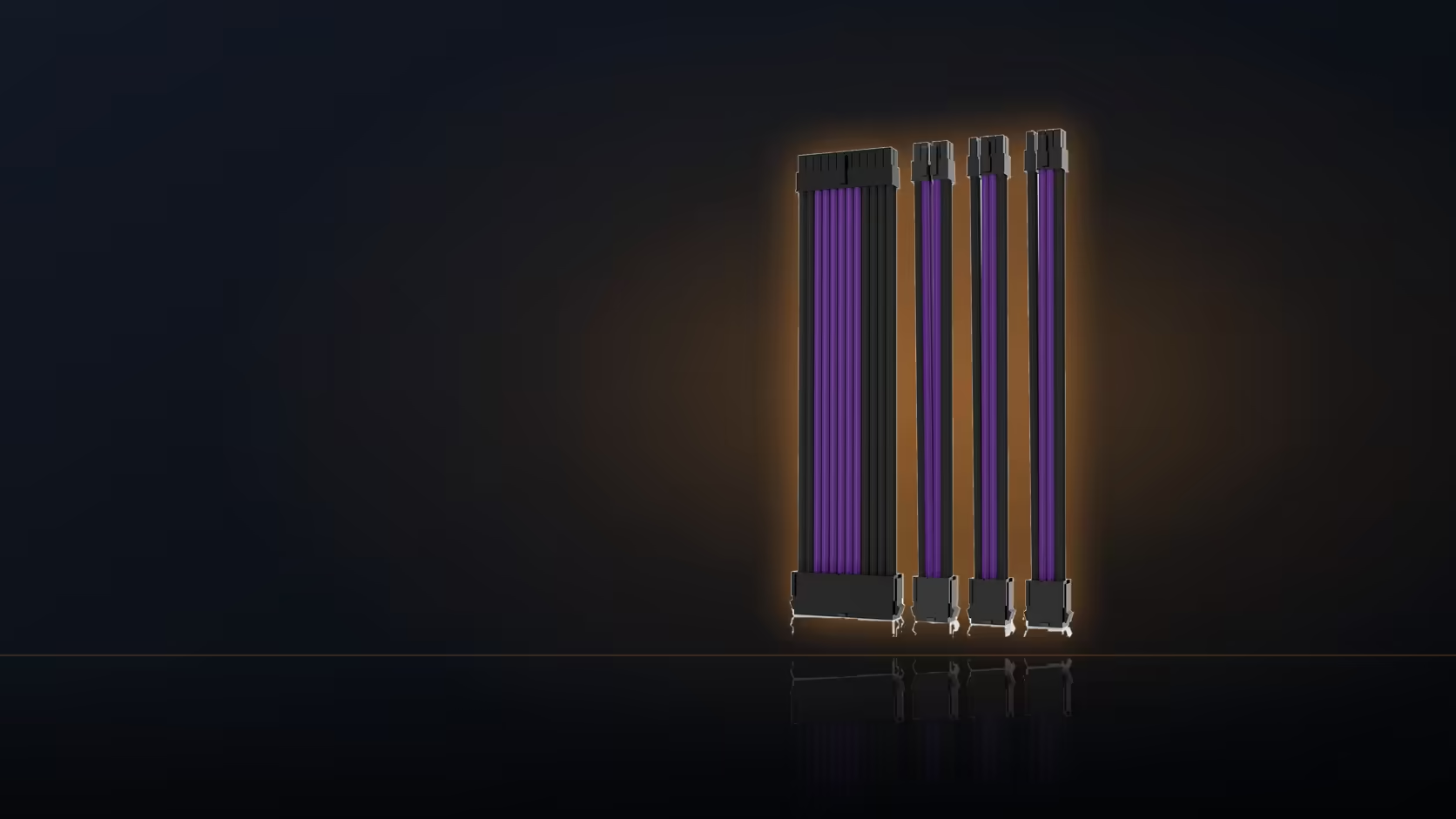
A graphics card lead that keeps twisting no matter how many times you comb it usually has nothing wrong with the comb - the problem sits one step earlier, in how the 6+2 split is sitting before the comb ever touches it. Get that flat first and the twist disappears.
Quick Answer
The graphics extension splits six and two, so the comb must hold both parts in one plane. Set the split flat first. It is the usual reason a card lead looks untidy while the board lead beside it looks perfect.
🌀 Why the split causes a twist
The two-pin section of a 6+2 PCIe lead sits slightly apart from the six-pin block it splits from, and if a comb clips over both parts while they sit at even slightly different angles to each other, the whole lead responds by rotating to take up that difference. The twist that results is not random - it is the cable finding the path of least resistance around a comb that is forcing two misaligned sections into one channel.
📍 Where the last comb should sit
Position the comb nearest the plug far enough back from the connector that the six-and-two split has room to lie genuinely flat before it reaches the housing - usually a short distance before the connector rather than clamped tight against it. Crowding a comb right up against the plug leaves no room for the split to settle, which is exactly the setup that produces a visible twist right at the end of the run.
✂️ Handling the unused two-pin section
On a card that only needs six pins, fold the spare two-pin section aside neatly rather than letting it sit proud of the main run under the comb - an unfolded loose section is one of the most common causes of an otherwise well-dressed lead looking untidy right at the connector end. The CPU extension carries its own four-and-four split and follows the identical principle, though its run tends to be shorter and less exposed through the window, so the effect matters less in practice even when the same fix applies.
🔧 Fixing a lead that still rotates
If a card lead is still twisting after combing, slide the comb back off, flatten every strand along the full visible length by hand, and refit from scratch. The rotation almost always originates further up the run than where it becomes visible, so a fix applied only at the connector end rarely holds. Where both card extensions are visible side by side, matching their comb positions is worth the extra minute - two parallel runs dressed identically read as a deliberate pair rather than two separate afterthoughts. Handle the strands themselves rather than pulling on the connector housing while adjusting, since that is where any real risk of damage sits.
🧰 A quick pre-comb check worth building into the routine
Before clipping any comb onto a card lead, hold the split flat against a straight edge - the side of the case, a ruler, anything true - for a second and look at whether both halves sit evenly. Catching a slight misalignment at this stage takes seconds and avoids discovering the twist only after the comb is already on and the lead has been routed into its final position. The category this piece belongs to is at cable solutions, and a build that eventually wants more than an extension can offer should look at individually sleeved premium cables next.
Frequently Asked Questions
Why does the split cause a twist?
The two-pin section sits slightly apart from the six. If the comb pinches them at different angles, the whole lead rotates to take up the difference.
How close to the plug should the last comb sit?
Far enough back that the split can lie flat, usually a short distance before the connector rather than tight against it.
Should the two-pin part be separated when unused?
On a card needing only six pins, yes. Fold the two-pin section aside neatly so it does not sit proud of the run under the comb.
Does this apply to the CPU lead as well?
The CPU piece has its own four and four split, so the same principle holds, but its run is usually shorter and less exposed to view.
What if the lead still rotates after combing?
Slide the comb back, flatten the strands along the full length by hand, then refit. Twist almost always starts further up the run than it shows.
Do both card extensions need the same comb positions?
Matching them makes two parallel runs read as a pair, which is worth the extra minute when both are visible through the window.
Is there a risk of damaging the lead doing this?
Handle the strands rather than the plug and there is very little. Avoid pulling on the connector housing to straighten anything.
Sorting out a twisted GPU cable run?
Have a look at Evetech's power supply range for extensions built to hold a clean 6+2 split.