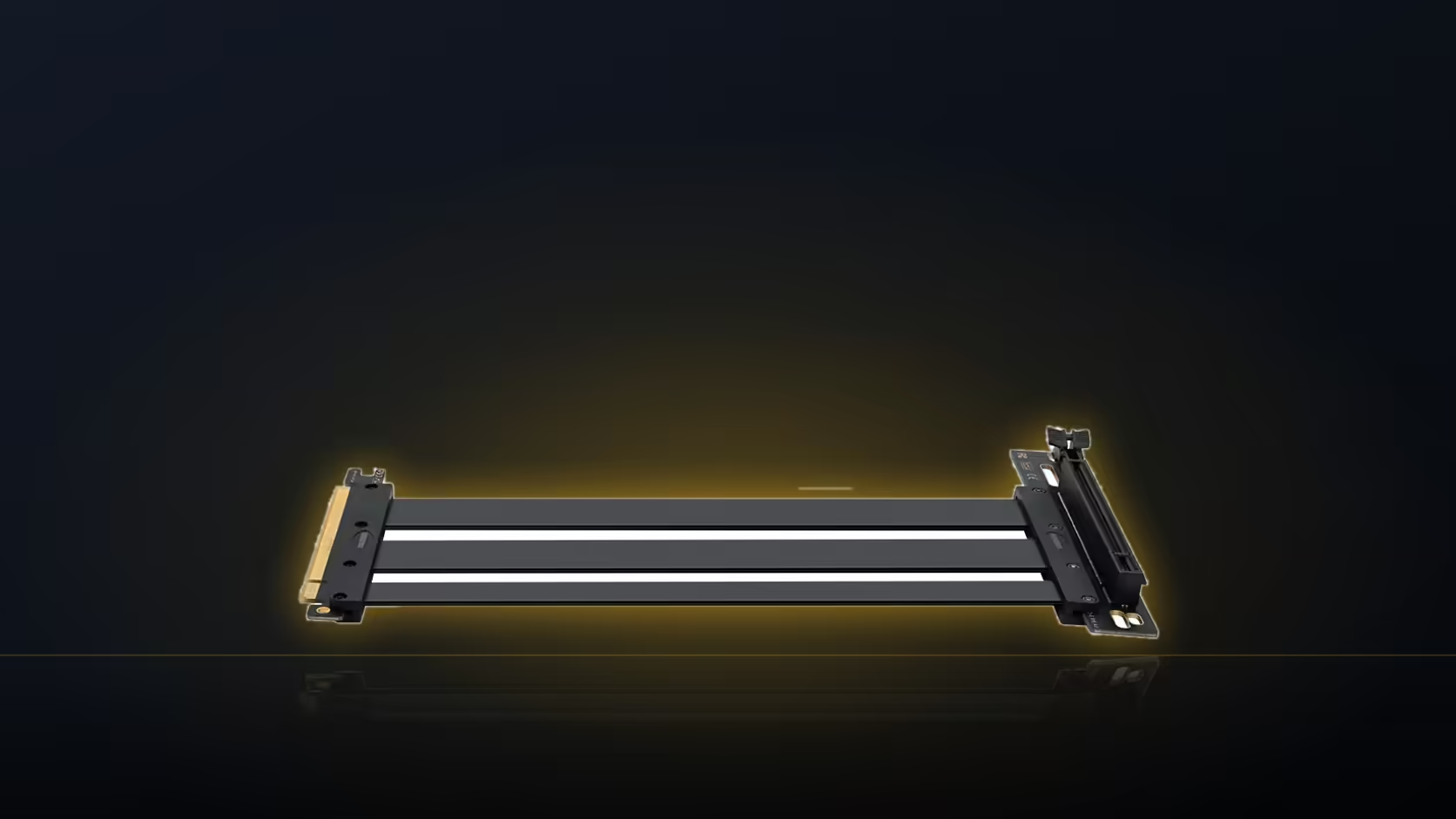
A ribbon riser cable is thin, flat and flexible, which is exactly what makes it useful for routing through a tight case, and exactly what makes it vulnerable to anything in the build that moves. Fan blades and moving case parts are not things you want anywhere near this kind of cable once the system is running.
Quick Answer
Route the AsiaHorse riser's ribbon somewhere no moving part can reach it, checking specifically against case fans, the card's own fans, and any hinged or sliding hardware. At R1,299 including VAT, the cable is thin enough that contact with something moving is a real risk worth designing around from the start.
🌀 What counts as a moving part in a typical build
Case fans are the obvious one, mounted at intake and exhaust points and spinning continuously whenever the system is powered on. Less obvious is the graphics card's own cooling fans, which sit directly beside the ribbon on a vertical mount in a way they never would in a standard horizontal slot. Beyond fans, some cases include a hinged side panel or a sliding drive cage, both of which sweep through space as they open or move, and both worth checking against wherever the ribbon ends up.
⚠️ Why a ribbon is more vulnerable than it looks
Round cables, the kind used for most power and data connections, resist being drawn into a fan or caught by a moving part reasonably well simply due to their shape and stiffness. A flat ribbon does not have that same resistance. It is thin, flexible along its width, and can be drawn into a fan path or pinched by a moving component in a way a round cable is less prone to. That difference is worth keeping in mind specifically because a riser like this one is a ribbon by design, not an incidental cable choice.
🔒 How to secure the route properly
The ribbon should be guided along a fixed surface, whether that is the case's own tray, a cable channel, or a bracket edge, and lightly secured so it cannot drift once the system starts running and vibration or airflow begins to move things slightly. Cable ties or adhesive mounts work well here, provided they are not pulled tight enough to crease the ribbon itself. A sharp fold from an overtightened tie is its own kind of damage, working against the very protection the tie is meant to provide.
🎮 The graphics card's own fans deserve particular attention
On a standard horizontal mount, a card's fans face away from most other cables in the build. On a vertical mount, the card is rotated so its fans face the side panel, and the ribbon carrying its connection often runs in the same general area. This proximity is worth checking specifically, since it is easy to route a ribbon cleanly away from case fans while still leaving it close to the card's own cooling.
And the hinged panel question
A side panel that swings open on a hinge sweeps through a defined arc every time it is opened or closed, and anything the panel passes through during that motion is worth checking against the ribbon's final route. It is a movement that happens repeatedly over the life of the build, not a one-off risk, which makes it worth getting right rather than accepting a route that only just clears the panel on a good day.
Some accessories exist specifically to keep a ribbon like this clear of moving parts, which makes case accessories worth working into the planning stage here. Graphics card accessories covers whatever else the routing itself raises along the way.
🔁 Checking again after future work
Anytime the case is opened for another job, whether that is adding storage, adjusting a fan, or cleaning dust filters, it is worth glancing at the ribbon's route again before closing everything back up. A cable disturbed incidentally during unrelated work can end up sitting somewhere it should not by the time the case is closed, and that is easy to miss without a deliberate check.
Frequently Asked Questions
What moving parts should the ribbon be routed away from?
Case fans, the graphics card's own fans, and any hinged panel or sliding drive cage the case includes.
Why is a ribbon cable more vulnerable than a round one?
It is thin and flexible along its width, so it can be drawn into a fan path or pinched more easily than a round cable.
How should the ribbon be secured?
Guided along a fixed surface and lightly held with ties or mounts, without pulling tight enough to crease the ribbon itself.
Does the card's own fan placement matter on a vertical mount?
Yes, particularly since the card's fans face the side panel on a vertical mount, often close to where the ribbon runs.
Should tie tension be a concern?
Yes, a tie pulled too tight creases the ribbon, which is its own form of damage even while preventing movement.
Is it worth rechecking the route later?
After any work inside the case, since a ribbon disturbed during another job can end up somewhere it should not be.
Planning cable routing for a vertical GPU build?
Have a look at Evetech's case range for models with clearly designed cable management channels.