


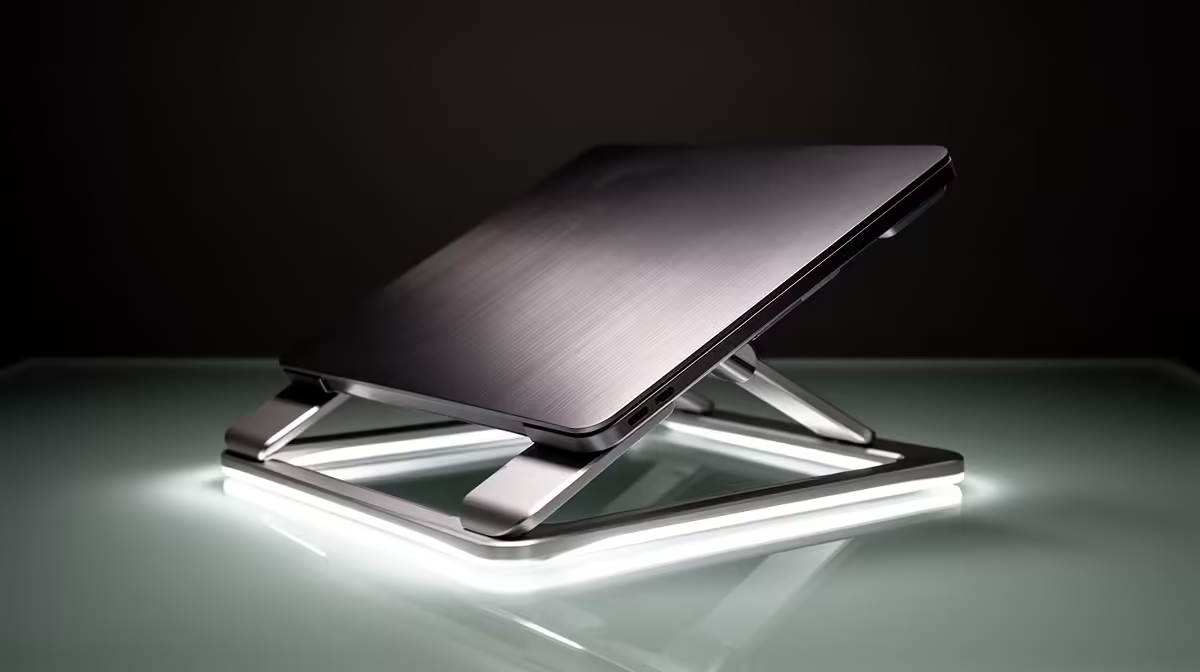
The ASUS ExpertBook P1503 i5 at R9,858 suits a first-time buyer who needs a steady everyday laptop for study, admin, browsing, and a cleaner raised-screen desk setup. Pairing it with a simple stand makes sense because the i5 spec is already focused on practical daily work, so the next comfort upgrade is getting the screen closer to eye level and leaving space for a keyboard and mouse.
Start with the laptop, then choose the stand
The Lenovo IdeaPad Slim 3 i7 at R13,400 is the better pick if the buyer wants more headroom for heavier browser use, spreadsheets, and multitasking. Its i7 spec gives the desk setup more staying power, so a fixed aluminium stand is a sensible match for a first PC station that will live on one desk most days.
The ASUS Vivobook X1504VA i7 at R13,999 also fits a first-time setup where the laptop will be used as the main computer. Because it has an i7 spec, it is worth building around it with a stand that leaves room underneath for notes, cables, or a compact keyboard instead of treating it like a temporary device.
Student desk in a South African bedroom
For a small student desk, the ASUS Vivobook S14 OLED at R10,719 is the most comfort-focused option here because the OLED spec makes the screen the feature you want positioned properly. A stand helps keep that display at a better viewing height while the desk still has space for books and a mouse mat.
Pro Tip ⚡
The ASUS ExpertBook P5405 at R12,700 is the tidier office-style choice for someone who wants a neat first workstation. Its ExpertBook positioning makes it a good match for a stable stand at a reception desk, study nook, or home admin corner.
Ready to choose the right laptop? For which laptop stand should first, put ASUS ExpertBook P1503 i5 at R9,858 first and judge the setup around its listed spec.











