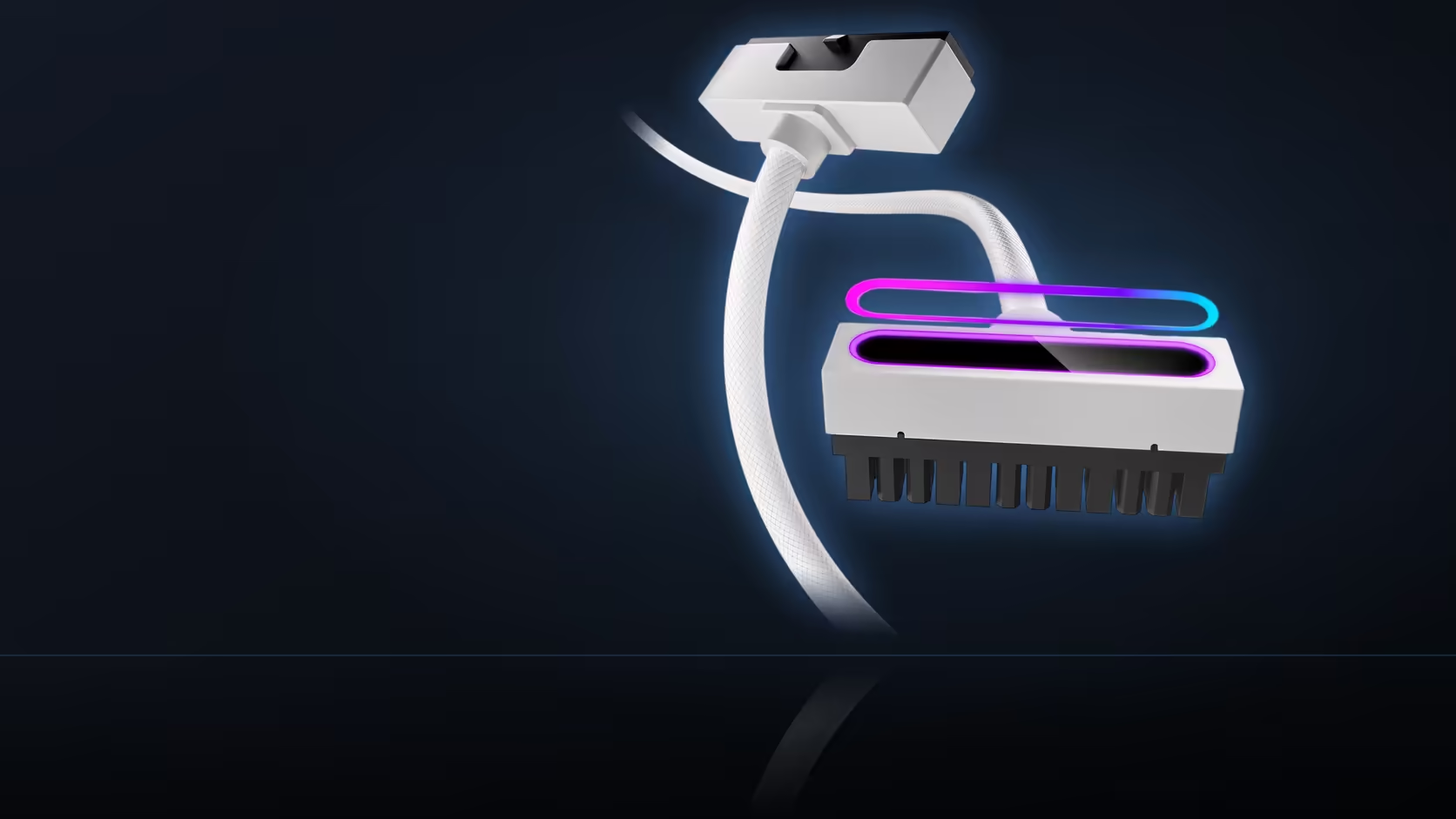
A flat connector head sitting close against the board looks tidy and deliberate the day it goes in - right up until the day it needs to come back out, and there turns out to be very little of it left exposed to actually grip.
Quick Answer
A head sitting flat against the board gives you less to hold. Leave a path to reach it before anything else is fitted around it. Cards, coolers and drive cages all narrow the approach once they are installed.
✋ Why a flat head is genuinely harder to remove
A connector sitting flush against the board's surface presents meaningfully less exposed surface area to grip than a connector standing proud and upright would offer, which means there is correspondingly less for fingers to pull against when the time eventually comes to release it - a real trade-off for the height and clearance benefits the flat design provides elsewhere.
🚧 What actually narrows the approach over time
A long graphics card mounted directly below the socket, a cooler positioned above it, or a drive cage sitting opposite - any one of these components, once installed, can progressively narrow the available approach down to little more than a thin line of remaining access, even when the head itself seemed perfectly reachable at the moment it was first fitted.
📋 When access actually needs checking
Check access as each new part goes into the case, rather than waiting until the whole build is finished and assembled - discovering a blocked approach only after everything is complete means removing already-installed parts specifically to fix a problem that could have been caught and avoided during the build process itself, at essentially no extra cost in time.
🛠️ Whether a tool actually helps here
A thin plastic pry tool can genuinely help start a stubborn, flush-fitting head that resists an initial pull with fingers alone, though anything metal is worth actively avoiding near board components given the very real risk of an accidental short circuit if a metal tool slips or makes unintended contact with something live.
🚫 Why the cable itself is the wrong thing to pull
Pulling directly on the cable rather than gripping the connector body itself puts strain on the wrong part of the assembly entirely - the cable's own junction and internal wiring were never meant to bear that kind of tension, so any real leverage needed to release a stubborn connector has to come from the connector body itself, not the length of cable trailing away from it. The EPS head in particular tends to sit in a considerably more crowded corner of the board than the main ATX socket typically does, which generally makes access there noticeably tighter from the outset - worth planning around specifically rather than assuming both connectors will present the identical access challenge. It is genuinely worth testing a removal once, deliberately, before considering the build fully finished, since the actual moment you eventually need to remove that connector for real will rarely be a convenient one chosen on your own schedule - proving access works while you still have the freedom to fix it costs far less than discovering a problem under real pressure later. cable solutions covers the rest of this connector's shelf, and other accents worth planning removal access around from day one sit at NZXT case lighting.
🗓️ Building the test into your own build checklist
Adding "test connector removal" as its own explicit line item on a personal build checklist, rather than trusting it to memory, is a small habit that reliably catches this specific issue before the case ever gets closed up for the final time. A written checklist beats good intentions every time a build runs late and steps start getting skipped under time pressure.
Frequently Asked Questions
Why is a flat head harder to remove?
Because it presents less surface to hold than a connector standing proud of the board, so there is less to pull against.
What narrows the approach?
A long card below the socket, a cooler above it, or a drive cage opposite, any of which can leave only a narrow line of access.
When should access be checked?
As parts go in, rather than at the end. Noticing a blocked approach after the build is finished means taking parts out to fix it.
Is a tool useful here?
A thin plastic pick can help start a stubborn head, though anything metal near board components is worth avoiding.
Does the cable help with leverage?
Pulling on the cable rather than the head puts strain on the wrong part, so the grip has to come from the connector body.
Does this differ between ATX and EPS?
The EPS head sits in a more crowded corner, so access is usually tighter there than at the board socket.
Should I test removal once before finishing?
It is worth doing, because the moment you actually need it will not be a convenient one.
Making sure your connector stays removable later?
Browse Evetech's power supply range and test access as each new component goes into the case.