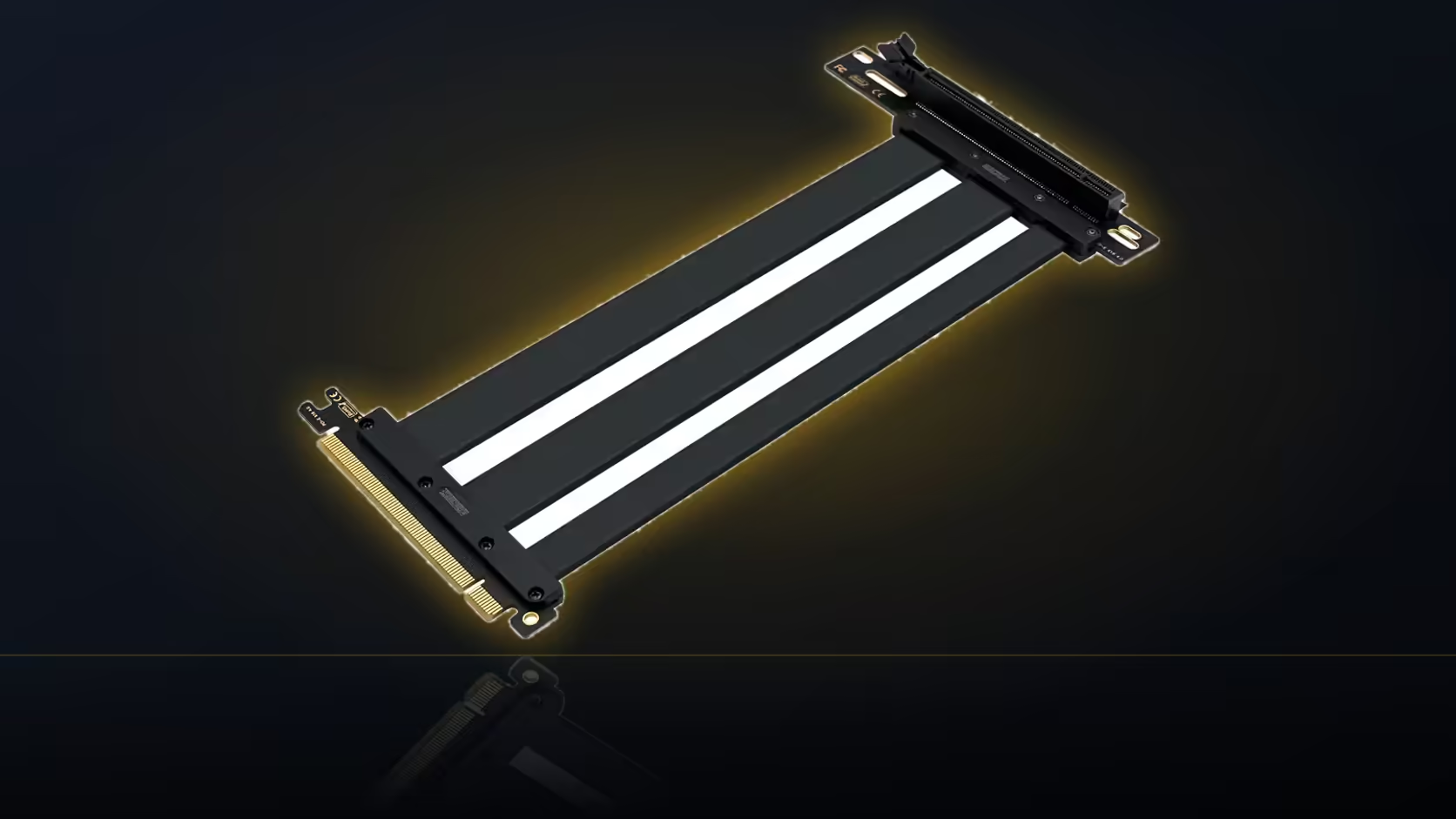
Rotate a graphics card into a vertical position and its display connectors rotate with it, and not always in a direction that leaves them easy to reach once the build is finished. This is one of the details a vertical mount changes that rarely makes it into the excitement of planning the visual side of the build.
Quick Answer
A vertically mounted card faces its display connectors in a different direction than a standard slot mount, often into the case interior or towards the side panel. Planning access to those connectors, before finalising where the bracket sits, avoids a monitor cable that cannot reach cleanly once the build is closed up.
🔄 Where the connectors end up
In a standard horizontal slot, a card's display outputs face directly out through the case's rear I/O area, an arrangement every case is built around and every monitor cable expects. Rotate that same card ninety degrees for a vertical mount, and those same connectors now face whichever direction the rotation put them, commonly into the case's interior or towards the transparent side panel, rather than cleanly out the back.
🖥️ Why that makes cables harder to fit
A display cable plugged into a connector now facing sideways or inward has to turn within the case before it can find its way out through whatever opening the case provides, typically still the original rear I/O cutout. That turn is not always graceful, particularly with stiffer display cables that resist bending sharply near the connector itself.
The bend radius problem
HDMI and DisplayPort cables, especially higher-quality shielded ones, generally need a certain amount of room to curve rather than fold sharply. A connector sitting close to a panel or another surface, with nowhere for the cable to gently arc away from it, can leave genuinely no good options for routing a standard cable cleanly.
🔀 Are angled cables worth considering?
Yes, and they exist specifically for situations like this. A right-angle display cable, turning at the connector itself rather than requiring the cable to bend, can solve a routing problem that a straight cable genuinely cannot in a tight space. Worth having on hand, or at least worth checking as an option, before assuming a straight cable will manage.
🪟 Does the side panel close over the cables?
This is exactly the check worth making before considering the build finished. A display cable pressed against tempered glass once the panel closes is both a fit problem, since the panel may not seat properly, and a potential damage concern over time as the cable is compressed repeatedly against the glass surface. Confirming the panel closes cleanly with the actual cables fitted, not just with the card alone, is worth the few minutes it takes.
Bracket position is really what decides how much room the connectors get once cables are attached, so graphics card accessories is worth checking at the planning stage. Case accessories is the follow-up for whatever clearance the bracket itself allows.
🧪 Should this be tested before finishing the build?
Yes. Fitting the actual display cables you intend to use, before the case is closed up for good, confirms the whole arrangement works in practice rather than in theory. It is far easier to swap to an angled cable or adjust the bracket position at this stage than after the build is considered finished and the desk is already set up around it.
Does the riser's length play a role here?
Only in that the bracket position it makes possible is what ultimately determines where the connectors end up. The riser's own 200mm figure is about the electrical connection, not about the display cable routing, though the two decisions are made together in practice since they both flow from the same bracket choice.
Frequently Asked Questions
Where do the display connectors end up after a vertical mount?
Facing whichever way the card's rotation points them, commonly into the case interior or towards the side panel.
Does that make display cables harder to fit?
Often yes, since the cable then has to turn within the case before reaching an opening, which stiffer cables resist.
What is a bend radius, and why does it matter here?
The minimum curve a cable can manage without stress at the connector, and a tight space can leave no room for it.
Are angled display cables a real solution?
Yes, they turn at the connector itself, which can solve a routing problem a straight cable genuinely cannot manage.
Does the side panel closing over the cables matter?
Very much. A cable pressed against glass is both a fit issue and a potential damage concern over time.
Should this be tested before finishing the build?
Yes, fitting the actual cables before the case is closed for good confirms the arrangement works in practice.
Planning connector access for a vertical GPU mount?
Have a look at Evetech's graphics card range to check output positions on the card you're considering.