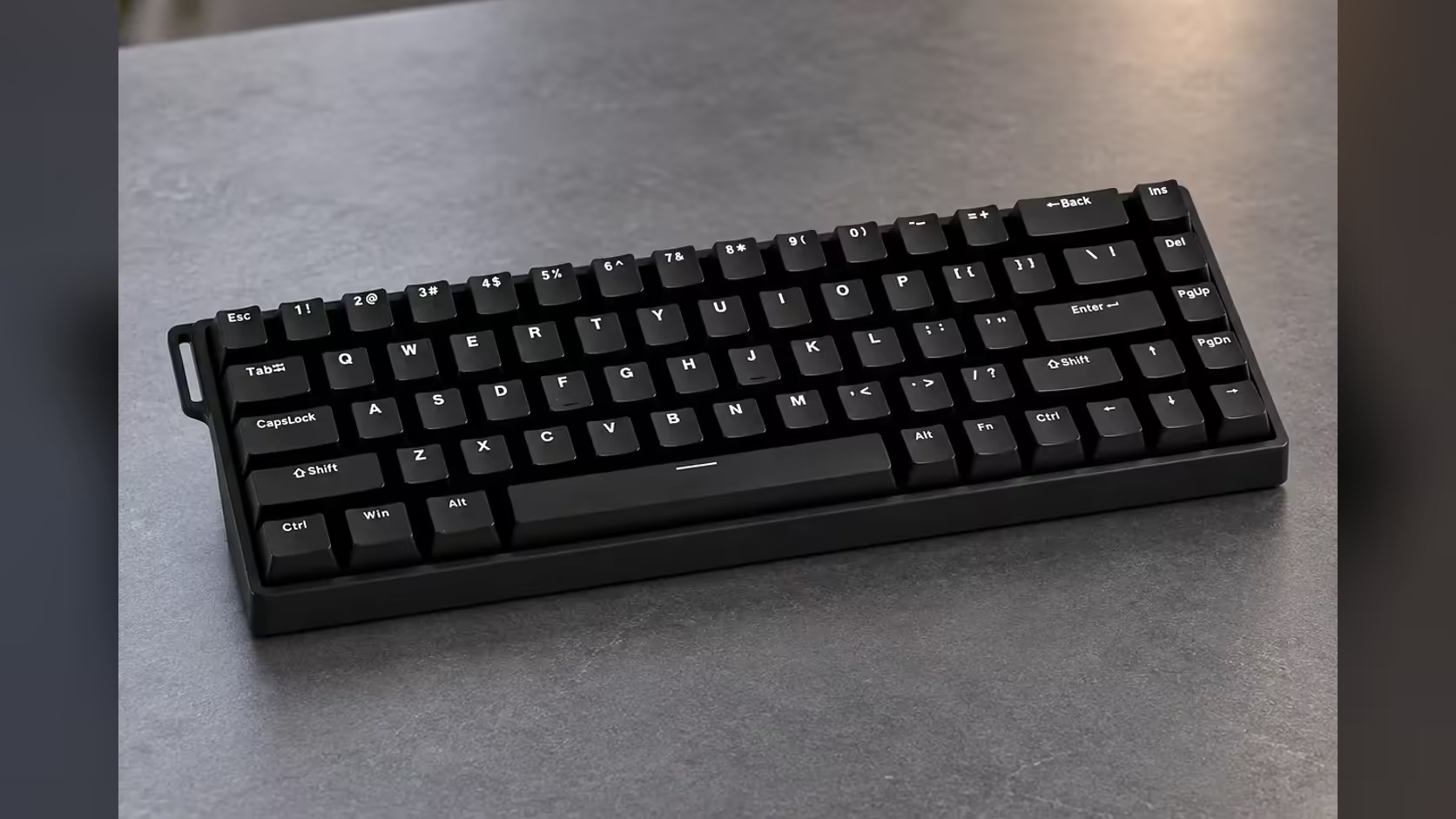
A fully lit keyboard looks great in a product photo and less great at midnight when you are hunting for the one key that reloads. The AULA WIN68 HE has per-key RGB lighting, which means every key can be coloured, or darkened, on its own. Set it up so only the keys a game uses stay lit and the board becomes a quick visual map of your controls, not a light show competing with the screen.
Quick Answer
To light only your game keys on the AULA WIN68 HE, build a per-key lighting layout in AULA's browser-based web driver: colour the keys you use and leave the rest off. The board's south-facing RGB covers about 16.8 million colours, and it can also change lighting through Fn shortcuts. Saving the layout to the board keeps it in place on any Windows PC. The WIN68 HE retails for R449 at Evetech.
🗺️ Plan the map before you colour anything
Good game lighting starts on paper, or at least in your head. Write down the keys a game actually uses and group them by job:
- Movement: usually W, A, S and D, plus Shift and Ctrl for sprint and crouch.
- Core actions: reload, interact, jump and the keys under your thumb.
- Abilities or items: a row of number keys or letters you press less often.
- Menus and emergencies: map, inventory, Escape.
Four groups is plenty. More than that and the colours stop meaning anything at a glance. Everything outside those groups can stay dark.
🎨 Building the layout in the driver
AULA's web driver runs in a browser on Windows with nothing to install, and it is where the WIN68 HE's lighting, key remapping, macros and Rapid Trigger settings live. The product page does not walk through the lighting screen itself, so the steps below describe the approach rather than exact buttons.
Step 1: start from a single static colour or all-off
Animated effects are the enemy of a readable layout. Begin with the board dark, or one calm base colour at low brightness, so the keys you add later stand out.
Step 2: colour each group
Assign one colour per group. Warm, bright colours for the keys you press most, such as movement and reload, and cooler or dimmer ones for occasional keys. Avoid colours that look similar under low light, such as two shades of blue.
Step 3: check it from your normal seating position
South-facing LEDs sit below each switch, so the light spills down towards you. Sit back as you would in a game and check that the groups are easy to tell apart without leaning in.
Step 4: save it to the board
Settings written to the keyboard stay with it. If you play several games with different layouts, save each as its own profile if the driver allows, and name them clearly.
Quick changes without opening the browser
AULA lists Fn shortcuts for the lighting as well as the driver. The product page does not list which combinations do what, so the manual in the box is the place to learn them. Shortcuts are handy for dimming the board mid-session or switching effects without leaving the game, while the driver remains the tool for detailed per-key layouts.
🌙 Why fewer lit keys is better
Beyond looks, a trimmed layout has practical benefits:
- Faster finding. In a tense moment, your eye goes straight to the lit key rather than scanning a full rainbow.
- Less glare. Dark keys around the edges mean less light bouncing onto the monitor in a dim room.
- Learning new games. Lighting only a new game's keys helps muscle memory settle faster.
For night sessions, drop brightness rather than switching everything off. A faint outline on movement keys is often enough to keep your hand oriented.
🔩 What sits under the lights
The lighting shines through a board built for a quiet, stable feel: Gray Wood magnetic switches at 32gf, a metal positioning plate, Poron sandwich foam and a thickened shell. The HE polls at 8000Hz over its USB-C cable and is hot-swappable. Because its LEDs face south, many aftermarket keycap sets fit without the switch housing getting in the way, which widens your options if you ever change the look. The HE also comes with two spare switches and a WIN68 ribbon.
The WIN68 MAX shares per-key south-facing RGB in the same colour range, so a similar approach should work there; check its driver for the lighting options. Both editions sit in Evetech's gaming keyboards category, and the hot-swap sockets mean the switch options on Evetech stay relevant later. Evetech sells the WIN68 HE with a 2 Years Local Warranty.
Frequently Asked Questions
Which keys are worth keeping lit?
The ones you press most under pressure: movement, reload, jump and interact, plus a dimmer colour for occasional abilities.
How many colours can each key show?
About 16.8 million, according to AULA, though a handful of clearly different colours works best for a game layout.
Can I change the lighting mid-game without the driver?
Yes. AULA lists Fn shortcuts for lighting on the HE; the manual shows which combinations do what.
What is the point of lighting fewer keys?
It makes important keys easier to find and cuts glare on the screen in a dark room.
Will the same layout idea work on the WIN68 MAX?
The MAX also has per-key south-facing RGB, so the approach carries over. Check its driver for the exact options.
Should keys be brighter or dimmer at night?
Dimmer. A faint glow on the keys you need is easier on the eyes and reflects less onto the monitor.
Ready to light only what matters?
Explore Evetech's gaming keyboard range for per-key RGB boards like the WIN68 HE and set up lighting that works as hard as your controls.