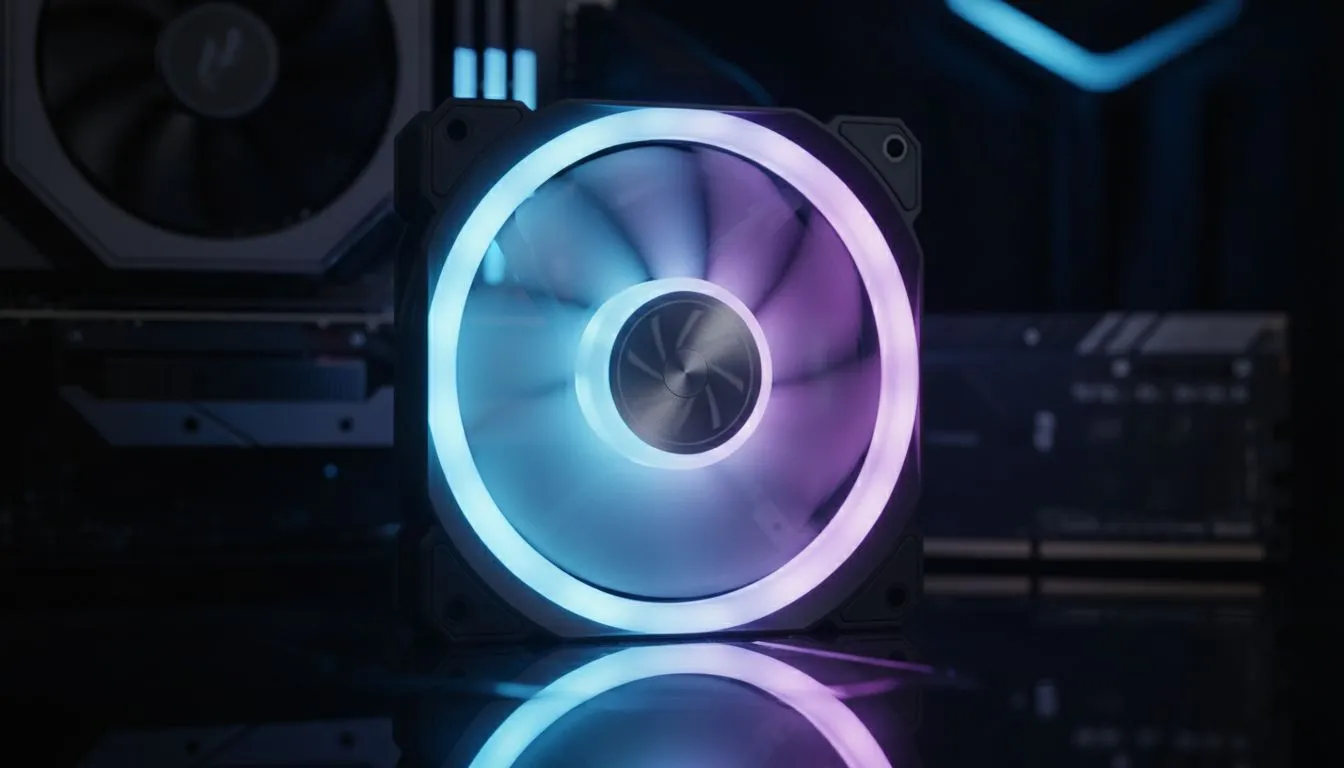
Living in South Africa means juggling Stage 6 schedules while trying to keep your hardware alive. When the lights go out, your fans stop spinning instantly, trapping hot air inside your chassis. This "heat soak" can degrade your components over time. Building a outage-ready PC setup: case airflow tips to reduce heat stress is about more than just fans... it is about smart thermal management for our unique climate. ⚡
Optimising Airflow for the South African Climate
Our local summers are brutal, and when the power cuts, your PC loses its active cooling immediately. To mitigate this, you need a chassis that prioritises natural convection and high-volume intake. Start by browsing the massive selection of computer cases available at Evetech to find a model with a mesh front panel. A solid glass front might look sleek, but it acts like a greenhouse when the airflow stops.
A "positive pressure" setup is generally best for South African homes. This involves having more intake fans than exhaust fans. This configuration forces air out of every small gap in the case, which helps prevent dust from settling on your expensive components... a common issue in our drier provinces.
Dust Management Pro Tip 🔧
In South Africa, dust is the silent killer of airflow. Clean your magnetic dust filters at least once a month. This simple habit can lower your GPU temperatures by up to 5 degrees Celsius during intense gaming sessions and prevents "blanketing" that retains heat during power outages.
Choosing the Right Chassis for Heat Management
The physical layout of your case determines how quickly heat dissipates once the power drops. For those who prioritise premium build quality and logical internal layouts, Fractal Design PC cases are world-renowned. Their designs often feature wide-open interiors that allow hot air to rise naturally through the top vents even without active fan assistance.
If you are looking for a balance between performance and aggressive styling, Gamdias gaming cases offer excellent value. Many of these models come pre-installed with multiple ARGB fans, ensuring that you have sufficient airflow from day one without needing to purchase extra cooling kits separately. 🚀
Budget-Friendly Cooling Solutions
You do not need to spend a fortune to keep your rig cool. You can even find affordable gaming cases under R1,500 that feature mesh fronts and decent clearance for large air coolers. When the power returns, these high-airflow designs allow your system to purge the trapped heat much faster than a choked, budget office case would.
Remember to keep your PC off the carpet. Placing your tower on a hard surface allows the PSU to breathe from the bottom, which is vital for its longevity during frequent power cycles. By following these case airflow tips to reduce heat stress, you ensure your outage-ready PC setup remains healthy for years to come. ✨