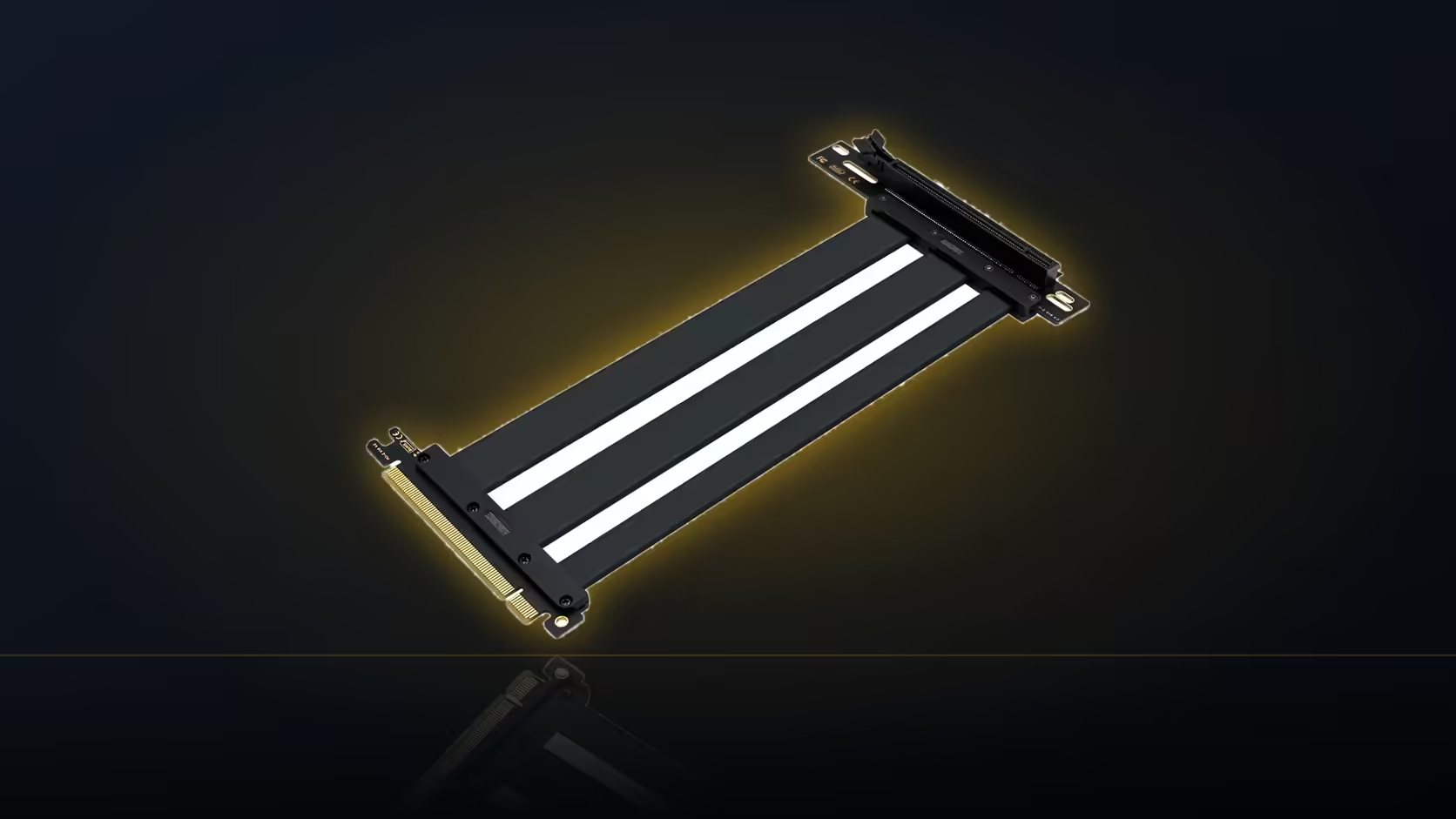
Most people buying a 200mm riser eyeball how far the mounting bracket sits from the board slot, decide it looks fine, and only discover the cable is short once the case is half assembled. A ribbon cable does not travel in a straight line. It follows the route you give it, and every bend along that route eats into the length you actually have to work with.
Quick Answer
Measure the full path the cable will take, including every turn, before ordering a 200mm riser. At R1,299 including VAT, the AsiaHorse cable is sold in this single length only, so a route that runs longer once bends are accounted for simply will not reach.
📏 Why a tape measure undersells the problem
A tape measure gives you the straight-line distance between two points. That number is useful for very little here, because the cable itself has to leave the board slot, turn at least once, and arrive at the card's connector on the bracket. Each of those turns adds physical length that a straight measurement never captures.
This becomes obvious once you picture the two ends. The board slot sits at a fixed point on the motherboard. The bracket sits wherever the case and its vertical mount put it, usually higher up and further into the case than the slot itself. The path between them is rarely a straight line, and even when it looks close to one, the connector geometry at each end forces a bend regardless.
The string method
The reliable way to measure a route like this is with a length of string or a strip of card, laid along the exact path the cable will follow once everything is in position. Bend the string at every point the cable would bend, hold it against the board slot and the intended bracket position, then measure the string itself once it is straightened out. That figure is your real distance, and it is the one to compare against the 200mm the riser provides.
This matters more than it sounds like it should, because the difference between a straight measurement and a routed one is often 30 to 60mm on a typical vertical mount. On a cable with no slack to spare, that is the gap between a clean fit and a cable that will not reach at all.
🔀 How the right-angle connector changes the calculation
AsiaHorse's riser uses a right-angle slot connector rather than one standing straight up out of the board. That design turns the cable at the slot itself, which usually shortens the effective route compared with a straight connector that would need an additional bend further along. It is a meaningful advantage, but it only helps if the direction the connector turns actually matches the direction your route needs to go.
Check the product images against your planned path before assuming the angle works in your favour. A connector turning the wrong way for your case layout can add distance back rather than saving it.
🧭 Settling the bracket position first
The route can only be measured once the bracket position is known, so it is worth fitting or at least mock-positioning the bracket before ordering the cable. A case accessory that mounts higher or further from the board slot than expected will change the required length considerably, and that is exactly the kind of detail a straight-line guess misses.
Once the bracket is in place, hold the card in its intended position and trace the route the cable will actually take, factoring in anything it needs to clear along the way: other expansion cards, cooling fans, or power cabling running to the card itself.
⚠️ What happens if the route comes up short
AsiaHorse sells this riser as a single 200mm SKU. There is no longer version to switch to if the measured route exceeds that figure. If the string method shows the path is too long, the options are to shorten the route by choosing a different bracket position, a nearer board slot if the motherboard has more than one x16 slot, or to reconsider the vertical mount for that particular case.
It is worth checking graphics card accessories for related hardware while you plan the layout, since a different bracket height or position can sometimes trim a route that first measured too long down to something this cable's 200mm actually spans.
Frequently Asked Questions
Why can't I just measure the straight-line distance?
Because the cable follows a routed path with turns, and every turn adds length a straight measurement does not account for.
What is the most reliable measuring method?
A piece of string or card laid along the actual intended path, bent at every turn, then measured once straightened.
Does the right-angle connector reduce the length needed?
Often yes, since it turns the cable immediately at the slot, but only if that direction matches your case's layout.
Should the bracket be fitted before measuring?
Yes. The bracket sets the card's position, and the route can only be measured accurately once that position is fixed.
What if the measured route is longer than 200mm?
This riser is sold in one length only, so the route needs to be shortened through bracket choice or slot selection, or the vertical mount reconsidered.
Is a little slack worth building into the plan?
Yes. Planning right to the cable's limit leaves no room for fitting adjustments or later access to the machine.
Planning a vertical GPU build from scratch?
Look through Evetech's PC case range to find one with vertical mounting support built in.