


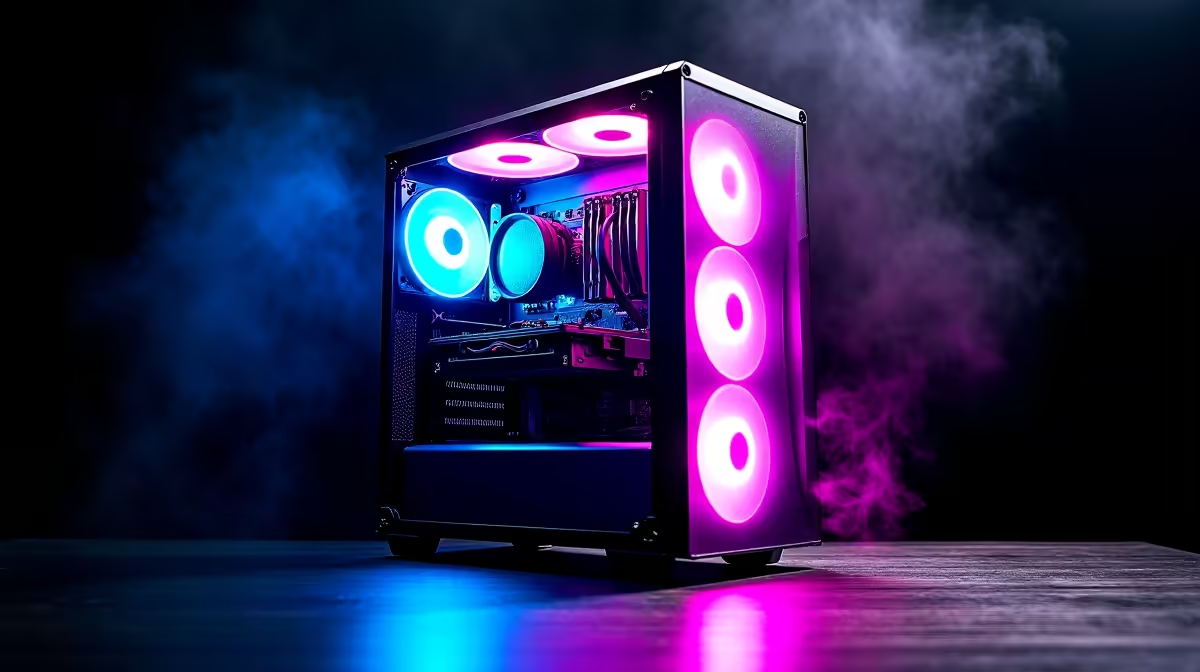
So, you’re building your first gaming PC in South Africa. Awesome! You’ve probably spent weeks picking the perfect CPU and GPU, but now you’re staring at a wall of PC cases, thinking… they’re all just boxes, right? Not quite. Choosing the right mid-tower gaming case is one of the most important decisions you'll make. It’s the home for your expensive components, dictating cooling, noise levels, and how easy your build will be.
Why a Mid-Tower Case is the Sweet Spot
For most first-time builders, a mid-tower PC case hits the perfect balance. It offers ample room for powerful graphics cards and coolers without being as massive as a full-tower behemoth. While super-compact options like the Cooler Master E301 Mini-Tower are great for saving space, a mid-tower gives you crucial breathing room for components and future upgrades. 🔧
Think of it as the versatile all-rounder. It comfortably fits standard ATX motherboards—the most common size—and provides enough space to make building a smooth, frustration-free experience.
Airflow: The Key to Peak Performance
Your components generate a lot of heat, especially during an intense Apex Legends match. A good mid-tower gaming case needs excellent airflow to keep things cool, stable, and performing at their best.
Look for cases with a mesh front panel. This design allows fans to pull in a large volume of cool air, which is far more effective than a solid or glass front panel that can choke your system. Brands like Cooler Master are famous for their airflow-focused designs. A case with good airflow doesn't just boost performance; it can also extend the lifespan of your hardware.
Check Your Fan Setup ⚡
Most cases come with pre-installed fans. A great starting point is two intake fans at the front pulling cool air in, and one exhaust fan at the back pushing hot air out. This creates positive air pressure, which also helps keep dust out!
Compatibility: Will Everything Actually Fit?
This is where many first-timers get tripped up. Before you fall in love with a case’s aesthetics, you need to check a few key clearances.
Critical Clearance Checks
- GPU Length: High-end graphics cards can be incredibly long. Check the case’s spec sheet for its maximum supported GPU length and compare it to the card you’re buying.
- CPU Cooler Height: Large air coolers offer fantastic performance, but they are tall. Ensure your chosen case is wide enough to accommodate your CPU cooler without the side panel pressing against it.
- Radiator Support: If you're considering liquid cooling (AIO), check where the case can mount radiators (front, top, rear) and what sizes it supports (e.g., 240mm, 360mm).
Many modern brands like Gamemax and TRYX Gaming Cases provide detailed spec sheets on their product pages, making these checks straightforward.
Cable Management and Build Quality
A clean build isn’t just for showing off your RGB lighting. Good cable management improves airflow by removing obstructions. Look for a mid-tower PC case with features like:
- A power supply shroud to hide the PSU and extra cables.
- Cutouts and tie-down points behind the motherboard tray.
- Sufficient space between the motherboard tray and the back side-panel.
This is the final piece of the puzzle that separates a messy first attempt from a pro-level build. Taking the time here makes future upgrades and cleaning so much easier. Your ideal chassis is waiting in our huge range of computer cases. ✨
Ready to Build Your Masterpiece? Choosing the right mid-tower gaming case is the first step to a powerful and reliable rig. It’s the foundation for everything else. Explore our massive range of computer cases and find the perfect chassis to conquer your world.











