


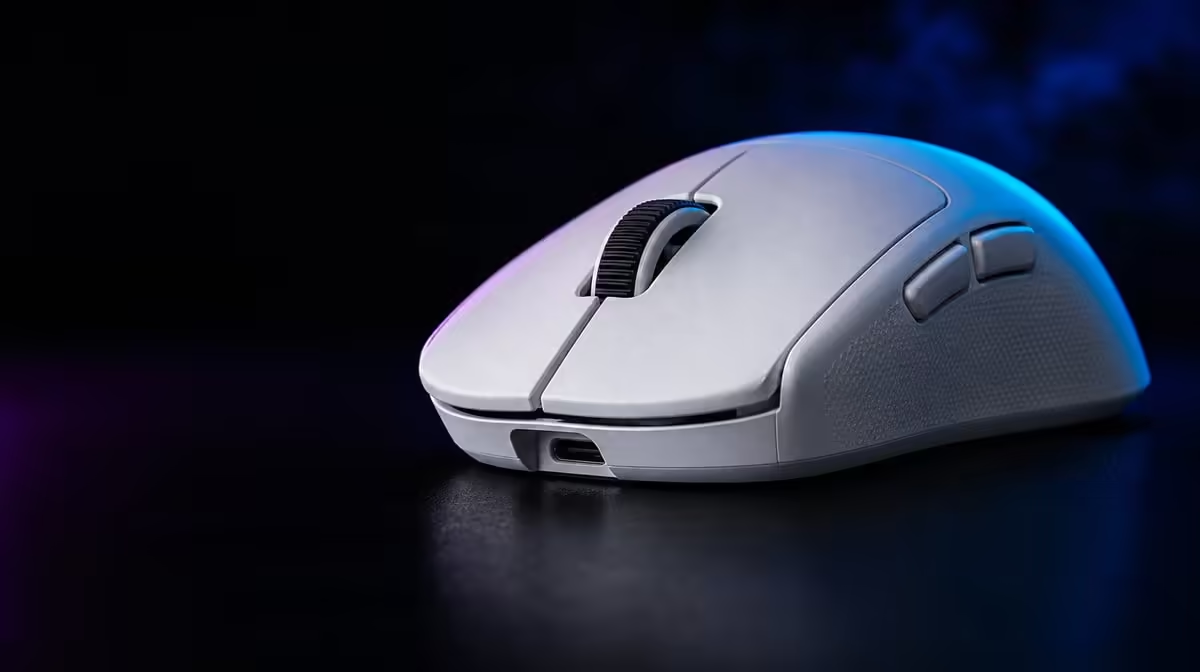
DPI and report rate affect different parts of mouse input. Optimising DPI and polling for competitive gaming means choosing a controllable movement scale first, then increasing update frequency only while the PC and game remain stable. The G305 X SUPERLIGHT provides high ceilings for both, not a command to use them.
Quick Answer
Set DPI through a repeatable turn-and-target drill, lock in-game sensitivity, and establish a stable report rate before testing up to 8kHz. The R1,499 G305 X SUPERLIGHT reaches 44,000 DPI and uses a Hero 44K sensor rated at 678 IPS, but controlled aim and consistent frame behaviour matter more than either maximum.
🔹 Fix effective sensitivity first
Choose a DPI that covers the required turn inside the available pad while retaining fine control. Keep game sensitivity unchanged during each test.
The Logitech gaming mouse selection helps compare devices after the movement requirement is established.
Run two aim drills
Use one slow correction exercise and one rapid turn. Record overshoot and undershoot rather than judging from a few successful attempts.
🔹 Establish report stability
Begin with a report rate the game and PC handle consistently. Raise it one step without changing DPI, receiver position or display conditions.
Up to 8kHz reporting increases possible updates. It can also increase system work, so observe frame-time consistency and actual control rather than the setting alone.
Keep the USB route fixed
Use the same suitable connection during comparison. Moving the receiver or cable while changing report rate introduces another variable.
🔹 Include connection mode
Tri-mode connectivity serves different priorities. Compare the gaming-focused wireless route and wired operation under the same sensitivity; use Bluetooth where pairing convenience fits the workload rather than assuming every mode exposes the same behaviour.
Evetech's broader gaming mouse range provides shape and control alternatives for players whose fit remains the main issue.
Test under real load
Repeat the drill while the game runs at its normal settings and background conditions. A result from an empty desktop does not settle competitive behaviour.
🔹 Save a stable profile
Record DPI, game sensitivity, report rate, connection, receiver placement and surface. Add the six-button map only after movement and reporting are stable.
Use the popular accessories view as a separate R1,499 market reference, then confirm the current product choice before purchase.
Recheck after display changes
A different resolution, refresh setup or game field of view can change the experience. Return to the two drills rather than carrying an old profile forward untested.
Calculate from usable pad distance
Measure the comfortable horizontal movement from the player's normal start point to the edge of control. Use that distance to judge whether the chosen DPI and in-game sensitivity allow the required turn without an awkward lift.
The purpose is not to produce one universal number. It is to connect sensitivity to the player's actual desk, grip and game. A large pad and arm aim create a different useful range from a compact wrist-led setup.
Separate report-rate symptoms from aim errors
Overshoot and undershoot usually point towards effective sensitivity or practice. Irregular movement that appears only at a higher report rate may point towards the PC, USB path or game handling.
Return to the stable report baseline before changing DPI. If the aim error remains, work on sensitivity. If it disappears, investigate reporting with the movement scale fixed.
Test CPU-heavy game moments
Higher reporting should be evaluated where the game already places meaningful load on the system, not only in a quiet training room. Repeat the same crowded scene or busy match condition and observe frame-time consistency.
If the highest rate produces a worse total experience, step down. Up to 8kHz is available headroom, while the best competitive profile is the rate the complete machine sustains reliably.
Reconcile per-game profiles
FPS, MOBA and strategy games may use different effective sensitivity, but wildly unrelated settings increase switching mistakes. Start each new profile from the stable baseline and change only what the game's camera and target behaviour require.
Name profiles clearly and remove abandoned experiments. The active settings should be understandable before a tournament or important session.
Recheck battery planning
Higher report settings and connection choices can change real endurance. Use the mouse's more-than-130-hour rating as a reference, then measure several normal sessions with the selected competitive profile.
Set a charging point that leaves margin before important play. Performance tuning is incomplete if the user cannot predict when the wireless setup needs power.
Retest after the charging routine changes, keeping connection and sensitivity fixed so endurance observations remain comparable.
Frequently Asked Questions
Does higher DPI reduce input delay?
DPI controls movement scale. It should be chosen for controllable aim rather than treated as a latency setting.
Is 8kHz always the best report rate?
No. Use it only when the complete PC and game remain stable and the player measures a useful result.
What does 678 IPS mean here?
It describes high-speed tracking capability, not the sensitivity the player should select.
Why hold game sensitivity constant?
It isolates the effect of the DPI change and preserves a clear route back to the baseline.
When should a profile be retested?
Retest after meaningful changes to the display, game, connection, surface or PC performance.
Ready to tune competitive input without guesswork? Explore Evetech's gaming mice and build one measured profile from hand movement, stable reports and fixed test conditions.










