


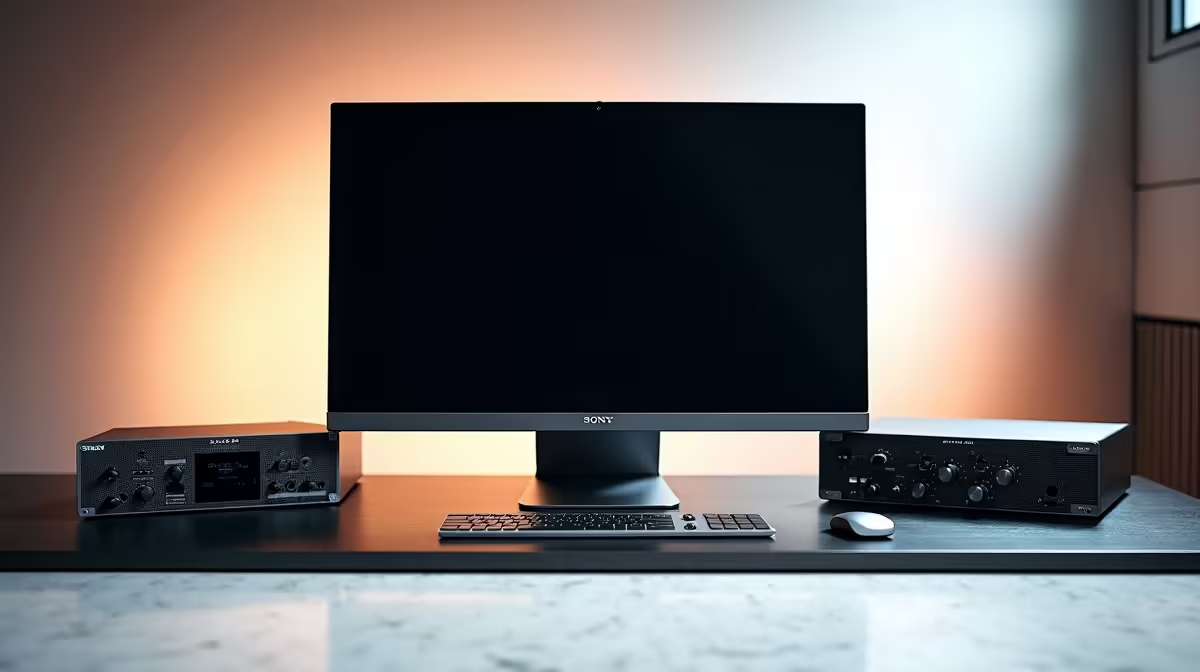
Pair a video-editing PC with a suitable display, fast active storage, dependable backups, clear audio and enough ports for the real camera workflow. Peripherals should support the codec and delivery process instead of decorating the desk. Start with one representative project and identify each delay or quality decision that occurs around the computer.
Build the picture and storage path
The verified 4K Dell S2725QC is priced at R6,128. Confirm current colour coverage, inputs and supported modes before using it for colour decisions. The verified WD Blue SN5000 2TB NVMe SSD at R1,684 can provide active solid-state storage in a compatible motherboard. Check slot support, cooling and project capacity. Keep camera originals and project files on a separate versioned backup.
Complete capture, audio and power planning
List card readers, camera connections, microphones, headphones and external drives before choosing a hub or dock. Shared USB bandwidth can slow simultaneous media copies. Use controlled room light and suitable calibration where colour accuracy matters. Monitor the actual edit through headphones and ordinary speakers, then review an export on a second display. Keep automatic saves enabled and protect the workstation through correctly assessed electrical equipment.
Label active, backup and delivery drives clearly so an editor never formats the only copy of camera footage.
Review the monitor at normal room brightness before approving a delivery.
Pro Tip ⚡
Completing an editing desk? > Explore Evetech monitors, NVMe SSDs and accessories matched to the camera, codec and recovery plan.











