Most people put a wrist rest in front of their keyboard and then use it the wrong way: they plant the soft inside of the wrist on it and type with the hand bent back. The name does not help. A wrist rest works best as a palm rest, supporting the fleshy base of the hand rather than the joint. This guide shows how to use a wrist rest so it supports a straight wrist, using the AULA F75 Wrist Rest as the example.
Quick Answer
During pauses, let the base of your palm settle on the AULA F75 Wrist Rest instead of the wrist joint, with your hand roughly level with your forearm. While you are actively typing, let your hands float slightly so the rest supports you between bursts instead of pinning your wrists in place. AULA made this rest for its own F75 keyboard, so it is sized for a 75% layout, and Evetech sells it for R39.
🖐️ Step 1: Find the part of your hand that should touch
Turn your hand palm up and look at the base, just above where the wrist creases. The padded area below your thumb and the matching area below your little finger together form the heel of the palm. That is the contact point you want.
The wrist crease itself is the wrong spot. The tendons that move your fingers run close to the surface there, and leaning hard on that area while your fingers work is exactly what a rest should help you avoid. If you can feel the edge of the rest pressing into the crease, you are sitting too far forward or the rest is too close.
📏 Step 2: Position the rest and the keyboard
Place the rest directly in front of the keyboard's front edge, centred under the keys you use most. For a 75% board, that usually means centring it under the main typing area. Leave only a small gap, so your palm can drop onto the rest without your fingers leaving the home row.
Then look at the line from your elbow to your knuckles. Ideally your forearm, wrist and hand form a roughly straight line, without the wrist bending up towards the keys or down towards the desk. If your wrist is still bent upwards, try adjusting your chair height or your keyboard's feet before blaming the rest.
A quick check
- Sit normally with your hands on the home row.
- Look at your wrists from the side.
- If the back of your hand tilts up sharply from your forearm, raise your seat, lower the keyboard's feet, or move the rest slightly closer so your palms meet it earlier.
⌨️ Step 3: Hover while typing, rest while pausing
This is the step most people skip. A rest is not meant to anchor your hands for the entire time you type. When your wrists stay pinned, your fingers have to stretch further to reach outlying keys, and the wrist bends sideways to compensate.
Instead:
- Type with your hands lightly lifted, moving from the forearm so your fingers reach keys without twisting the wrist.
- Drop the palm heel onto the rest when you pause to read, think or use the mouse with your other hand.
- Lift again when you start the next burst of typing.
It feels unusual for a day or two, then becomes automatic.
Build in movement and breaks
No accessory replaces changing position. Stand, stretch your hands and shoulders, and let your eyes focus on something distant every so often. Short, regular breaks help more than one long one once the workday is over. If you feel persistent pain, tingling or numbness, speak to a health professional rather than relying on desk equipment to sort it out.
🎨 About the AULA F75 Wrist Rest
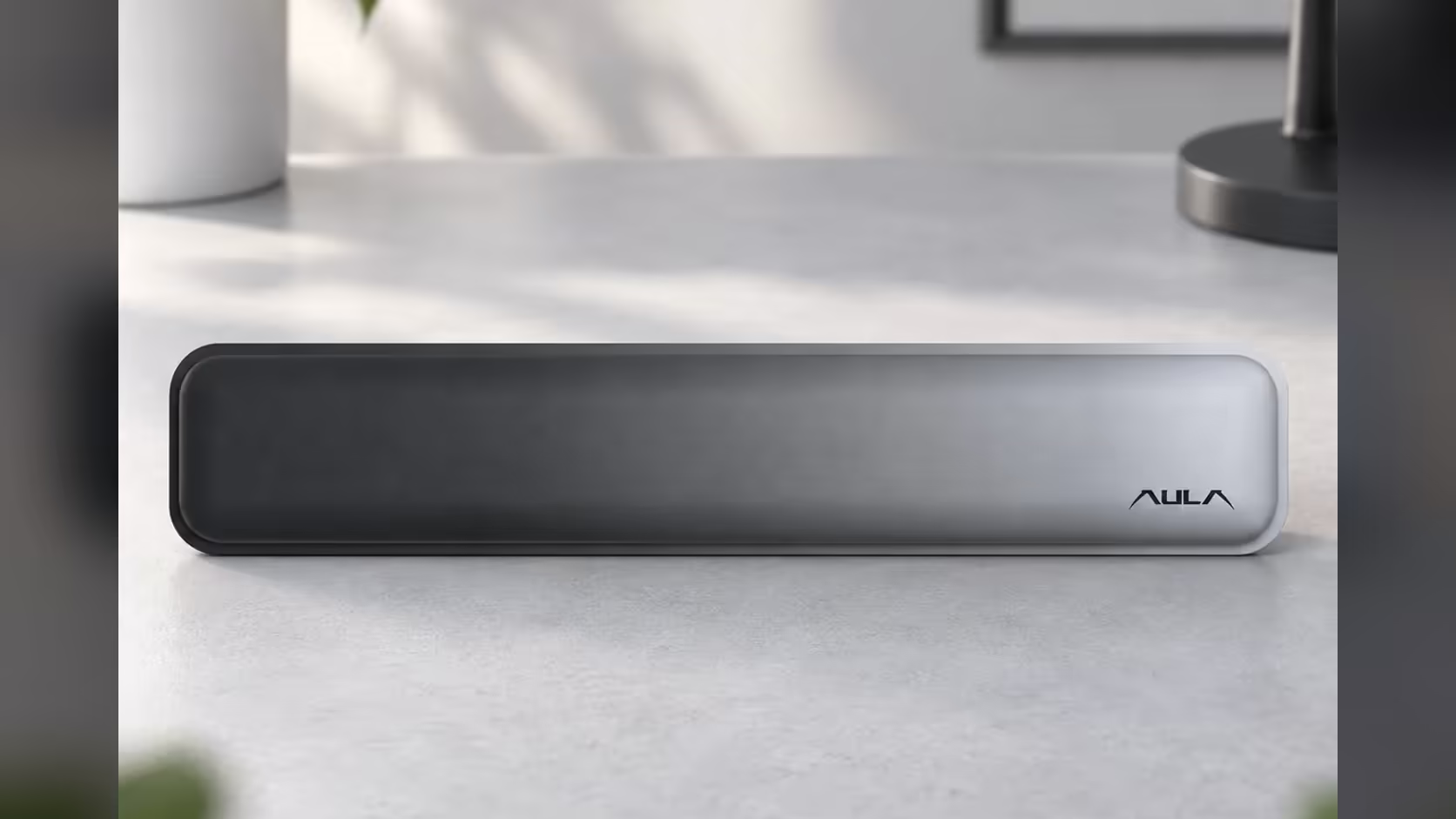
AULA designed this rest for its F75 keyboard, which makes it a natural companion for 75% boards. Its Gradient Grey finish starts deep on the left and turns pale towards the right, where AULA placed its logo. It is not a matched fit for any other specific keyboard, so treat it as a 75%-sized rest and check it against your own board's width.
The F75 Wrist Rest carries a 1 Year Local Warranty from Evetech, and it sits among the other add-ons in Evetech's keyboard accessories category, and you can browse compatible 75% layouts among the gaming keyboards.
Frequently Asked Questions
Should my wrist or my palm touch the rest?
Your palm. The heel of the hand, below the thumb and little finger, is the part meant to meet the rest.
Is it fine to keep my hands on the rest while I type?
Mostly not. Hover while you type and let your palms settle on the rest when you pause.
What if my wrists still bend upwards?
Adjust your chair height or the keyboard's feet, or move the rest slightly closer so your palms meet it sooner.
Which keyboard layout suits this rest?
It was made for AULA's F75 keyboard, so it is sized for a 75% layout rather than a full-size board.
Does a rest replace taking breaks?
No. Regular movement and short breaks still matter, and ongoing pain is worth raising with a health professional.
Setting up a more comfortable desk?
Browse Evetech's keyboard accessories and find the rests and add-ons that suit your board and your typing style.