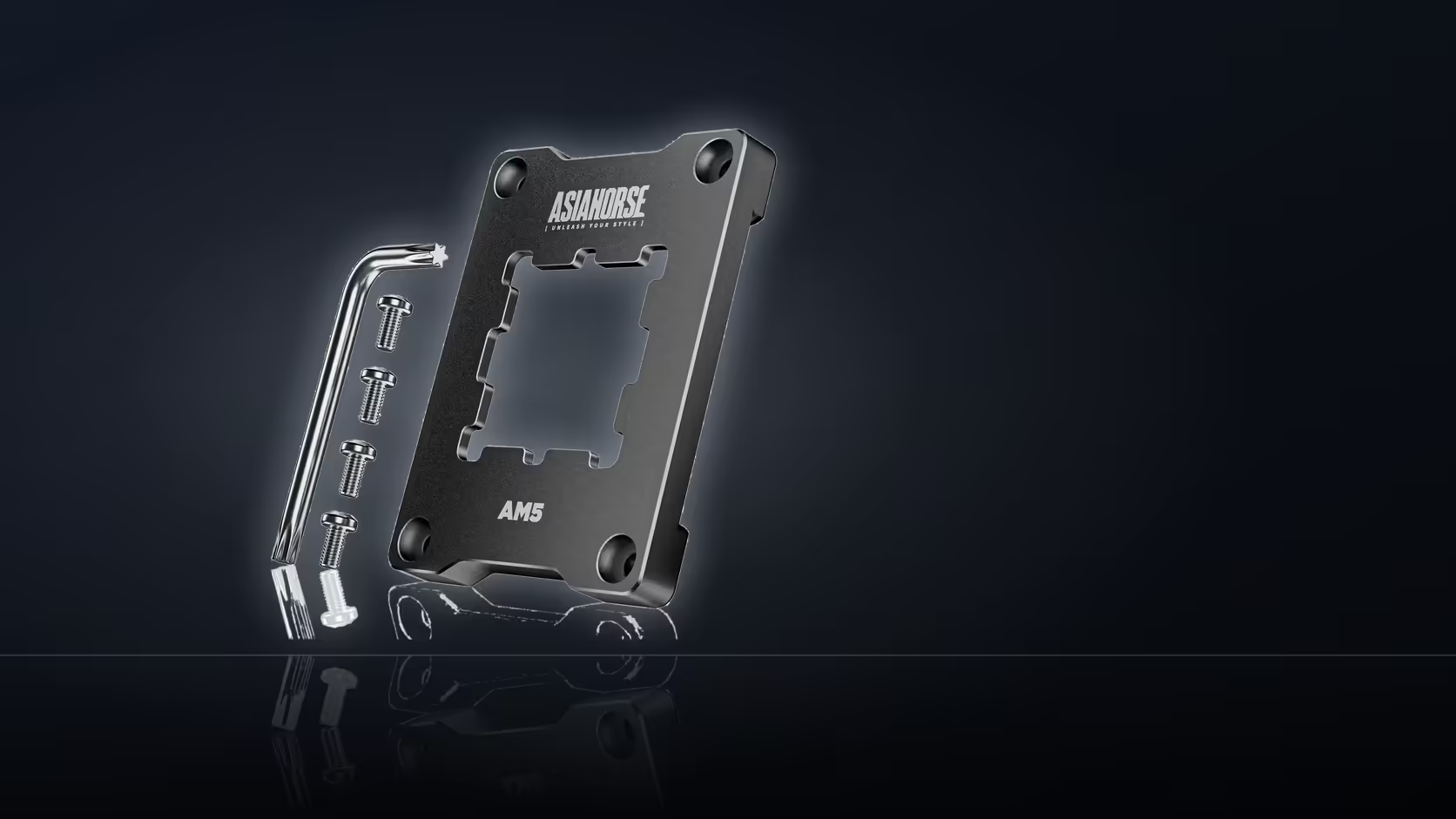
Pulling a tower cooler off a socket without a plan is how a fifteen-minute job turns into an hour of guessing. Fitting a CPU contact frame starts with the same removal steps any cooler swap needs, and every later step hinges on how much room your case actually leaves around the socket. Map the order out before a single screw turns, and the whole job stays a single evening rather than a project that spills into tomorrow.
Quick Answer
Unplug the machine, let the processor cool, then remove the cooler exactly as you would for any thermal paste change - fans off if needed, mounting screws backed out evenly, and the block lifted with a gentle rocking motion rather than twisted cold. Only once the socket is bare does the AsiaHorse Pulsar frame (R299) go on in place of the stock AM5 retention arms. Planning the sequence first, rather than discovering halfway that a cable is in the way, is what keeps the job to one session.
🧰 Working out access before you start
Every AM5 board sits differently inside a case, and the frame swap only goes smoothly if you have already worked out how the cooler comes off in yours. Large tower coolers are usually bolted through a backplate behind the motherboard tray, so check now whether your case has a cutout there or whether the whole board has to come out to reach it.
Checking the backplate route
If your case has a generous rear cutout, the original fasteners can often be reached without disturbing the board at all, which shortens the job considerably. Smaller cases, or ones with a narrow cutout offset from the socket, may need the board pulled - decide this before you start rather than part way through, when cables are already disconnected and the board is half out.
Fans and shrouds first
On many tower and AIO coolers, the fans clip off before the mounting screws are even visible. Taking a moment to remove any fan shroud or plastic surround gives a clear line of sight to the four screws holding the cooler down, and it means less chance of a tool slipping against a spinning-blade assembly that has not been powered down long enough to settle.
🔧 The removal itself
Power down fully and disconnect from the wall - working on a live board is not worth the risk to save two minutes. Give the processor a short while to cool if the machine was running recently, since old thermal paste separates more easily once it is no longer warm and slightly viscous.
Back out the cooler's mounting screws in the reverse of how they were tightened - a star or diagonal pattern, a little at a time, rather than fully undoing one corner before touching the next. This keeps even pressure on the socket as it releases instead of flexing the board unevenly.
Freeing the block
A cooler that will not lift is nearly always stuck to hardened paste, not still fastened down. A gentle side-to-side rocking motion, rather than a hard twist, breaks that seal without risking a socket pin or a bent standoff. Once it lifts, set it somewhere the paste-covered base cannot touch anything else.
🧊 What a liquid cooler changes about the sequence
A pump block comes off the processor the same way a tower cooler's base does, but the radiator and its tubing need supporting while you work - they are not weightless, and letting them hang from the block while it is only half-detached puts strain on both the fitting and the socket beneath. Loosen the pump block's screws evenly, then lift it clear while a second pair of hands (or a soft prop) takes the radiator's weight.
Clean the old compound off both the processor and the cooler's base before doing anything else. A suitable cleaner and a lint-free cloth get the surface back to bare metal, which is the state the thermal solutions range exists to restart from once the frame is in place.
With the socket bare, this is the point where the original AM5 arms come out for good and the new hardware goes on in their place, and the cooler goes back on afterward with a fresh application of paste - since removing it disturbs whatever was there before, and none comes in the box. Browsing the cpu coolers range in advance means you already have the paste and any spare fasteners on hand before you start.
Frequently Asked Questions
What comes off first?
The cooler, since the frame replaces hardware directly beneath it around the socket.
Do fans need removing too?
On many tower coolers the fans clip off first, which improves access to the mounting screws underneath.
Is the board removed?
Not always, though access behind the socket is easier with the board out, particularly on cases with small cutouts.
What about a liquid cooler?
The pump block comes off the processor in the same way, though the radiator and tubing need supporting while it does.
Should the machine be disconnected?
Power down and unplug at the wall, and allow the processor to cool before lifting a cooler that has been running.
How is the cooler cleaned?
Old compound comes off both the base and the processor before anything is refitted, which needs a suitable cleaner.
What is the most common mistake?
Twisting a cooler free while cold, since a gentle rocking motion after a brief warm-up separates it far more easily.
Mapping out your own removal sequence?
Have a look through Evetech's cooler range so you know exactly what is going back on once the frame is fitted.