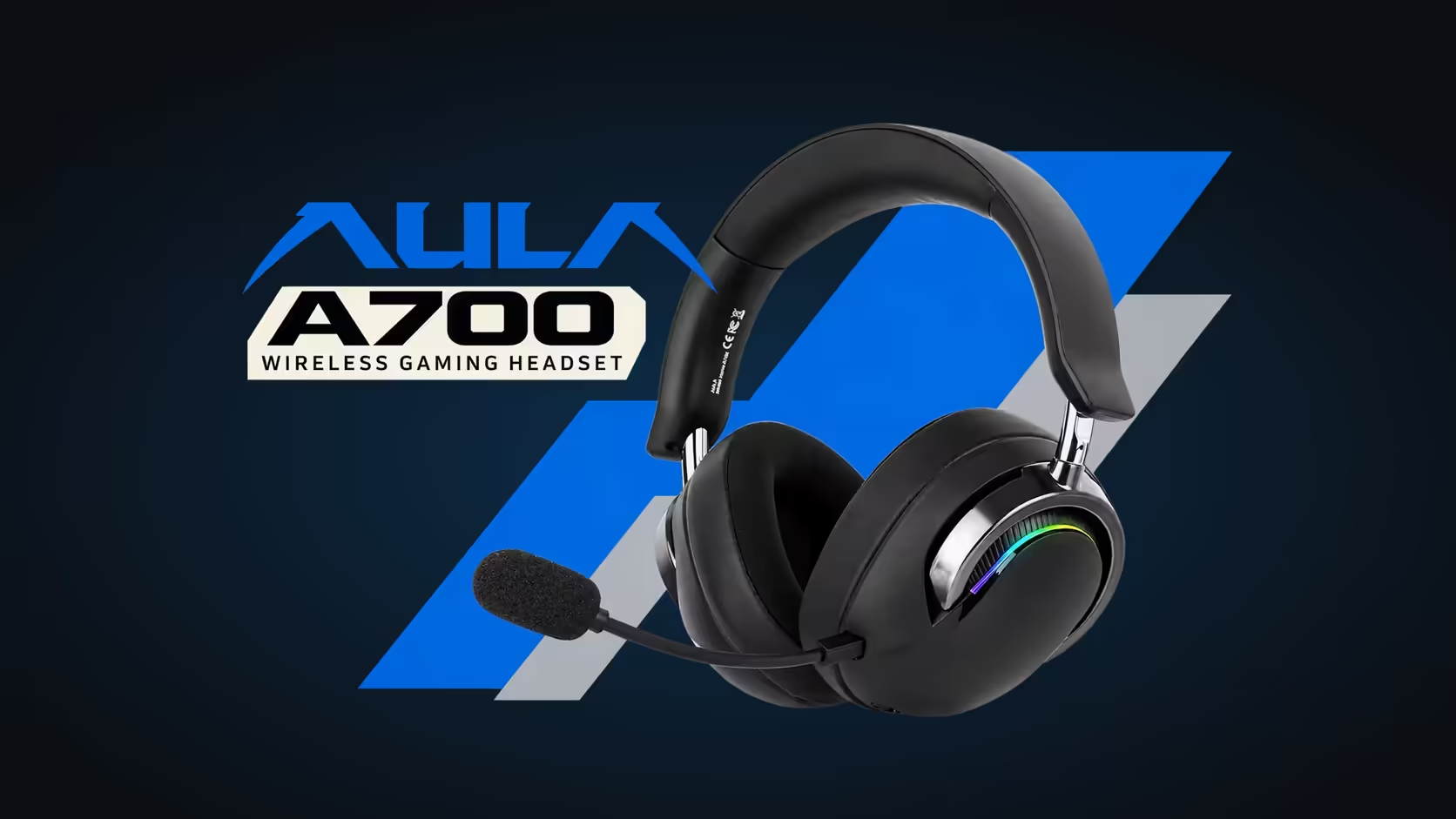
Pausing a playlist or picking up a call should not mean alt-tabbing out of a game or digging a phone out from under a pile of papers. The AULA A700 puts those jobs on the headset itself. Its power button handles play, pause and answering calls, a scroll wheel sets the volume, and a slide switch mutes the mic, so the AULA A700 controls cover most everyday actions without touching a screen.
Quick Answer
On the A700, the power button plays, pauses and answers calls, the volume scroll wheel on the same ear cup raises or lowers the level, and a slide switch mutes the detachable mic. The power button also switches between two game modes and a music mode, and four presses of it toggle the RGB lighting. Everything sits on one ear cup, within reach of your thumb. Evetech has the A700 at R569.
🎚️ A quick map of the ear cup
It is worth knowing the layout by touch before relying on it mid-game. There are three controls:
- The power button, which turns the headset on and off and doubles as the media and call key.
- A volume scroll wheel, for turning the level up or down directly on the headset.
- A slide switch, which mutes and unmutes the microphone.
Put the headset on, close your eyes and run your thumb over each one a few times. After a minute you will find them without looking, which is the whole point of having controls on the cup.
Learn the press patterns from AULA's guide
The power button carries several jobs: power, play and pause, answering calls, switching sound modes and, with four presses, the lighting. AULA confirms the four-press lighting toggle; for the exact press pattern behind each of the other jobs, keep the quick guide from the box handy for your early sessions rather than guessing. Once the patterns are in muscle memory, the single button stops feeling crowded.
📞 Handling calls from the headset
When a call comes in on a connected phone, the power button answers it, so you can pick up without reaching for the handset. The A700 connects to phones over Bluetooth, which is the usual route for calls, while a PC can stay on the 2.4GHz receiver.
The microphone is a noise-cancelling unit that detaches from the ear cup, with a listed sensitivity of -38dB. That makes it practical for both a quick call and a longer team chat. When you are not speaking, the slide switch mutes it.
Why a switch suits muting
A push button leaves you wondering whether you are muted. A slide switch has a position you can feel, so a quick touch tells you whether the mic is live. That matters when you step away mid-call or cough during a match. Build the habit of checking the switch with your thumb before you speak.
Taking the mic off
If you are only listening, pull the mic out of the ear cup. That keeps it from catching on a collar and gives the headset a cleaner look when you wear it for music or a film.
▶️ Media and volume without leaving the game
The scroll wheel is the fastest way to deal with a sudden loud cutscene or a quiet voice line. Rolling it changes the headset's level directly, with no need to find a slider on screen. A sensible routine is to set your computer's volume once at a comfortable middle level and then fine-tune everything from the wheel, so you always have room to go up or down.
Play and pause from the power button suit background audio during work: pause a podcast when someone speaks to you, then resume it without looking away from the document you are editing. Whether a particular app responds to those commands depends on the device and the software playing the audio, so try it with the players you use most.
🎮 Modes on the same button
The power button also switches the A700 between Game Mode 1, Game Mode 2 and Music Mode, and the headset starts in game mode. Changing mode shapes the sound for what you are doing, with the 50mm dynamic drivers underneath unchanged. If a song suddenly sounds thin or a game sounds flat, check which mode you are in before reaching for any software settings.
Keep in mind that the modes live on the headset, while AULA's 7.1 surround effect lives in its driver software, so the two are adjusted in different places.
To weigh the A700's layout against other headsets, Evetech's gaming headsets category lists them together, and the wireless headset page filters to cordless models with onboard controls. A sticky wheel or an unresponsive button caused by a manufacturing fault falls under the 1 Year Local Warranty that Evetech attaches to this headset, and the claim is handled locally.
Frequently Asked Questions
Where are the controls located?
All three sit on one ear cup: the power button, the volume scroll wheel and the mic slide switch.
Can I pick up a phone call without touching the phone?
Yes. With the phone connected, the power button answers the call.
How do I tell whether my mic is muted?
Feel the slide switch. Its position shows whether the mic is live or muted.
Does the volume wheel override my computer's volume?
It sets the headset's own level. Leave the system volume at a middle setting and fine-tune with the wheel.
Why is one button doing so many jobs?
It keeps the ear cup simple. Power, media, calls, modes and the lighting all share it, each with its own press pattern.
Which sound mode does the A700 start in?
Game mode. Switch to Music Mode from the power button when you move to playlists or films.
Ready to run calls and music from your ear cup?
One ear cup can handle music, calls and volume, and Evetech's gaming headset range lets you see how each maker lays out those controls.