


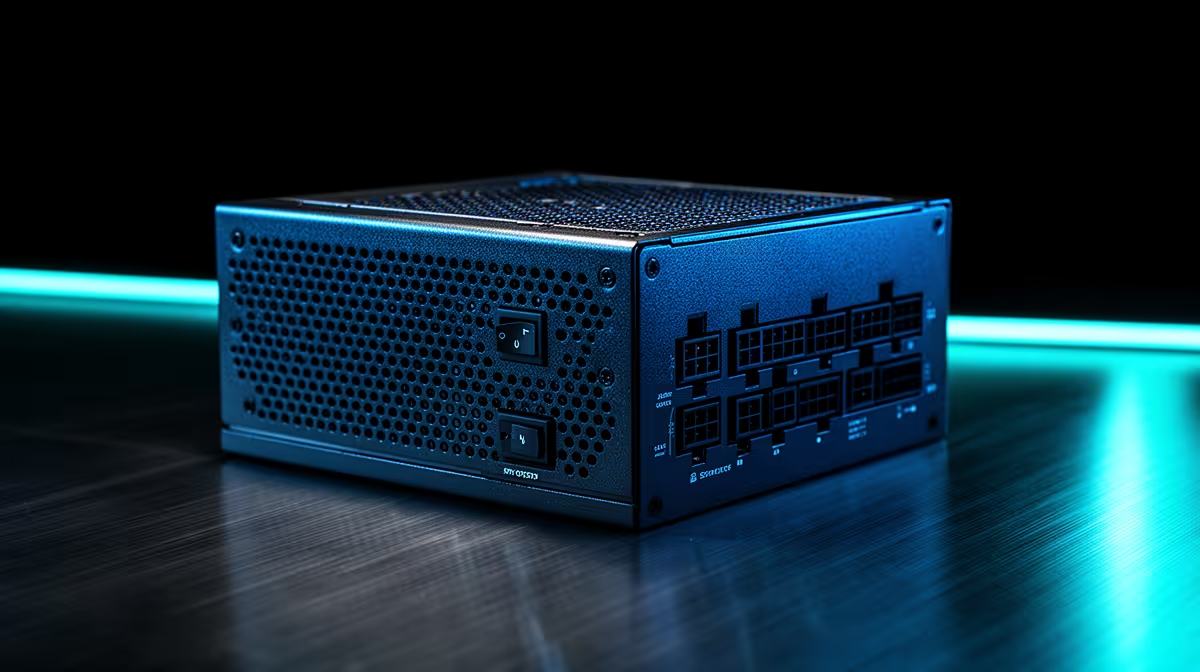
A power supply should cover real component demand, transient peaks and sensible upgrade room without turning unused watts into a trophy. PSU sizing for budget builds starts with the exact parts list and reputable unit quality.
Quick Answer
Size a power supply from the exact CPU, graphics card, connectors, and upgrade plan. Enough rated capacity and transient tolerance matter, but the label wattage is only one part of the choice. Platform compatibility, build quality, protection features, cable support, efficiency, noise, and warranty terms belong in the same decision.
Compare named units in the Corsair power-supply range, then cross-check popular capacities among the PSU best sellers. Use current July 2026 prices for the exact model; never choose from a bare wattage category minimum.
Start with the graphics card guidance
Read the GPU maker's recommended system power and required connector path for the exact model. This figure normally assumes a broader system configuration, so pair it with the actual CPU and component list.
Check whether the card uses PCIe eight-pin connectors, a newer high-power connector, or another supported arrangement. Use the PSU's native cable when provided and follow seating and bend guidance. Do not improvise with an unapproved adapter.
Factory-overclocked cards and high-power CPUs can raise demand. Drives, pumps, fans, expansion cards, and USB-powered devices add smaller loads. A quality calculator can provide context, but verify its component assumptions.
Leave useful headroom
A PSU should not sit at its limit during the hardest normal workload. Headroom supports short power excursions, ageing, warm conditions, and a modest upgrade. It can also keep the fan out of its loudest range.
More capacity is not harmful by itself when the unit is suitable, but paying for unused wattage can take budget from the GPU, storage, or monitor. A very large model may also be physically longer and introduce extra cables.
Choose headroom around a defined upgrade. If the next likely GPU has known power guidance and connector needs, account for it. Do not buy for an imagined flagship upgrade that may never fit the case or budget.
Look beyond the wattage sticker
Confirm the PSU form factor and length fit the case with room for cables. Check CPU power connectors, GPU leads, SATA power, fan-hub needs, and cable reach. Small-form-factor cases may require SFX or another specific format.
Efficiency certification describes performance at defined loads and input conditions; it is not a complete quality guarantee. Use reputable technical reviews and the manufacturer's protection and warranty information for the exact platform.
A sound design should respond safely when current, voltage, load, temperature, or a short moves outside its intended range. Protection names on a specification sheet still need competent implementation in that exact platform.
Never open a PSU. Dangerous energy can remain inside. Replace a suspect unit through an appropriate support or service route rather than attempting internal repair.
Keep modular cables matched
Modular connectors are not standardised on the PSU side. A cable from another brand, series, or revision can fit and deliver the wrong voltage to a component. Use only cables approved for the exact PSU model.
Seat connectors fully at the PSU and component. Inspect for damage before power-on. Do not force a CPU cable into a GPU socket or rely on appearance alone; follow labels and manuals.
Route high-power cables without sharp bends at the plug. Keep them clear of fans and side-panel pressure. If the panel crushes the connector area, revise the route rather than forcing it closed.
Diagnose shutdowns before upsizing
An undersized or failing PSU can cause shutdowns under load, but temperatures, GPU drivers, motherboard power, loose connectors, and unstable CPU or memory settings can produce similar symptoms.
Return the system to stable default settings, inspect power seating, monitor temperatures, and reproduce the fault with controlled CPU and GPU loads. Do not open the PSU or probe live connectors.
If the system works with a known-good suitable PSU, that is stronger evidence. Use a qualified technician when you lack safe test equipment or a compatible spare.
Account for the wall supply and operating environment
Confirm the unit accepts the local input voltage and frequency stated for its exact model. Use a correctly rated, earthed power path and suitable surge protection. A PSU cannot correct every building-wiring or external supply fault.
Heat changes the operating environment. Keep the case intake, PSU vent, and exhaust clear. Do not bury the rear of the tower against fabric or a wall. Dust filters need cleaning according to the case guidance, but never push tools through the PSU grille.
Noise also varies with load, temperature, fan control, and unit design. Compare reputable model-level measurements if a quiet room matters. An oversized label does not guarantee silence, and a silent fan mode does not remove the need for ventilation.
FAQ
How much PSU headroom do I need?
Use the exact component guidance and a realistic load estimate, then leave margin for transient demand, ageing, temperature, and a defined upgrade. No single percentage fits every platform.
Is a larger PSU always more efficient?
No. Efficiency depends on the exact unit and where the system load falls on its curve. Compare model-level data, quality, noise, cables, and current price.
Can I reuse modular PSU cables?
Only when the PSU manufacturer states that the exact cable is compatible with the exact model. Connector fit does not prove electrical pinout. When in doubt, use the supplied approved leads.
Size the PSU from your exact CPU, GPU, connectors, and upgrade plan, then choose model-level quality and protection before unused wattage.











