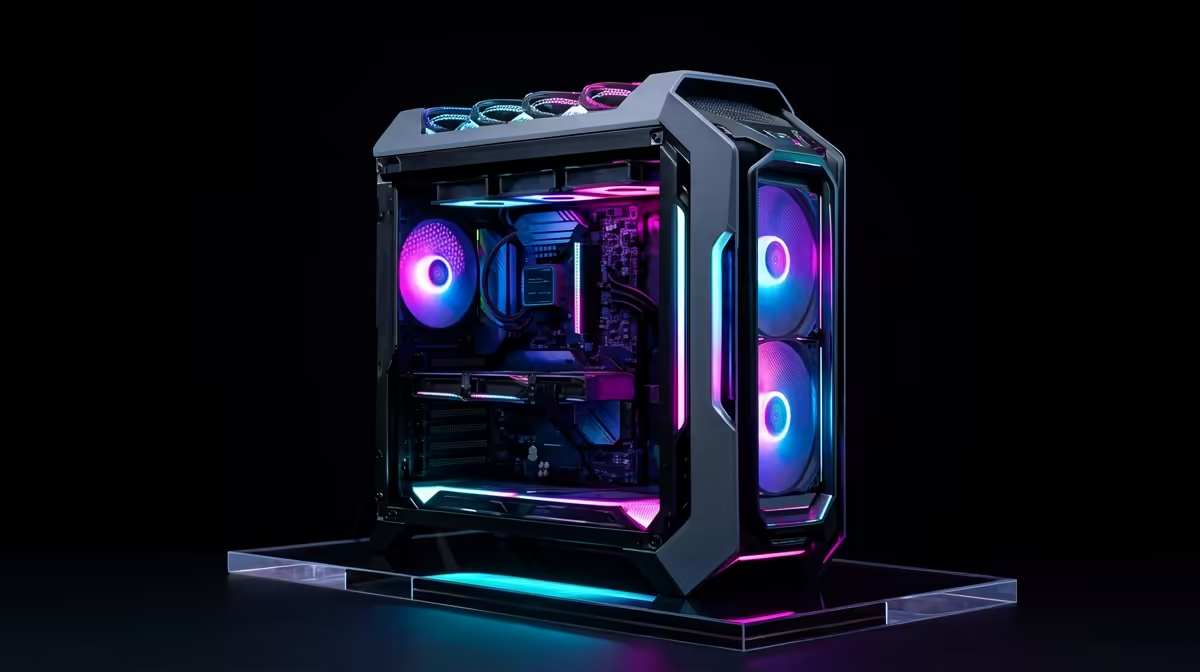
Is your gaming rig so loud it sounds like it’s preparing for takeoff from OR Tambo? You’ve spent a fortune on a 4K beast, but the roar of fans completely shatters the immersion. We get it. In South Africa, where ambient temperatures can push components harder, achieving whisper-quiet performance feels like a myth. But it's not. This guide will show you how to build a quiet gaming PC that lets you hear every footstep, not every fan blade.
Understanding the Noise in Your Gaming PC
Before you can silence your rig, you need to know where the racket comes from. A gaming PC is essentially a high-performance heater, and that heat must go somewhere. The noise is a by-product of cooling. The main culprits are:
- CPU Cooler Fan: The processor works hard, especially in demanding games, and its fan spins up to keep it from throttling.
- GPU Fans: This is often the loudest component. Pushing pixels at 4K resolution generates immense heat, forcing your graphics card's fans into a frenzy.
- Case Fans: These are crucial for overall airflow, but cheap or poorly configured fans add to the overall decibel level.
- Power Supply (PSU) Fan: An often-overlooked source of noise, the PSU fan kicks in to cool its internal components.
Building a quiet gaming PC is all about making smart choices for each of these parts.
Core Components for a Silent 4K Gaming Rig 🔧
Achieving near-silence is a balancing act between cooling performance and acoustics. Focusing on these four areas will make the biggest difference in your quest for a quiet 4K PC.
### The Case: Your First Line of Defence
Don't just pick a case for its RGB lighting. The chassis is your foundation for a low-noise build. Look for models specifically designed for silent operation. These often feature sound-dampening materials like high-density foam on the side panels and a solid front panel to block noise. Brands like Be Quiet! and Fractal Design are legendary in this space.
However, remember that airflow is still king. A case with poor ventilation will trap heat, forcing your fans to spin faster and louder anyway. It's about finding the sweet spot between sound insulation and thermal performance.
### Cooling: The Heart of Your Quiet Build
Your cooling solution is the most critical choice for a silent gaming rig.
- CPU Air Coolers: Bigger is often better. Large tower coolers from brands like Noctua use massive heatsinks and large-diameter (120mm or 140mm) fans. Because the fans are bigger, they can spin slower while moving the same amount of air as a smaller, faster fan... resulting in much less noise.
- AIO Liquid Coolers: All-in-One liquid coolers can also be incredibly quiet. They work by moving the CPU's heat via liquid to a radiator mounted on the case's edge. This is highly efficient and, when paired with quality, low-RPM fans, can deliver exceptional cooling with minimal sound.
Pro Tip: Master Your Fan Curves ⚡
Most modern motherboards let you customise fan curves in the BIOS UEFI. Instead of letting them ramp up aggressively at the slightest temperature change, set a smoother, more gradual curve. This prevents those annoying, sudden bursts of fan noise. For even finer control, software like Fan Control (on GitHub) or Argus Monitor lets you base fan speeds on GPU temps, which is ideal for a gaming rig.
### The Graphics Card: Taming the Beast
Your GPU will likely be the loudest part of your system. When choosing a card, don't just look at the chipset (e.g., RTX 4080). Pay close attention to the specific model's cooling solution. Cards with beefy, triple-fan coolers generally outperform dual-fan models by running cooler and therefore quieter.
Many modern GPUs also have a "zero RPM" or "fan stop" mode. This means the fans don't spin at all during light tasks like browsing the web, ensuring your PC is completely silent when you're not gaming. ✨
The Final Piece: An Immersive Display
You've built the ultimate quiet gaming PC... now what? The whole point is to lose yourself in the game, and for that, you need a monitor that does your rig justice. A silent setup lets you appreciate the subtle audio cues and stunning visuals without distraction.
The incredible detail produced by your 4K rig truly shines on high-quality 5K and 4K monitors, where every texture is rendered with razor-sharp clarity. To deepen that immersion, many South African gamers are turning to curved gaming monitors, which fill your peripheral vision and make you feel like you're right in the action.
Finding the right screen doesn't have to empty your wallet; there are always fantastic PC monitor deals to be found. Whether you're a competitive esports player or a single-player story enthusiast, you can browse a huge selection of PC components and monitors to fit your specific needs. From ultra-fast refresh rates to brilliant colour accuracy, exploring all gaming monitors is the best way to find your perfect match. You can even complement your clean, quiet setup with sleek portable monitors for Discord or stream chats, keeping your main screen dedicated to the game. 🚀
Ready to Build Your Sanctuary of Silence?
A quiet gaming PC isn't a myth... it's a plan. With the right components, you can enjoy breathtaking 4K gaming without the distracting roar. Explore our massive range of PC components and find the perfect parts to conquer your world in glorious silence.