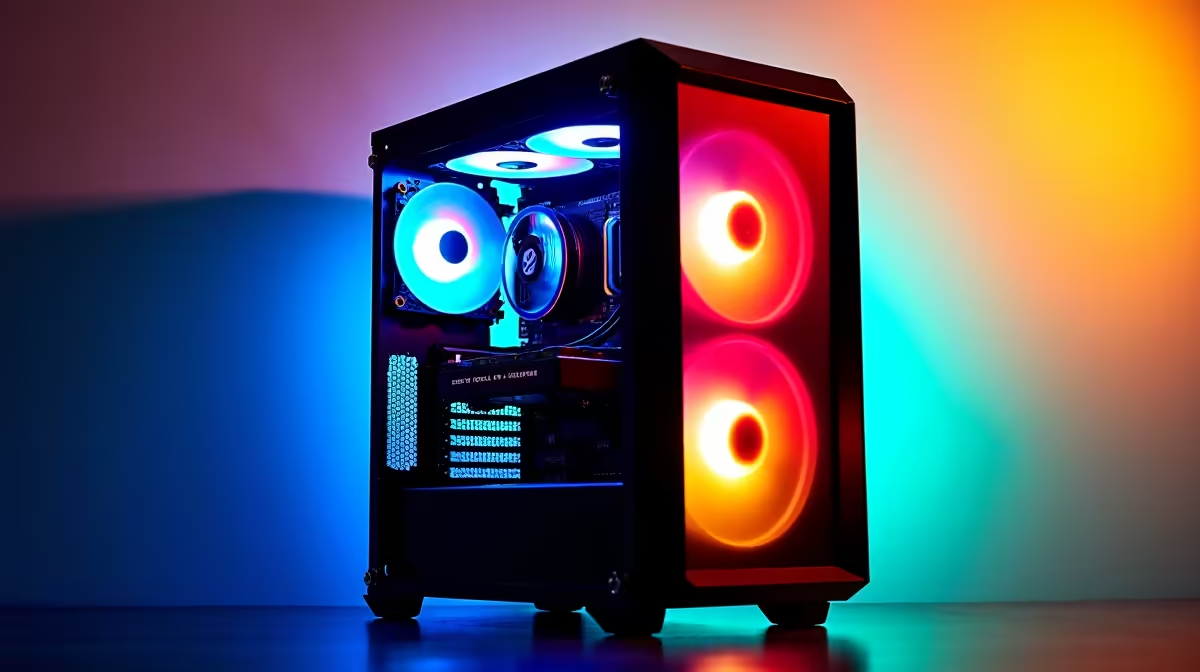
Tired of your gaming PC sounding like a jet engine during a tense Warzone match? You're not alone. Many South African gamers believe that a powerful rig has to be a loud one, especially on a tight budget. But what if you could build a whisper-quiet R10,000 gaming PC that lets you hear every footstep, without the distracting fan roar? It’s not just possible; it's easier than you think. Let's dive in. 🚀
Why a Quiet R10000 Gaming PC Build Matters
Let’s be honest, a noisy PC pulls you right out of the game. That crucial clutch moment in Valorant can be ruined by fans spinning up aggressively. A quiet gaming PC isn't a luxury; it's a strategic advantage. It enhances immersion, helps you focus, and keeps the peace if you share your space.
The goal of a quiet R10000 gaming PC build is to balance performance with acoustics. You want a machine that crushes 1080p gaming without making a racket. This focus on silence is a key consideration across our range of budget gaming PCs, proving that you don't need to spend a fortune to game in peace.
Core Components for a Silent R10k Gaming Rig
Noise in a PC comes from moving parts, primarily fans. To achieve a near-silent build, we need to choose components that run cool and efficient, minimising the need for high-RPM fans.
### The CPU Cooler & Case Fans
The stock cooler included with many CPUs is... adequate. But for a truly quiet experience, it's often the first thing to upgrade. However, to stick to our R10,000 budget, we'll prioritise a CPU that has a decent stock cooler.
For the case, look for one with good airflow and larger 120mm or 140mm fans. Bigger fans can spin slower while moving the same amount of air as smaller fans, resulting in much less noise. Good cable management is also key for unrestricted airflow. ✨
Master Your Fan Curves 🔧
Most modern motherboards let you control fan speeds in the BIOS UEFI. Instead of letting them run at full blast, set a custom "fan curve." This tells the fans to spin slowly at idle and only ramp up gradually as temperatures rise during intense gaming. This simple tweak can dramatically reduce noise without costing a cent.
### The Graphics Card (GPU) & Power Supply (PSU)
The GPU is often the loudest component. When shopping, look for models with a "0dB" or "fan-stop" feature. This means the fans don't spin at all under light loads, like browsing the web or watching videos, making your PC completely silent.
Your Power Supply Unit (PSU) also has a fan. A high-quality, efficient PSU (look for 80+ Bronze rating or higher) generates less waste heat, meaning its fan doesn't have to work as hard. Many modern PSUs also feature a silent or eco-mode. While a silent build is achievable for R10k, stepping up to one of the more powerful builds under R20k often gets you premium components with even better acoustic performance.
Assembling Your Quiet R10000 Gaming PC
The challenge of a quiet R10000 gaming PC build is making smart compromises. You might allocate a bit more of your budget to a better case with sound-dampening material, or a GPU known for its quiet cooling solution, and slightly scale back on another component. It's a balancing act.
Remember that building a PC from scratch isn't the only option. Sometimes, taking advantage of great pre-built PC deals can give you a professionally assembled and optimised system where thermals and noise have already been considered. This can be a fantastic, hassle-free way to get a silent rig.
Ultimately, whether you build it yourself or choose a pre-built machine, the goal is the same: maximum frames with minimum noise. While our R10k target is fantastic for entry-level silent gaming, you can see how cooling solutions become even more advanced in premium rigs above R20k, featuring liquid cooling and high-end silent fans.
Ready to Game in Peace?
Crafting the perfect quiet R10000 gaming PC build is a rewarding challenge. But if you'd rather jump straight into the action, our experts have done the hard work for you. Explore Evetech's best gaming PC deals and find a professionally built, whisper-quiet rig ready to go!