




How to Fix Lag Spikes on a Mechanical Keyboard
Lag spikes on a mechanical keyboard often have a fixable cause. Separate accessory latency from network, driver, display, and system causes before blaming the device or buying a replacement.
Read moreChoosing the right RAM for your R10000 gaming PC is crucial for performance. Don't bottleneck your new rig! We break down how much RAM you need (16GB vs 32GB), what speeds to aim for, and how to get the most bang for your buck without breaking your budget. 🚀 Get ready to game smarter!
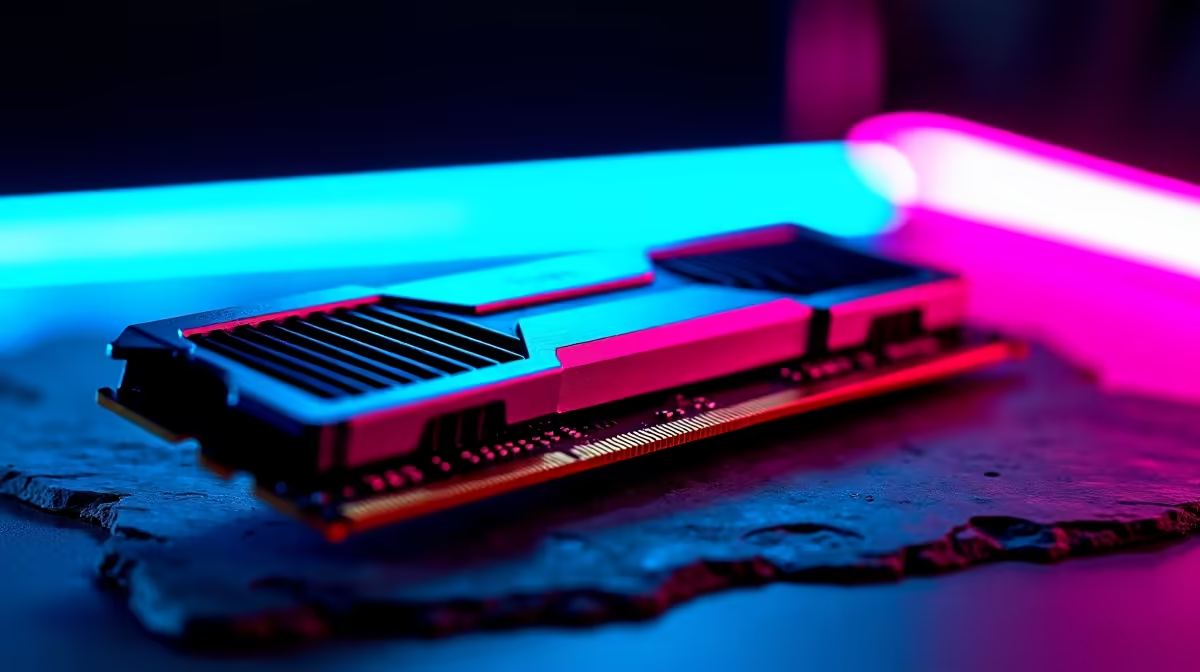
So, you’ve scraped together your R10,000. It’s a solid budget for getting into PC gaming in South Africa, but every rand counts. You’ve picked your CPU and GPU, but now you’re stuck on one crucial component: RAM. How much do you really need? Go too low, and your games will stutter and crash. Go too high, and you’ve wasted money that could have gone towards a better graphics card. Let’s settle the debate. 🚀
For any modern gaming PC, 16GB is the undisputed sweet spot, and this holds true even for a R10,000 build. While 8GB was the standard a few years ago, today's games, and even Windows itself, are more memory-hungry. With 16GB, you’ll have enough headroom to run demanding titles like Apex Legends or Warzone while also having Discord and a few browser tabs open in the background without your system grinding to a halt.
Trying to squeeze 16GB of quality RAM into a tight budget can be tricky, but it's the single most effective upgrade for ensuring a smooth, frustration-free experience. Many of our most popular budget gaming PCs are configured with this exact balance in mind.
Yes, but not as much as capacity. When you're working with a R10,000 budget, you're likely building on a DDR4 platform. For these systems, aiming for a dual-channel kit (2x8GB) of 3200MHz or 3600MHz RAM offers the best performance for your money. Anything faster often gives diminishing returns, and that extra cash is better allocated to your graphics card or SSD.
The goal is value and balance. You want components that work well together without one part bottlenecking the others. This principle applies whether you're looking at entry-level rigs or exploring more powerful PCs under R20k, where component synergy becomes even more critical.
Can you game on 8GB of RAM in 2024? Technically, yes… but with big compromises. For lighter eSports titles like Valorant, CS2, or League of Legends, you can get by. The moment you try to multitask—streaming, listening to music, or checking guides on Chrome—you will feel the system struggle. Games that are known for high RAM usage, like Tarkov or heavily modded Minecraft, will be nearly unplayable.
If your budget absolutely cannot stretch to 16GB, starting with a single 8GB stick is a viable strategy, as it leaves a slot open for an easy upgrade later. You can find some excellent starting points in our pre-built PC deals that offer a great foundation to build upon.
If you're running on 8GB of RAM, make it a habit to close unnecessary background applications before launching a game. Use the Task Manager (Ctrl+Shift+Esc) to shut down web browsers, launchers, and other memory-hungry apps. This frees up every available megabyte for your game, reducing stutters and improving frame rates.
For a R10,000 gaming PC in South Africa, 16GB of DDR4 RAM is the clear recommendation. It provides the best balance of price, performance, and future-proofing for your budget. It ensures a smooth experience across a wide variety of modern games and allows for comfortable multitasking without system lag.
While 32GB is the new standard for high-end machines, it’s complete overkill for a R10k build. That money is far better invested in a more powerful GPU. The key is building a balanced system. You wouldn't put a V8 engine in a go-kart, right? The same logic applies here. Focus on a solid 16GB foundation now, and you can always explore the world of PCs above R20k when you're ready for your next major upgrade. For now, find the right balance and get gaming. ✨
Ready to Find Your Perfect Match? Building on a budget doesn't mean you have to compromise on fun. The key is smart component choices. Explore our best gaming PC deals and find a perfectly balanced machine ready to conquer your favourite games right out of the box.
For a R10000 gaming PC, 16GB of DDR4 RAM is the sweet spot. It provides excellent performance for most modern games at 1080p without overspending on your budget.
While 32GB offers great future-proofing, it is generally overkill for a R10000 build. That budget is better allocated to a stronger GPU or CPU for a bigger gaming boost.
Yes, RAM speed for gaming on a R10000 budget is important. Aim for at least 3200MHz DDR4. This speed offers a noticeable performance uplift over slower kits for a small price increase.
For a R10000 budget, DDR4 is the smarter choice. It offers fantastic value and performance, allowing you to allocate more of your budget to the GPU, which is more critical for gaming.
Insufficient RAM can cause stuttering and lower average FPS as the system uses slower storage. Having enough RAM, like 16GB, ensures smooth gameplay by loading game assets quickly.
Absolutely. Most motherboards in this price range have four RAM slots. You can start with a 2x8GB kit (16GB) and easily add another 2x8GB kit later for a simple performance upgrade.
Lag spikes on a mechanical keyboard often have a fixable cause. Separate accessory latency from network, driver, display, and system causes before blaming the device or buying a replacement.
Read more
Oblivion Remastered at R25,000 lets SA buyers move from entry value to a stronger midrange PC. Aim for a better GPU, CPU headroom, 32GB-ready memory, and fast storage while keeping the build easy to cool and upgrade.
Read more
Fallout 76 R20,000 PC build planning starts with balanced parts. For SA gamers, compare CPU and GPU fit, RAM needs, SSD space, PSU headroom and cooling before buying.
Read more
wireless mouse won't boot after a BIOS update should start with repeatable checks, not guesswork. Test settings, drivers, thermals, power behaviour, and recent changes so SA readers can isolate the cause before buying parts.
Read more
Gauteng Smart Buying R40 000 Setup needs a balanced check of fit, comfort, compatibility, warranty, and real setup needs. Use this cautious guide to compare options before buying in South Africa.
Read more
Brits running local LLMs build under R20,000 needs a balanced parts plan, not a random basket. Map the CPU, GPU, RAM, SSD, cooling, and monitor target to the budget so SA builders know where to spend first.
Read more
Steam game recording black screen needs a fresh capture and export test before a hardware upgrade. Check the recording mode, free space and whether another game records correctly. Community reports suggest testing broadcasting settings, but that is not a universal fix.
MSI Stealth 16 RTX 5070 specs need an exact SKU check because current listings disagree on GPU memory. One UK listing says 12GB while MSI's family table says 8GB. Confirm the supplied configuration rather than assuming either describes every machine.
SHIELD TV Pro price increase means a higher US price for the existing streaming box. NVIDIA confirmed the change starts on 2 October and cited component costs. Compare playback needs, regional service access and the full local quote before buying.

Is a transparent phone mount the key to clearer windshield views? 🚗 We analyze if these see-through accessories actually reduce obstruction while driving or if they’re just a clever marketing gimmick. Find out which mount keeps your dash clean. 📱
Steam game recording black screen needs a fresh capture and export test before a hardware upgrade. Check the recording mode, free space and whether another game records correctly. Community reports suggest testing broadcasting settings, but that is not a universal fix.

Windows 11 two finger scroll not working needs a gesture and driver check first. Test pointer movement and scrolling in more than one app, inspect Touchpad settings and use Windows Update or the laptop maker's driver. A new mouse is only a workaround.
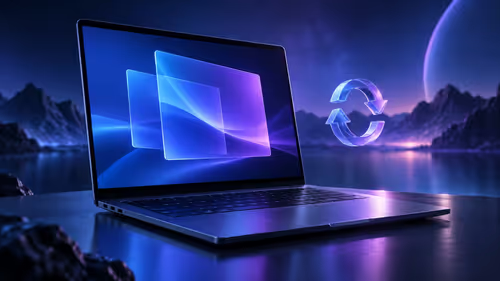
Windows 11 Insider 26220.9587 is a Beta preview released on 2 October. Microsoft lists Unicode text support, Settings performance work and a Cloud Rebuild entry point. These are preview changes, not a reason to move your only working PC onto a test build.
MSI Stealth 16 RTX 5070 specs need an exact SKU check because current listings disagree on GPU memory. One UK listing says 12GB while MSI's family table says 8GB. Confirm the supplied configuration rather than assuming either describes every machine.

How to fix fps drops windows 11 rog ally x starts with handheld utilities, drivers, power mode, and thermal checks. On a Windows 11 ROG Ally X, test overlays, frame caps, and game settings before reinstalling the OS. Save each change.

Wi-Fi 6E vs Wi-Fi 6 affects crowded networks more than raw MMO frame rates. The real-world difference between Wi-Fi 6E and Wi-Fi 6 for MMO and live-service games depends on latency spikes, router support, and busy SA households sharing bandwidth.
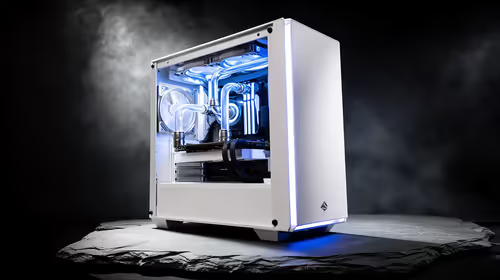
White PC builds are trending across SA setups because they make RGB lighting, glass panels, and cable work look cleaner. The best results come from matching case, cooler, motherboard accents, fans, and airflow instead of colour alone.

USB4 and Thunderbolt 4 streaming setups differ most in dock support, bandwidth headroom, and capture-card reliability. Use this real world difference between usb4 and thunderbolt 4 for streaming guide to plan Twitch or YouTube gear for SA creators.