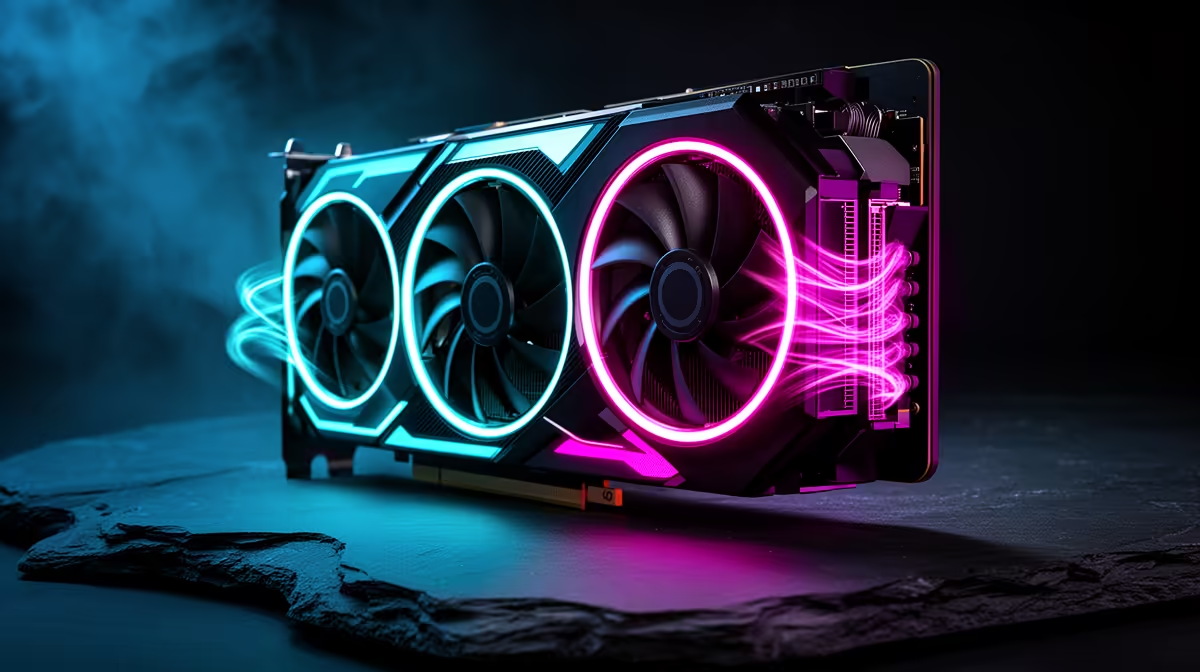
The GeForce RTX 5090 has a 575W total graphics power specification in NVIDIA's reference design. A card in that class can warm the whole case, not just its own heatsink. You need unobstructed intake, a direct exhaust path, correctly seated power and fan curves tuned from a warm sensor log.
Quick Answer
Use a case that fits the exact card with space for its power cable and intake. Begin with strong filtered front or bottom intake and rear or top exhaust, then log GPU temperature, hotspot, graphics power, fan speed and case heat through a long game. Tune case fans first and change the GPU curve only where the warm result needs it.
Evetech's NVIDIA graphics-card selection helps compare board and cooler sizes. The GPU best sellers give a wider model reference, while the dedicated RTX 5090 range lets you check exact card dimensions and listings.
Plan Around the Exact Board
Partner cards can differ from NVIDIA's reference dimensions, power limits and fan behaviour. Read the named card's length, height, slot width and recommended system power information.
Measure from the case expansion slots to the front fans or radiator. Include cable clearance at the side panel. A connector that fits only when sharply bent is not a workable installation.
Check motherboard slot position, lower intake clearance and whether a capture or network card blocks the GPU fans.
Build the Air Path
Feed the card with cool air from filtered front or bottom intakes. Give hot air a route through rear and top exhaust. Fan count alone does not prove airflow; radiator and filter restriction, fan size and speed matter.
Three intakes can be a sensible high-power starting layout in a suitable case, but measure rather than treating it as a minimum. Large cases with two high-flow fans can behave differently from a tight front panel filled with smaller units.
Keep cable bundles out of the GPU intake and leave space below the fans. Clean filters before the baseline.
Understand Heat Soak
During a long load, the graphics card heats the case air, panels, radiator and nearby motherboard. Temperatures can keep climbing after a short benchmark has ended. That slow rise is heat soak.
Run a demanding game or controlled GPU load for at least twenty minutes. Record GPU, hotspot, memory temperature where exposed, graphics power, CPU temperature and fan speeds.
If GPU temperature rises together with CPU and internal case readings, case-air temperature is part of the problem. If hotspot changes sharply while general GPU temperature stays similar, card contact or sensor behaviour may deserve inspection.
Tune Case Fans Before the Card
Create a smooth case-fan curve that responds to GPU or system heat where the motherboard software supports it. Avoid a CPU-only trigger that drops intake speed during a graphics-heavy, CPU-light game.
Raise intake speed through the middle of the load range and give exhaust enough capacity to remove the warm air. Listen for resonance and avoid abrupt steps that make fans hunt.
Repeat the warm test. Keep the quieter curve when temperatures, clocks and component limits remain healthy.
Shape the GPU Fan Curve
The card's stock curve balances temperature and noise for its design. A custom curve can begin its rise earlier, spreading cooling over a longer period and reducing a late loud ramp.
Change a few points, not every degree. Test fan-stop transition, long gaming load and idle recovery. Confirm all card fans follow the curve and that no third-party utility conflicts.
Do not chase a low headline temperature with needless noise. Stable clocks, safe component readings and acceptable hotspot behaviour are the goal.
Check Power Delivery and Support
Use the PSU capacity and cable arrangement specified for the exact card and system. Seat the high-power connector fully, inspect the latch and keep the first cable bend outside the maker's stated clearance.
Support the card with the included bracket or a suitable case support. A large cooler places weight on the slot and bracket during transport.
Do not mix modular PSU cables. Recheck the connector after moving the case, with mains removed.
Compare a Side-Panel Test
When the closed-case temperature stays high, run a short controlled comparison with the side panel removed. Keep children, pets and loose objects away.
A large improvement points towards intake or exhaust restriction. Fix fan layout, filters or case choice and refit the panel. Open-case operation is not the final dust and safety plan.
FAQ
Why does a 575W card need case-level planning?
Much of that electrical power becomes heat inside the chassis, warming the air used by the GPU, CPU and storage.
What fan curve should I copy?
Build one from the exact card's warm log. Partner coolers, case airflow and room temperature make a universal curve unreliable.
Are three intake fans compulsory?
No. They are one useful layout. Airflow, restriction and warm component results matter more than the count.
Measure the exact RTX 5090 build through heat soak, tune the case air path first and let the warm sensor log shape the card curve.