


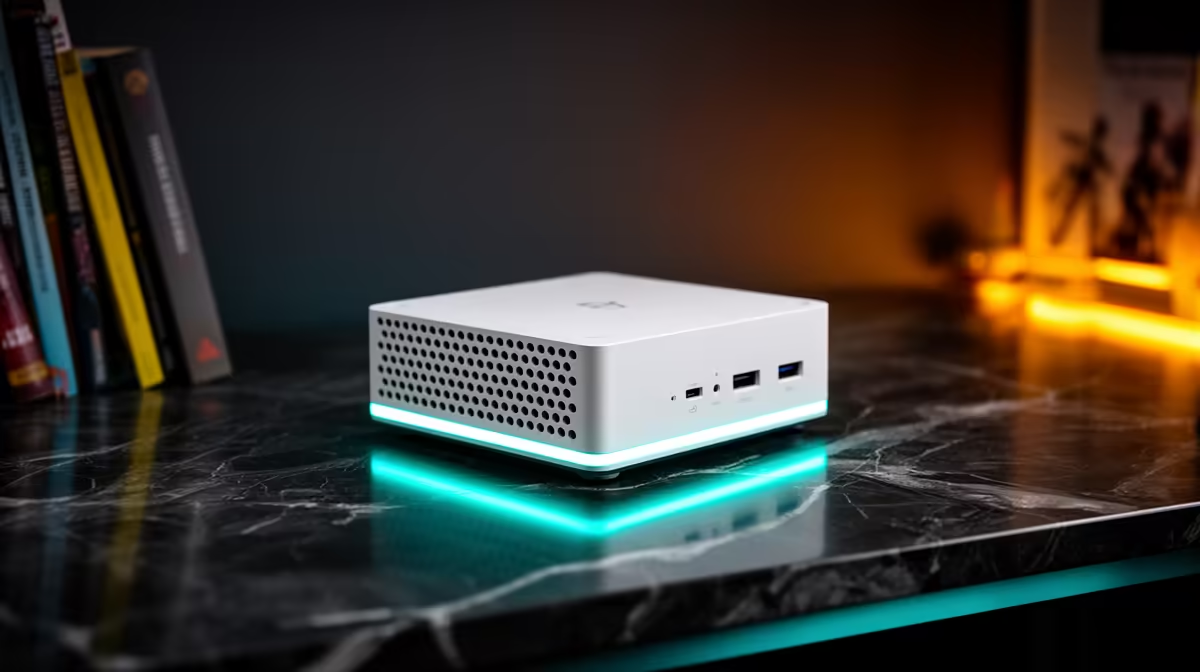
The UM750L 16GB/1TB at R4,600 suits a student who wants a compact study, streaming, and light gaming box without crowding a shared desk. For a koshuis room, a mini pc makes sense because the tower footprint disappears, the storage is already useful, and the budget stays closer to what a student can defend.
Best value setup
The UM750L 16GB/1TB at R4,600 is the cleanest pick here because 16GB memory is enough for browser tabs, notes, video calls, and everyday campus work, while 1TB storage leaves room for documents, media, and a few larger installs. It is the one I would start with before spending more.
The NINKEAR M7 16GB/512GB at R4,650 is close in price, but its 512GB storage makes it better for a neater, lighter setup where most coursework lives in cloud folders or external storage. The Minisforum NAB6 Lite i5 8GB/512GB at R4,150 is cheaper, but the 8GB memory makes it a tighter fit for heavier multitasking.
Koshuis desk reality
A shared room usually means limited plug space, a narrow desk, and gear that must pack away quickly during semester moves. The NINKEAR M8 16GB/1TB at R8,350 gives the same roomy 1TB storage with 16GB memory, while the GEEKOM A8 Max 32GB/1TB at R12,900 is the stronger option for students who keep many apps open and want 32GB memory.
Pro Tip ⚡
Ready to choose the right mini pc? Use Minisforum NAB6 Lite i5 8GB/512GB at R4,150 as the mini pc shortlist benchmark, then check whether its listed spec matches the space, workload, and upgrade path.











