A rattle from inside a case gets blamed on the fan almost automatically, because the fan is the moving part and moving parts feel like the obvious suspect. Often the actual source is a panel resonating in sympathy with the fan's vibration rather than the fan itself, and telling the two apart takes about thirty seconds if you know what to press on.
Quick Answer
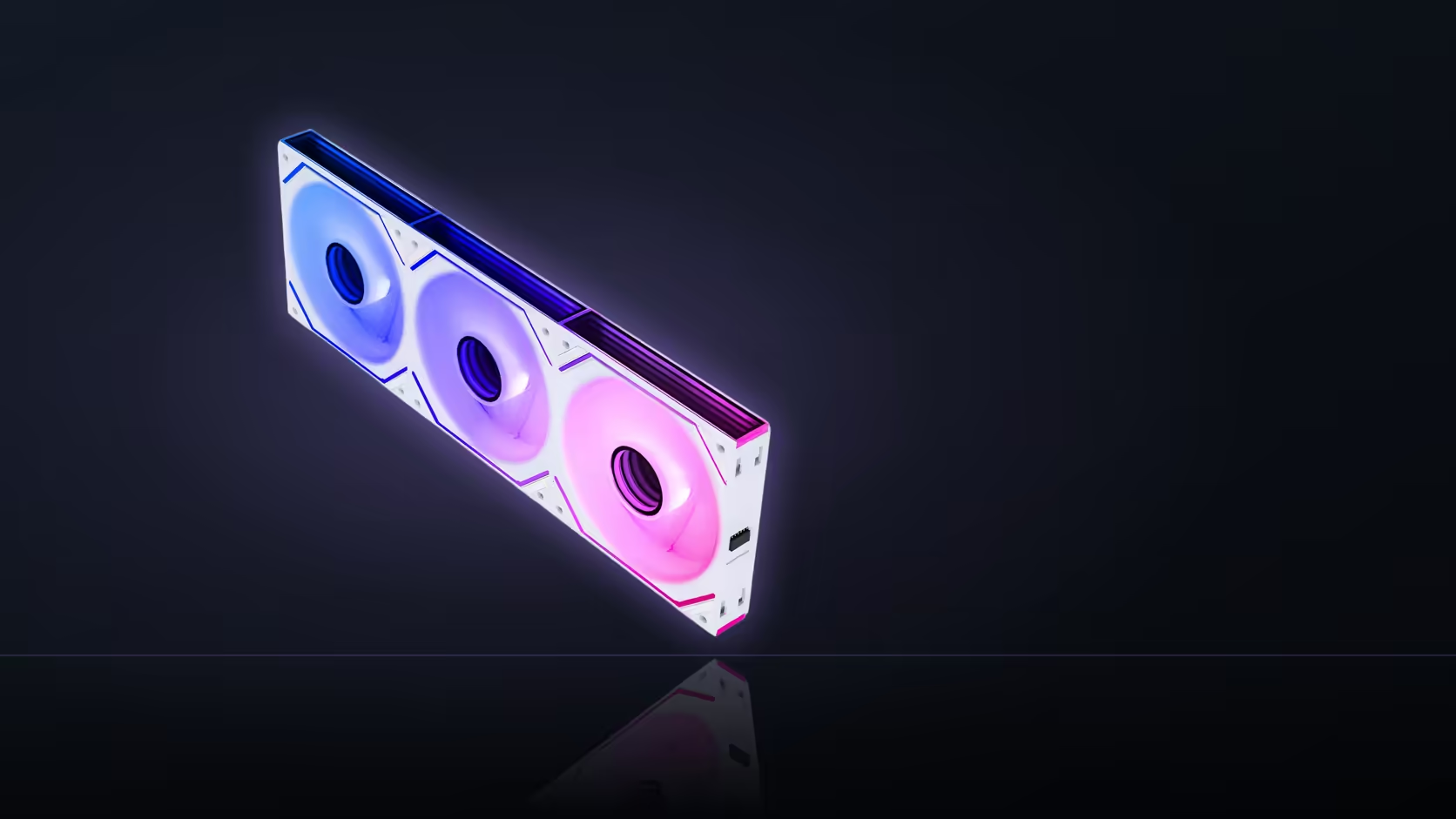
A hum, rattle or buzz in a build fitted with fans such as AsiaHorse's Dawn Pro, which uses a 50,000-hour hydrodynamic bearing, often comes from a case panel resonating rather than from the bearing itself, so it is worth isolating the source before assuming the fan is at fault. Pressing gently on each panel while the machine runs is the fastest diagnostic step. If the sound changes or stops when you press, the fan bearing was never what you were hearing.
🖐️ How to actually test for panel resonance
With the machine running under whatever load or fan speed produced the noise, press a palm gently against each side panel, the top panel, and the front panel in turn. A sound that noticeably changes character, quietens, or stops entirely under light pressure is coming from that panel vibrating, not from a component inside the case.
Why panels resonate in the first place
Thin steel or acrylic panels can pick up vibration transmitted through the case frame and amplify it, turning a barely audible fan hum into an audible rattle simply by acting as a sounding board. The fan is the source of the original vibration, but the panel is what is actually making the noise loud enough to notice.
🔩 What bearing noise actually sounds like
Genuine bearing noise tends to have a constant character that scales directly with fan speed and does not change when you press on surrounding panels, since it originates inside the fan hub itself rather than being transmitted and amplified elsewhere. If pressing on every panel changes nothing about the sound, the fan itself becomes a more likely suspect.
🔧 Mounting screws as a hidden cause
Screws that are over-tightened, or that have worked slightly loose, can both transmit vibration more efficiently into a panel and introduce their own buzz independent of the fan entirely. Checking screw tension on fan mounts is worth doing before concluding anything definitive about the bearing.
🎚️ Using fan speed to narrow it down
Resonance tends to be speed-specific, appearing strongly at particular RPM ranges and disappearing at others, while genuine bearing noise scales more smoothly across the whole range. Varying the fan curve manually and listening for a noise that comes and goes at specific speeds points toward resonance rather than the bearing itself.
🕵️ Isolating a single fan in a chained row
Stopping one fan briefly, where that is safe to do on your particular board and does not risk overheating the system, isolates whether that individual unit is the actual source or whether the noise persists with it disconnected. This works best as a last step after panel and screw checks have already ruled out the simpler explanations.
🧽 Rubber mounts and vibration decoupling
Fitting rubber isolation mounts between the fan and the case frame addresses vibration transmission specifically, which is a genuinely different problem from bearing noise itself. If panel resonance turns out to be the culprit, decoupling mounts from case accessories are a more targeted fix than replacing the fan.
Does the bearing type make this less likely?
A hydrodynamic bearing like the one in Dawn Pro is generally regarded as quiet-running, which is part of why panel resonance tends to be the more common explanation once a rattle actually shows up in a finished build.
Frequently Asked Questions
How do I actually test for panel resonance?
Press a palm gently against each panel while the machine runs. A sound that changes or stops under that pressure is coming from that panel, not the fan.
What does genuine bearing noise sound like by comparison?
It tends to have a constant character that scales with fan speed and does not change when you press on surrounding panels.
Can mounting screws cause noise on their own?
Yes, both by transmitting vibration more efficiently and by buzzing independently if over-tightened, so checking screw tension is worth doing before blaming the fan.
Does varying fan speed help identify the source?
Yes, since resonance tends to appear at specific speeds rather than scaling smoothly across the whole range the way bearing noise generally does.
What if the noise seems to follow one particular fan?
Briefly stopping that single fan, where it is safe to do so, isolates whether it is the actual source or whether the noise persists without it.
Are rubber isolation mounts worth trying?
They address vibration transmission from the fan into the frame, which is a different fix from anything related to bearing noise itself.
Does the bearing type in Dawn Pro make this diagnosis easier?
A hydrodynamic bearing is generally considered quiet-running, which is part of why panel resonance is the more common explanation once a rattle appears.
Chasing down a rattle in a build you've already assembled?
Browse Evetech's case fan and accessory categories for parts and mounting options.