


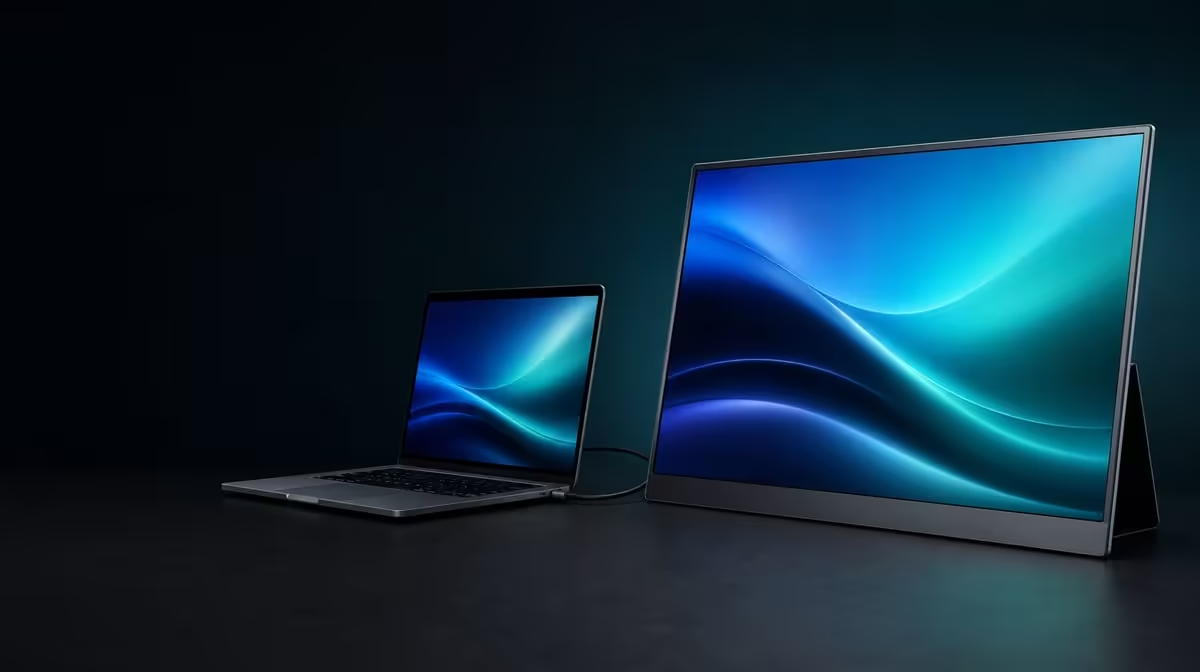
A portable screen should become useful before its menus become complicated. A sound 17.3-inch 4K portable monitor setup begins with the source connection and power path, then moves to native resolution, scaling, brightness, and a stable viewing position.
Quick Answer
Connect the R5,999 UPERFECT UColor J5 through HDMI or a video-capable USB-C route, provide the power the setup requires, and confirm that the source detects a 3840 x 2160 display. Choose readable scaling before adjusting the 400cd/m2 brightness, because a sharp 17.3-inch IPS image is not comfortable if text is too small or the screen is brighter than the room needs.
🔌 Establish one working signal path
Decide which input suits the source instead of choosing by connector shape. USB-C can simplify the arrangement when the host port and cable carry display video, but not every USB-C socket offers that capability. HDMI provides a dedicated video route and may sit alongside a separate power connection. Check the source, cable, selected monitor input, and power as four distinct parts.
Start with the display disconnected. Prepare the power route, connect one video path, select the matching input, and wait for the host to detect the panel. If no picture appears, avoid swapping every cable at once. Confirm power first, then the active input, source output support, and cable capability in that order.
Once a connection works, document it before testing the alternative. This gives you a known route to restore if a second device behaves differently. Buyers still comparing sizes and inputs can review Evetech's portable monitor selection and match each option to the outputs on their own devices.
🖥️ Set resolution and scaling separately
The UColor J5 uses a 3840 x 2160 IPS panel. Confirm native resolution in the source display settings, then adjust system scaling or application zoom until menus and text are easy to read at the intended distance. Lowering resolution too early gives up detail that scaling can often preserve.
Treat usable workspace and pixel count as different decisions. Native 4K can render fine detail, while scaling controls the physical size of interface elements. A larger scaling percentage may improve readability without turning the panel into a lower-resolution display.
Check a familiar document, image, browser window, and video. Make sure small text is readable without leaning forward and that important application controls remain correctly sized. If one program handles scaling poorly, adjust that program before changing the whole desktop.
☀️ Match brightness to the room
The 400cd/m2 rating gives the panel useful brightness headroom, particularly when ambient light changes. It does not mean maximum output is the best default. Begin at a moderate setting, display content with light and dark areas, and raise brightness only until the image remains clear without appearing harsh.
Control reflections before asking the panel to overpower them. Rotating the display or moving a light source can improve visibility without increasing output. Low Blue Light mode can be useful for extended reading, but its warmer appearance should be assessed against the task, especially where colour judgement matters.
The UColor J5 also carries a 1000:1 contrast figure. Contrast, brightness, room light, and content interact, so do not try to tune picture depth with one slider alone. Evetech's broader monitor category offers context when deciding whether a portable panel or a fixed desktop display better suits the workspace.
📐 Position the larger portable panel
A 17.3-inch screen provides more viewing area than smaller portable formats, but it also asks for more desk and bag space. Place the panel at a distance where the full image is visible without turning the head repeatedly. Align its height with the main screen if it will serve as a second display for long sessions.
VESA support gives the J5 a route into a more permanent arrangement. Before mounting, confirm the exact pattern, arm load rating, fasteners, and cable slack. Do not infer those details from the word VESA alone. Support the panel during installation and make sure HDMI, USB-C, and power leads can move without pulling on their sockets.
For a mobile setup, rehearse the complete pack and unpack sequence. Confirm that the chosen cables, power plan, source, and available surface work together away from the main desk. Evetech's monitor best sellers provide another current reference while checking the J5's R5,999 price and availability.
Finish with a restart test. Disconnect the screen, restore the documented route, and confirm native resolution plus scaling without rebuilding the configuration. A repeatable setup is more valuable than one successful first connection.
Create a compact setup note before packing the monitor away. Record the source, chosen input, power arrangement, cable, detected resolution, scaling, and comfortable brightness. If the J5 moves to another device, create a separate entry instead of overwriting the working first route.
The final acceptance test should include a full work or entertainment block. Watch for a cable becoming tight, text that feels small after extended use, or brightness that no longer matches the room. Correct one issue, rerun the same task, and preserve the version that remains comfortable from connection through shutdown.
Before calling the setup complete, repeat the start-up sequence from a fully disconnected state. Reconnect power, attach the chosen video route, wake the source, and confirm that the intended resolution and scaling return. That final rehearsal catches a setup that worked only because of an accidental connection order.
Frequently Asked Questions
Should HDMI or USB-C be connected first?
Use the route whose source and cable capabilities you can confirm most clearly. Test the second input after the first setup is stable.
Why can a detected 4K screen still be hard to use?
Native resolution may make interface elements physically small. Increase system scaling or application zoom before abandoning 3840 x 2160.
Is 400cd/m2 the correct everyday brightness?
It is a maximum-output rating, not a universal comfort setting. Match brightness to the room and content.
Can the display move between travel and fixed use?
Yes, provided each arrangement has suitable connections, power, support, and cable clearance. Check VESA details before choosing an arm.
Ready to build a portable 4K setup that reconnects cleanly? Explore Evetech's portable monitor range, compare current connection options, and choose a screen whose size and inputs suit your real workspace.











