


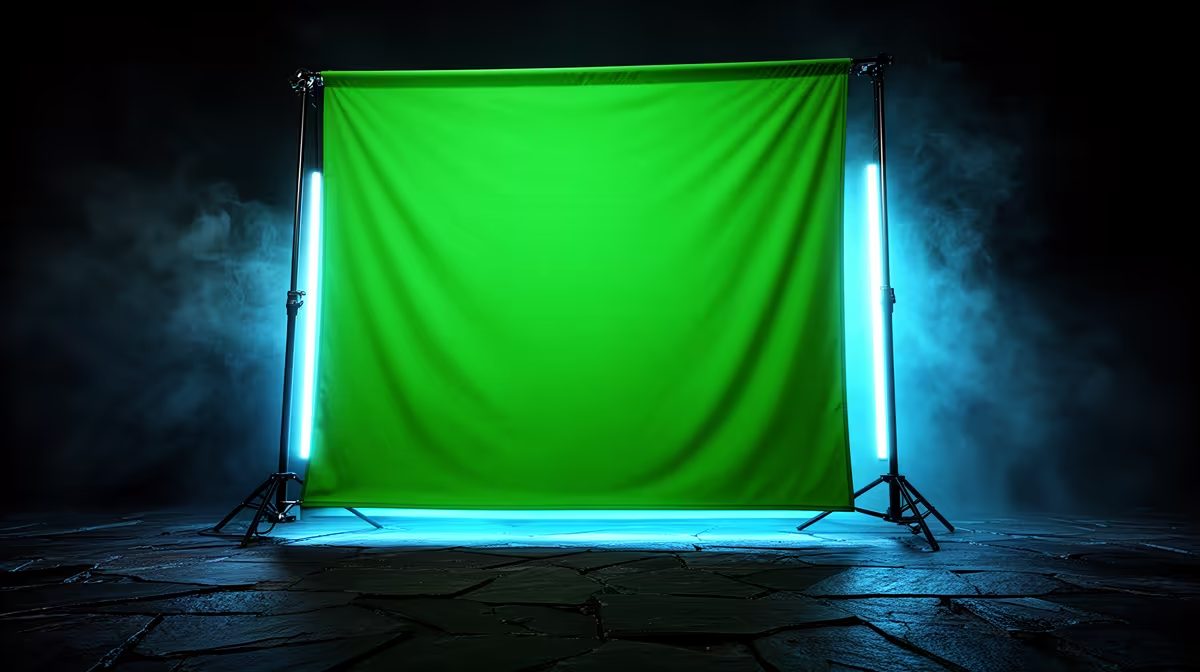
A 298x298cm chroma key backdrop is a serious piece of fabric that demands a serious setup. Hang it loose and you get soft wrinkles casting faint grey lines across the green, lines the keyer reads as edges and tries to cut. Pull it tight on a properly spaced crossbar and keep your lights crossing the surface from the sides, and the keyer sees a single even plane with nothing to grab onto except you. Getting a 298x298cm chroma key backdrop to composite cleanly is mostly a tension and lighting problem -- once both are solved, the rest of the workflow becomes straightforward.
Quick Answer
Clamp the backdrop to a 3m crossbar at near-full stand height, pull the four corners taut so no slack remains, then light the screen with two sources angled across it from each side. Stand 1.5 to 2m in front so reflected green light does not tint your hair and shoulders.
🔧 Tensioning the Fabric on the Crossbar
The crossbar needs to span at least 3m to take a 298cm sheet without the fabric bunching at the edges. Two 199cm stands, each set close to full height, give you the reach to raise the crossbar high enough to clear your head with room for the fabric to hang below frame.
Clamp the top edge of the fabric to the crossbar with at least four evenly spaced clamps. Then pull the bottom two corners out and down -- either weight them with sandbags or use floor-level tension clips to stretch the sheet flat. Even 2cm of slack in the centre is enough to introduce a shadow line that runs vertically through the frame. Check the fabric from the camera position before lighting: if you can see a crease, pull harder on the nearest corner until it disappears.
Some fabrics arrive with fold creases from the packaging. If yours does, hang it overnight with light tension before the shoot. Most chroma green cloth relaxes with time and gravity. Steaming is faster but only safe on fabrics rated for it -- check the label before applying any moisture.
⚡ Lighting the Screen Evenly
Two light sources angled at roughly 45 degrees from each side of the screen give you even coverage across the full 3m width. Point each source across the fabric surface rather than directly at it from the front. A head-on beam creates a bright centre that fades toward the edges, which the keyer reads as two different shades of green.
With the sources crossing the surface, each light covers the far half of the screen. Where the two beams overlap in the centre the brightness balances out, so the whole surface reads at a consistent level. Keep both lights the same wattage and the same distance from the screen to avoid one side pulling brighter than the other.
Set the lights to 5500K so they match whatever you are using for your key light on the subject. Screen lights that run warm against a daylight key will tint the keyer's reference colour and make the boundary harder to pull clean.
Pro Tip ⚡
Tape an A4 grey card flat against the backdrop and shoot a still frame before you step in front of it. Zoom in on the card in your editing software and check that brightness is consistent left to right. If one side reads noticeably brighter, nudge the dimmer of the two lights a few centimetres forward until both sides of the card match.
🌗 Spacing Yourself From the Backdrop
The recommended distance is 1.5 to 2m between the back of your head and the fabric. At that distance the green light bouncing off the screen loses most of its intensity before it reaches your shoulders and hair. Step closer and the reflected chroma wraps onto the back of your neck, and even a clean key will leave a faint green fringe that takes significant rotoscoping to remove.
For a full-body standing shot, 1.5m is usually enough clearance. For a seated shot where the backdrop needs to cover you from head to chair, you may need to pull the screen a little closer to keep the bottom of the frame -- just make sure the stands are still far enough apart that neither casts a visible shadow across the cloth.
🎯 Separating Subject and Screen Lighting
Your key light on the subject should be independent of the two screen lights. Running the same source to light both you and the backdrop creates a problem: if you move the key to shape the face, the screen exposure changes with it. Keep three circuits -- two screen lights and one subject key -- on separate dimmers or plugs so you can adjust them independently.
The subject key does not need to match the exact intensity of the screen lights. What matters is that neither source is spilling onto what the other is lighting. A barn door or a small flag on the subject key stops its output from reaching the fabric, and positioning the screen lights lower than shoulder height prevents them from washing onto your face.
Frequently Asked Questions
How do I get a 298cm backdrop to hang flat without creases?
Clamp it along the full length of the crossbar and apply downward tension at the lower corners using sandbags or floor clips. Arrive on set early so the fabric can settle under tension for at least 15 minutes before you shoot. For fold creases from transit, hang the screen overnight with gentle tension at the base -- most will drop out by morning.
How many lights do I need to cover the full 3m width?
Two lights positioned at 45 degrees on each side of the screen are sufficient for a 298cm backdrop. Each source sweeps across to the far edge, and the two overlap in the centre. One single front-mounted source cannot cover the full width without creating a brighter middle and darker corners that the keyer reads as colour variation.
How far should I stand from a 298cm green screen?
Stay 1.5 to 2m back from the fabric. That distance lets the chroma green light that bounces off the screen fade before it reaches your hair and shoulders. Standing closer produces a green fringe around the edges that is difficult to remove in post without losing detail in hair or loose clothing.
Should screen lights be the same colour temperature as my key light?
Yes. Keep all studio lights at 5500K daylight. If the screen lights run at a different temperature to your key, the keyer's sampled green will shift depending on whether you are sampling the well-lit centre or a slightly warm corner, making it harder to pull a consistent key across the full frame.
Can I clamp the backdrop to stands that are shorter than 199cm?
You can, but a crossbar mounted below your full standing height forces the fabric lower and may not clear your head with the screen covering your feet at the bottom of frame. 199cm stands set to near-full height are the practical minimum for a standing full-body shot with a 298cm backdrop.
Ready to set up a clean, shadow-free chroma key studio? Browse the green screen backdrops, crossbar stands, and continuous lighting range at Evetech to build a compositing setup that keys cleanly first time.











