


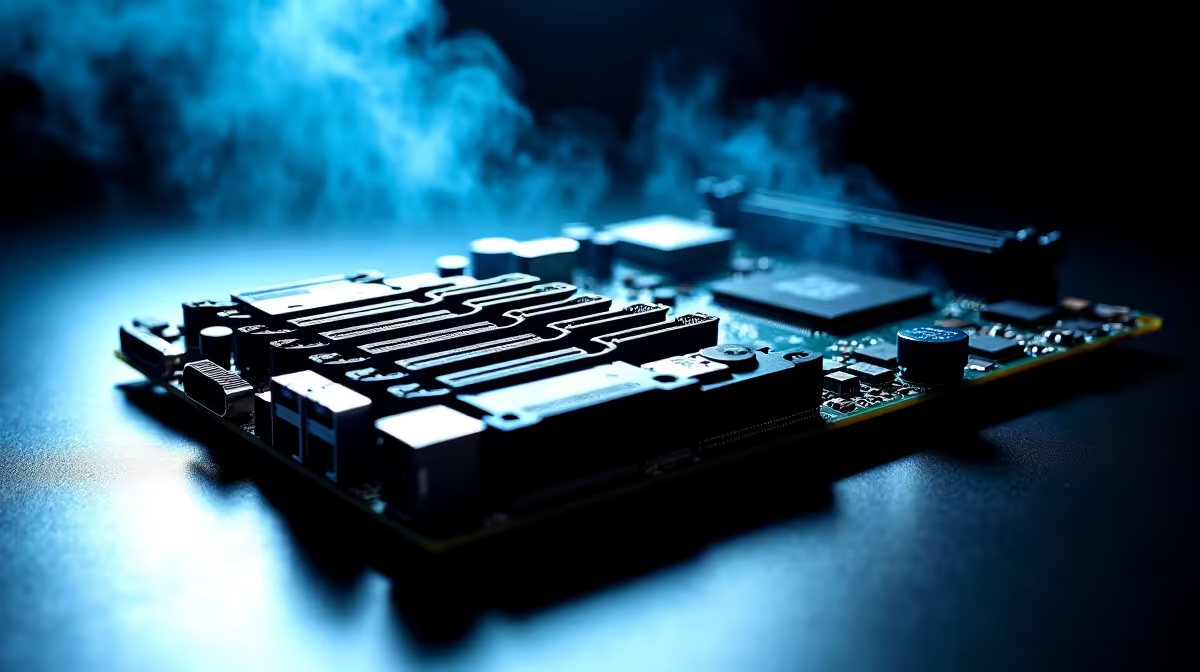
Let's talk about the ultimate storage flex. You finally secured a massive motherboard with six M.2 slots. You load it up with blazing-fast NVMe drives to store your Steam library. But then... your system starts throttling. South African summers are unforgiving. Packing multiple high-speed drives into a case creates serious heat. You want peak performance without melting your hardware. Here is how to plan airflow for multi-drive ATX PC builds.
The Heat Problem with Multiple NVMe Drives ⚡
NVMe SSDs run notoriously hot under heavy loads. When you stack four to six of them on a single motherboard, they create dangerous localized heat zones. If you do not optimise your cooling, you risk severe thermal throttling. This slows down your read and write speeds when you need them most. Before you browse the latest gaming PC deals for a massive new chassis, you need a solid thermal strategy to protect your investment.
Choosing the Right Fans and Placement
You need high static pressure fans. Basic airflow is not just about moving air... it is about forcing it through very tight spaces. Your massive graphics card and thick M.2 heatsinks block standard airflow paths. Position three 120mm fans at the front of your case as intakes. You want positive pressure. This means more air coming in than going out. Proper fan curves in your BIOS are also essential. It pushes hot air out of every crevice and keeps dust off your premium ZAR-bought components.
Airflow Pro Tip 🔧
Always ensure your bottom-most front intake fan is directing cool air straight under your graphics card. This fresh air sweeps across your lower M.2 slots before exhausting out the back, preventing a nasty hot-air pocket from forming around your expensive drives.
Motherboard Armour and Heatsinks
When planning airflow for multi-drive ATX PC builds, do not rely on your case fans alone. Modern motherboards often come with thick metal armour. While this looks incredible, it can trap heat if internal airflow is poor. Ensure your motherboard heatsinks have quality thermal pads making direct contact with your SSD controllers. If you are shopping for a completely new mobile setup instead, explore our high-performance laptops in South Africa. But for desktop purists, proper case ventilation is absolutely mandatory.
Cable Management Matters 🚀
Do not let messy cables ruin your carefully planned airflow. Even the best fans cannot push cool air through a rat's nest of thick power supply cables. Tuck your cables tightly behind the motherboard tray. If you need to upgrade your power supply to a modular unit to reduce clutter, check out our weekly tech specials to save some Rands. A clean build interior gives your intake air a straight, unobstructed path to your hottest components. Keeping things tidy drops temperatures significantly.
Ready to Build Your Ultimate Rig? Managing six M.2 slots but high temps is entirely possible with the right chassis and cooling strategy. Explore our massive range of PC components and specials and find the perfect hardware to conquer your next build.











