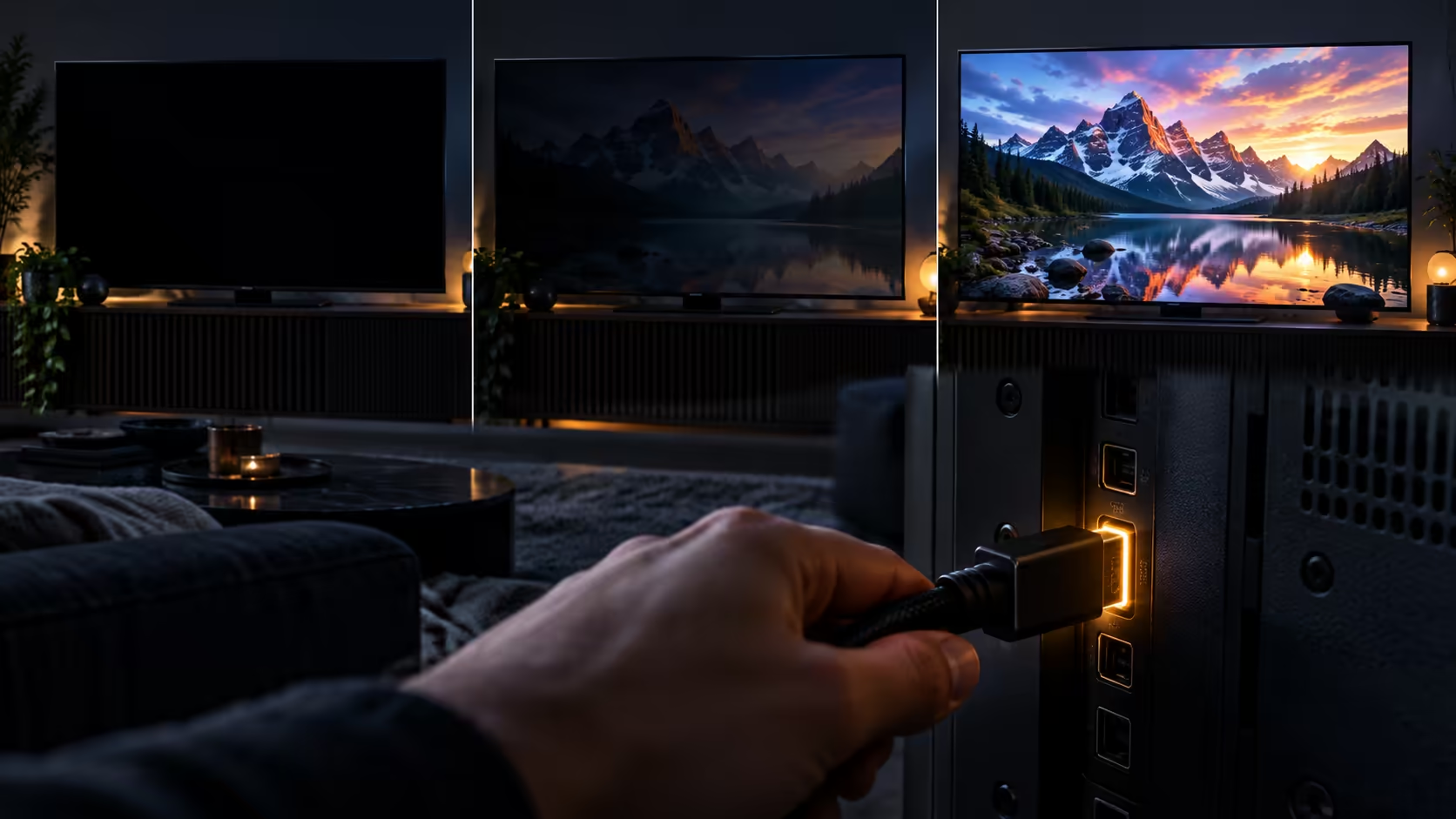
A black screen or a signal dropout on an HDMI connection almost always traces back to a handshake that failed at the top mode, rather than a display that has stopped working. Finding which mode actually breaks it turns a frustrating guessing game into a five-minute diagnosis.
Quick Answer
A handshake failing at the top mode is behind most of these black screens. Drop the output one step, confirm a picture returns, then climb back up until it breaks again, which names the failing mode precisely. Swap in a known 48Gbps wire early in that process, since a R299 cable is the cheapest variable to rule out.
🕵️ Find the failing mode by stepping down
Rather than guessing at causes, drop the source's output resolution or refresh rate by one notch at a time, from 4K120 to 4K60, then to 1080p if needed, checking after each change whether the picture holds steady. The exact point where the dropout stops tells you precisely how much bandwidth the connection can actually sustain right now, which is far more useful than a vague sense that "something is wrong."
If the picture holds at every step down to 1080p but fails at anything close to the top mode, the fault sits with bandwidth specifically: an underrated cable, a bandwidth-limited socket, or a device with a marginal HDMI output. If it drops out even at low resolutions, the fault is more likely a loose connection or a failing port rather than anything to do with the cable's rating.
Write down the exact point where the failure starts before you change anything, since that single data point tells you more about the actual cause than swapping parts at random ever will. A dropout that only appears at 4K120 but never at 4K60 is a very different problem from one that appears at every setting including 1080p.
🔌 Physical connections cause more of this than people expect
A connector that is not seated fully, or one that has been plugged and unplugged hundreds of times, can produce exactly the same symptoms as a bandwidth problem: sparkling, momentary black screens, or a picture that returns after wiggling the cable. Reseat both ends firmly first, checking that all nineteen pins inside the HDMI plug are fully seated rather than sitting at an angle, and inspect the connector shell for any visible bend or looseness before assuming the fault is electrical rather than mechanical.
A cable that sits under tension, pulled tight against a socket because it is slightly too short for the run, wears at the connector faster than one with a little slack. This is worth checking on any setup where the dropout got worse gradually rather than appearing all at once.
🌡️ Where the cable is routed matters more than people think
A cable coiled tightly behind a hot component, such as an amplifier or a console vent, runs warmer than one left loose, and sustained heat degrades a cable's performance faster over time. Route the run with a single loose bend rather than a tight coil, and keep it away from anything that generates real heat during long sessions if the setup allows for it. A monitor accessory such as a cable clip designed to hold a lead away from vents costs little and removes the issue entirely.
🛒 Fixing it once the cause is known
If the step-down test points at bandwidth, replace the cable with one rated for the full 48Gbps figure from the comprehensive cable range. The 1.8m Anker lead states that rating outright at R299, and pairing that with a sleeved cable on a visible desk run adds strain relief at the connector as a bonus, exactly the spot where wear tends to show up soonest.
Frequently Asked Questions
Why does my picture flicker only during fast motion, not static images?
Fast motion pushes more data through the connection per second than a static image does, so a marginal cable or connection that holds steady on a still picture can still drop out under the higher instantaneous demand of quick movement.
Does reseating an HDMI cable actually fix dropouts?
Often, yes, if the fault was a connector not fully seated rather than a bandwidth shortfall. It costs nothing to try before assuming a replacement cable is needed.
Is a black screen always a cable problem?
No. A step-down test that fails even at low resolutions points more towards a loose connection, a failing port, or a display fault than the cable's bandwidth rating.
Can heat actually damage an HDMI cable over time?
Sustained heat degrades cable performance gradually rather than causing sudden failure, which is why a cable routed near a hot vent for years can start dropping out even though it worked fine when new.
Should I try a different HDMI port on the same device before replacing anything?
Yes, this is one of the fastest checks available and costs nothing. Moving the cable to a different port on the same device rules out a single failing socket as the cause before you spend money on a replacement cable.
Ready to stop guessing at black screens and dropouts?
Step the resolution down until the picture holds, then work back up to find exactly where it breaks.