


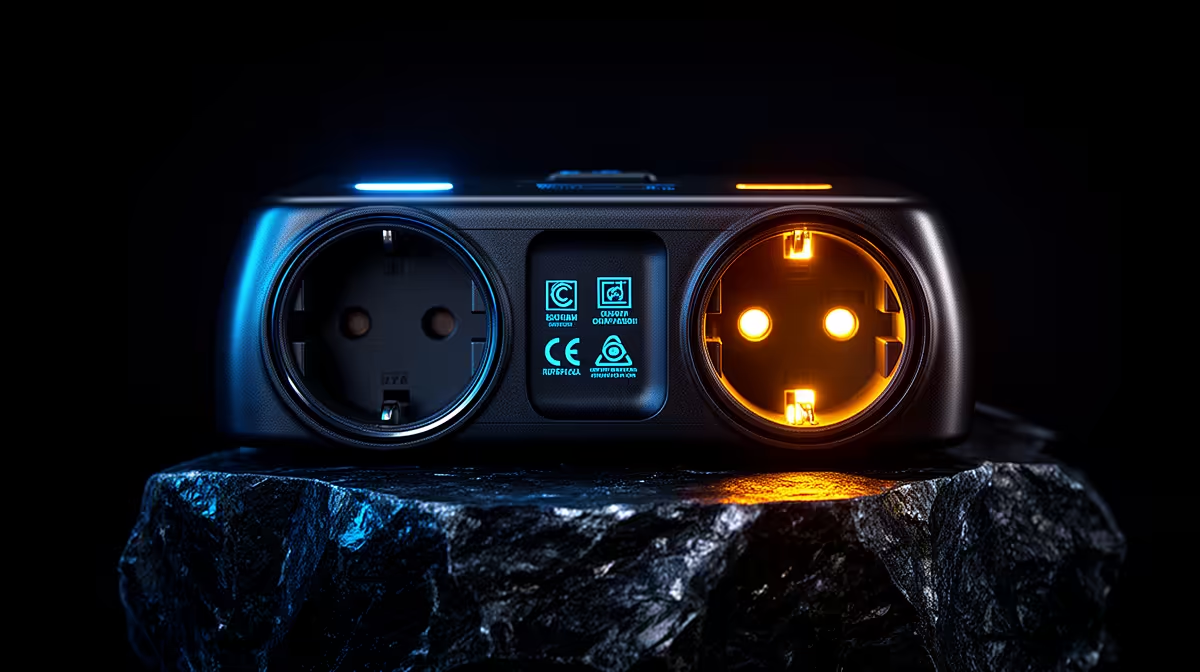
How to Spot a Fake or Underspecced Surge Protector
Quick Answer
Avoid a surge protector with no traceable maker, model, applicable standard, electrical ratings, protection status or replacement guidance. A switch, red light and "surge" printed on a multi-plug do not prove protection.
Verify the product through manufacturer documentation and a reputable supply path. Have a qualified electrician confirm compatibility with fixed surge protection.
Check the Maker and Model
The product and package should name the manufacturer, exact model and contact or support route. Search the maker's official documentation.
Look for consistent photos, model codes and ratings. Spelling errors, copied labels or a missing data sheet are warning signs.
Do not scan unknown QR codes or follow untrusted links from packaging.
Verify the Standard
Find the applicable local or recognised product standard and certification mark. A logo can be copied, so verify it through the certifier or manufacturer where possible.
The standard must suit the device class. A generic electrical-safety claim does not prove surge performance.
Ask a qualified electrician when markings are unclear.
Read the Full Rating Block
Check nominal and continuous operating voltage, load current, protection level, discharge or energy rating, protection modes and frequency where stated.
Response time alone is not enough. A huge joule claim without test method or protective voltage is also weak evidence.
The rating plate should be legible and fixed to the product.
Separate Power and Protection Lights
A power light only shows that the strip receives electricity. A protection light should have a documented meaning and end-of-life state.
Read whether the product disconnects power when protection is exhausted. Many designs can continue powering outlets.
Replace the unit when its protection status fails or the maker says service life is over.
Inspect Physical Quality
Do not use cracked housings, loose sockets, damaged cables, exposed copper or discoloured plugs. Stop for heat, smell or buzzing.
Check strain relief, local plug fit and cable rating. Do not open the device to inspect inside.
A heavy case or metal strip does not prove surge components exist.
Avoid Impossible Promises
No plug-in protector can guarantee that lightning will never damage equipment. Be cautious with absolute protection, lifetime or insurance claims.
Coverage depends on policy terms. Product marketing cannot approve a claim.
Ask for test data rather than a money-back headline.
Check the Outlet Load
Add PC, monitor, speakers and powered accessories. Keep the total within the protector and wall circuit rating.
Do not daisy-chain strips or plug one multi-plug into another. Keep the unit away from water and heat.
Use a qualified electrician for repeated hot sockets or distribution-board trips.
Coordinate With Fixed Protection
A genuine point-of-use device can still be the wrong match for the upstream SPD. Protection voltage and separation can affect coordination.
Ask the electrician who designed or inspected the DB layer which downstream device class is suitable.
Do not install a board SPD yourself.
Keep the PC PSU in Context
The PSU's internal protections cannot replace a surge layer. The surge protector cannot repair an unsuitable PSU.
When a damaged PSU has been assessed, compare Corsair PSU models and best-selling power supplies for a compatible replacement.
Keep the electrical protection and PC part decisions on separate lines.
Use a Purchase Checklist
Record seller, manufacturer, model, standard, voltage, current, protection ratings, status method, warranty and replacement guidance.
Save the invoice and data sheet. Photograph the model label for your own record.
Reject the product when critical ratings cannot be verified. A lower price cannot replace evidence.
Verify the Seller's Claims
Compare the seller listing with the maker data sheet line by line. Model, voltage, current and protection figures should agree.
Be cautious when one marketplace page combines several variants under a shared rating. Select the exact local plug and model.
Use a payment and delivery route that preserves proof of purchase and the written return terms.
Check the Warranty Language
A connected-equipment promise can contain strict conditions, limits and exclusions. Read it before treating it as product performance evidence.
Ask who handles a claim in South Africa and which installation records are required. Keep the answer in writing.
The warranty cannot replace technical ratings or your home-insurance policy.
Inspect on Arrival
Confirm the model and rating label before plugging it in. Check housing, cable, pins and sockets for shipping damage.
Return a cracked, loose or mismarked product through the written process. Do not test it under a PC load.
Keep packaging until the unit and indicator pass normal setup.
Review After a Known Event
Observe the documented status without opening the device. Stop using it for damage, heat, smell or a failed protection indication.
Do not assume continued outlet power means continued surge function. Replace the product as directed.
Have fixed protection inspected when the event or property design warrants it.
FAQ
Does a red light prove surge protection?
No. It may show power only. Read the documented protection-status function.
Are joules and response time enough?
No. Verify standard, voltage, protection level, current, modes, status and coordination.
Can I test a protector with a surge at home?
No. Use certified documentation and laboratory evidence. Home surge testing is dangerous.
Verify maker, model, standard, full rating block and protection-status method, and reject any surge product whose critical evidence cannot be traced.











