


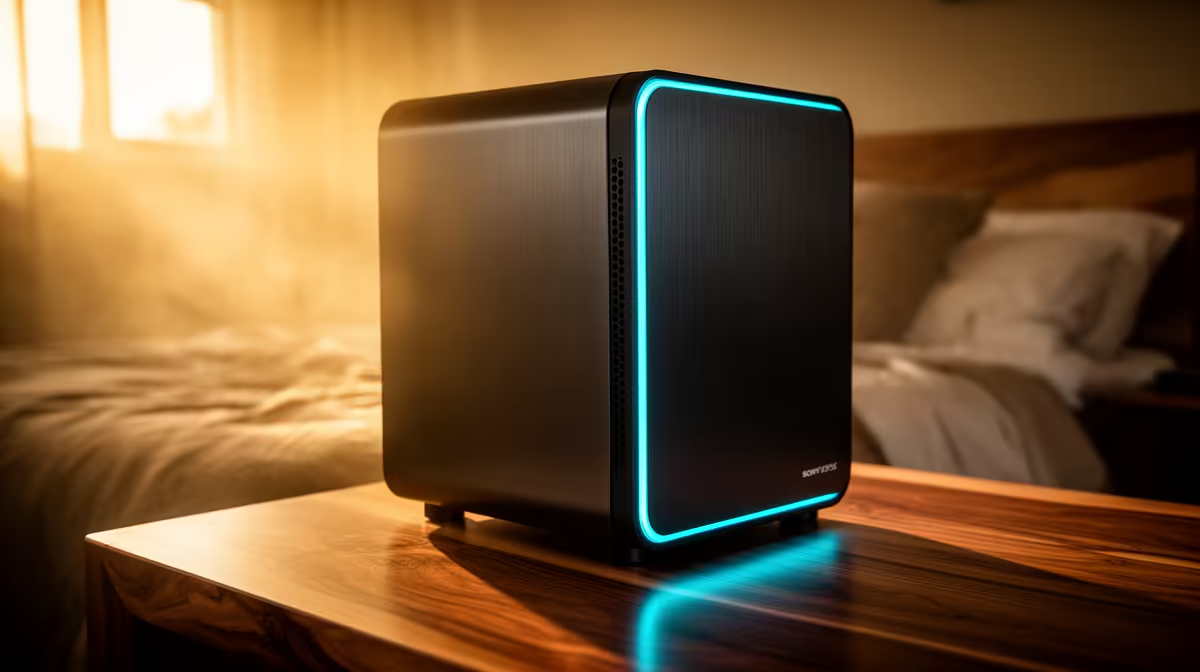
A streaming PC can work in a quiet bedroom when heat, fan noise, lighting and cable clutter are controlled. Performance is only half the problem. A powerful computer that ramps its fans during every broadcast or lights the room after shutdown can disrupt sleep and shared living.
Reduce noise at the workload level
Run the normal game, capture software, browser and chat together, then listen from the bed position. Monitor CPU and GPU temperatures and identify whether the graphics card, processor cooler, case fans or power supply dominates. Clean filters and create gentle fan curves before replacing parts.
The Gamemax Aeris 330 mATX case is listed at R650. The DeepCool CG330 case is listed at R770. The supplied facts do not establish acoustic performance or included cooling, so verify component clearance, fan support, ventilation and lighting controls before choosing either chassis.
Place the tower where vents remain clear and microphone pickup is reduced without enclosing the computer in a cupboard. Disable unnecessary lighting in firmware or supported software. Use headphones at night and keep the microphone close enough that gain can stay low.
Complete a one-hour trial, then check room temperature, captured audio and sleep disruption after shutdown. The setup succeeds when it stays stable without turning the bedroom into a permanently active studio.
Pro Tip ⚡
Planning a calmer streaming build? > Compare Evetech PC cases by airflow, fan support, size and component clearance.











