


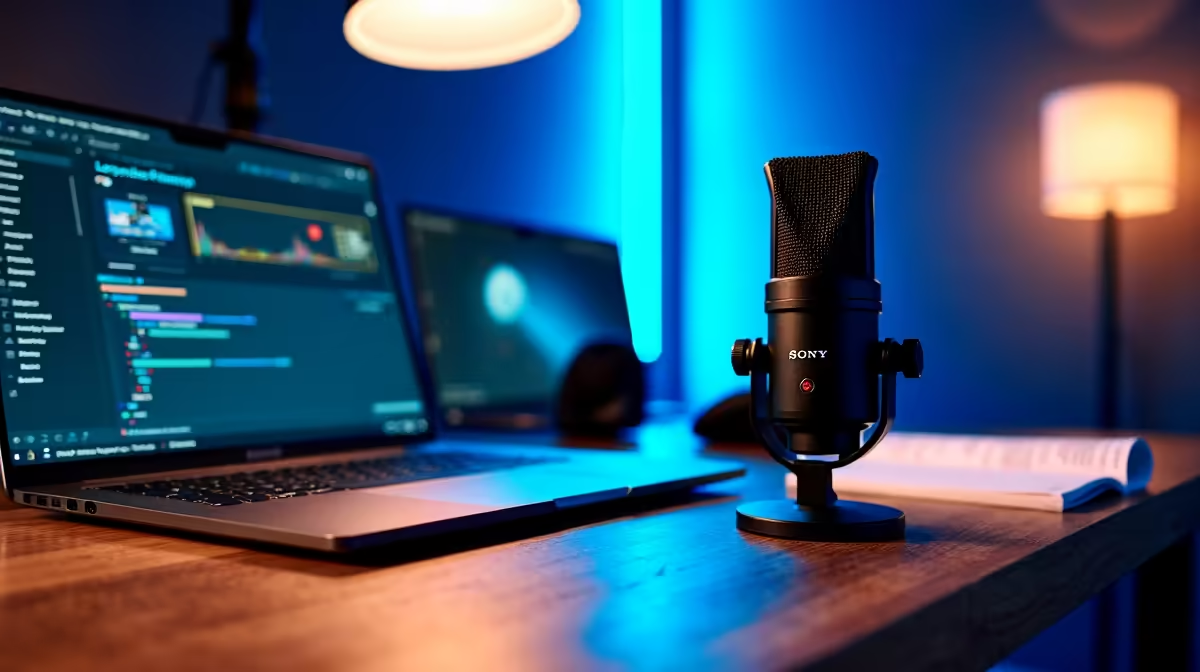
A streaming setup is not needed for ordinary lecture notes. It becomes relevant only when a student has permission to broadcast, record or present a class and the existing microphone, camera or screen-sharing path fails. Most note-taking improves through a suitable computer, organised files, readable display and dependable battery.
Prove the communication need
Run a private presentation or study call from the normal desk. Check speech clarity, slide readability, camera framing and upload stability. If recording a lecture is permitted, test how the file links to notes without creating duplicate versions. Confirm university, lecturer and participant consent before capturing anyone.
The Logitech Brio 100 webcam is factpack-verified at R458. The NearStream USB and XLR microphone appears at R676. The AOC 16T20 15.6-inch Full HD USB-C portable monitor is listed at R1,429. Verify current connections, software support, display power, lighting needs and warranty. These products solve separate presentation problems.
Protect classmates, unpublished teaching material and personal information. Keep notes and any approved recordings in recoverable storage with restricted access. Buy streaming equipment when repeated presentations expose a specific quality fault and the course allows capture. If the student only listens and writes, direct the budget toward a comfortable keyboard, backup, charger or screen that supports the note workflow every day.
Pro Tip ⚡
Improving student presentations? > Compare verified webcams, microphones and portable displays with Evetech around the real task.











