A new look at 10,000 hours of accelerated OLED testing delivers two truths at once: permanent image retention remains possible, and newer panels bring useful brightness and efficiency headroom.
Quick Answer
RTINGS' harsh static news-channel test produced broadly similar burn-in across OLED TVs from 2017 through 2023 after 10,000 hours. The newer sample was also far brighter and about 27 percent more efficient than the 2017 model. That is a warning for long, fixed desktop content, not proof that every mixed-use gaming monitor will fail on the same schedule. Our 17 August snapshot found eight live OLED monitor rows, starting at R9,999. Compare the workload and warranty before browsing current monitor options.
🧪 Read the test before the headline
The accelerated test repeatedly shows a static news layout at maximum SDR brightness. Persistent logos, tickers and fixed panels are exactly the patterns most likely to wear pixels unevenly. The group included one 2017 model, four from 2020, six from 2021, seven from 2022 and two from 2023. After the simulated period, image retention appeared across the eras.
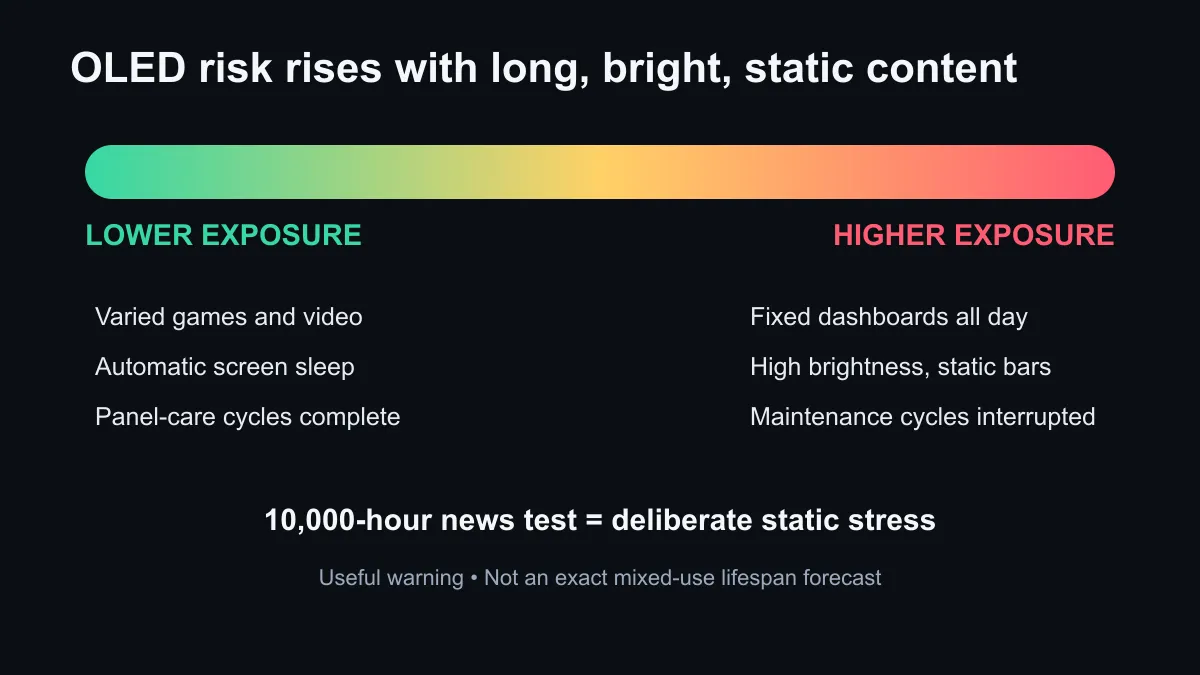
That method is valuable because it creates a consistent worst-case comparison. It is not the same as a monitor rotating between games, video, browser windows and a sleeping screen. Ten thousand hours also equals about ten years at five hours a day, although the accelerated content pattern remains more static than normal mixed use. A buyer should carry the risk lesson across, not copy the timeline as a personal warranty forecast.
✨ What newer panels improved
The test did not find burn-in solved, but it did find substantial operating improvements. The cited 2023 panel averaged about 28 percent more brightness in a 10 percent window and more than twice the full-screen brightness of the 2017 model. It also used about 27 percent less power. That headroom can let a newer display deliver the desired image without always operating at its limit.
Panel-care systems also matter. Pixel shifting, logo dimming, screen savers and compensation cycles can reduce uneven wear when used properly. Let the monitor complete its maintenance cycle after extended use instead of cutting power at the plug. Keep taskbars and desktop elements flexible if the screen spends every workday on the same layout.
🖥️ Put local price beside the workload
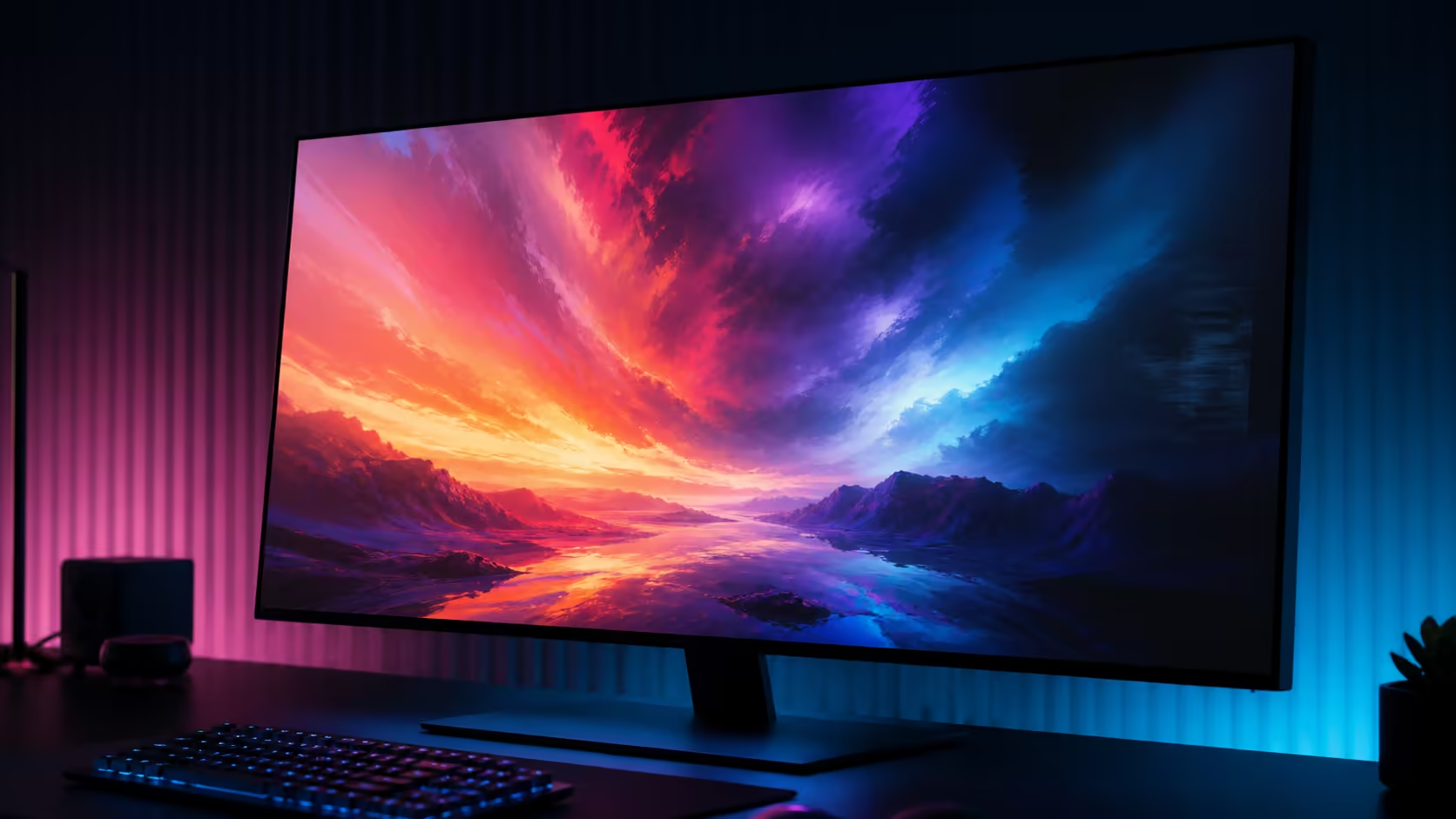
The first live OLED row in our catalogue read was the AOC Q27G41ZDP, a 27-inch QHD 240Hz WOLED gaming monitor, at R9,999. An AOC AG276QZD2 QHD OLED was R13,999. A 27-inch Alienware 4K QD-OLED 240Hz model was R15,899, and an LG QHD 480Hz OLED was R17,999. These are timestamped examples rather than permanent offers.
Those gaps reflect more than panel type. Resolution, refresh rate, screen size, ports, stand design and warranty all matter. Use the OLED monitor section to compare exact models, then confirm whether the warranty wording covers burn-in and under what conditions. Do not assume every OLED policy is identical.
OLED is strongest for a buyer who values deep blacks, rapid pixel response and high-impact gaming or video. The risk is less comfortable for a display showing fixed spreadsheets, dashboards or editing toolbars at high brightness all day. A mixed-use owner can reduce exposure by hiding fixed bars, enabling screen sleep and moving static windows. A full-time workstation user may prefer another panel type or keep a secondary LCD for fixed tools.
The monitor best-seller list can provide wider alternatives. Compare the entire ownership plan: image quality now, static-content pattern, panel care, warranty and the number of years the monitor needs to serve. Burn-in is a real property to manage, not a reason to ignore every OLED or dismiss every concern.
Frequently Asked Questions
Did newer OLEDs eliminate burn-in?
No. The accelerated test still showed image retention after prolonged static use.
Does 10,000 test hours equal my exact lifespan?
No. Content mix, brightness, maintenance cycles and daily use differ from the test method.
Is QD-OLED immune compared with WOLED?
No OLED type should be treated as immune. Compare model-specific testing and warranty terms.
What is the easiest protection step?
Enable automatic screen sleep and avoid leaving bright, fixed interface elements visible when the screen is unattended.
Ready to compare display value? Match the panel to your static-content exposure, then check the warranty and live model price before ordering.