Quick Answer
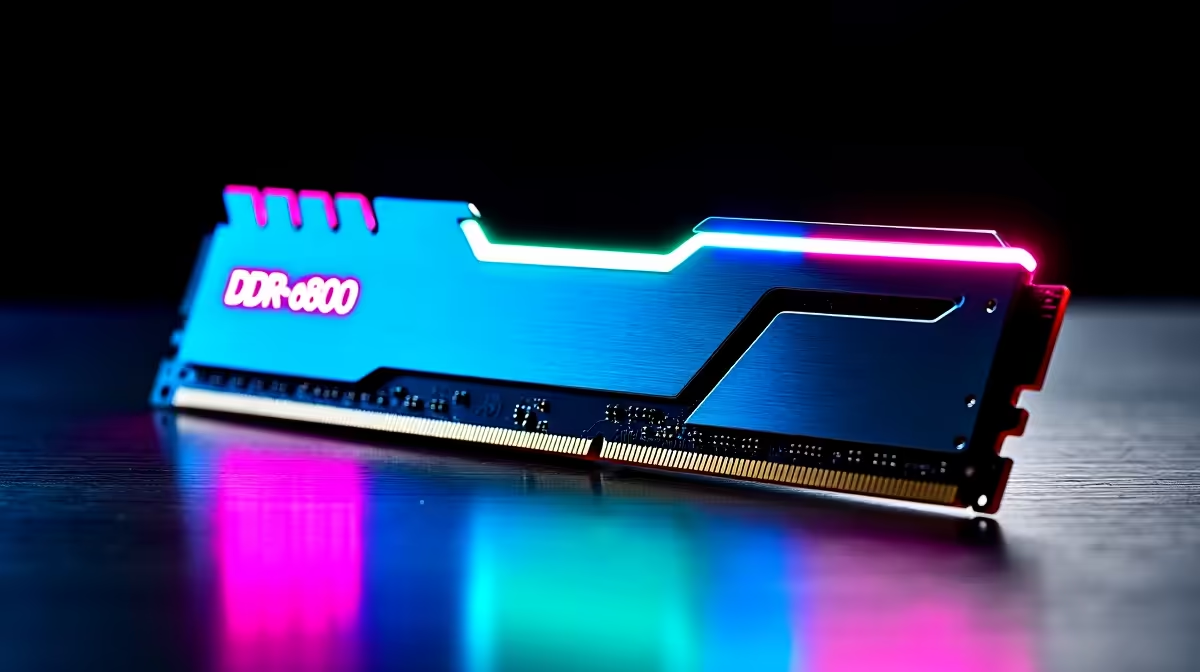
DDR5-8000 RAM kits are worthwhile only for high-end, carefully tuned Intel desktops, not for the average South African gamer. On AMD AM5, DDR5-6000 CL30 (around R1,500 for 32GB) beats 8000 because it keeps the Infinity Fabric in sync. A DDR5-8000 kit costs around R3,500+ and needs the right platform to shine.
Where DDR5-8000 makes sense
A DDR5-8000 kit suits a premium Intel LGA1851 build where the CPU, board, and cooling are already chosen around high memory speeds, and the user enjoys tuning XMP profiles. Intel platforms can run high speeds without the Infinity Fabric limit that AMD has. For an enthusiast chasing memory bandwidth in productivity, it adds measurable headroom.
Why AM5 prefers DDR5-6000
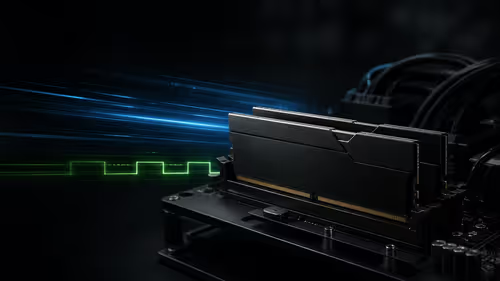
On Ryzen, DDR5-6000 CL30 runs the Infinity Fabric at a 1:1 ratio, giving lower latency and better gaming fps than DDR5-8000, which forces a 2:1 ratio and adds latency. So an 8000 kit can actually perform worse in games on AM5. For most AMD builds, 6000 CL30 is the genuine sweet spot.
What matters more than raw speed
For gaming, capacity and a good 1:1 ratio beat headline speed. Aim for 32GB (2x16GB), enable EXPO or XMP in the BIOS, and confirm the speed in Task Manager. A balanced DDR5-6000 kit usually gives better real value than chasing the fastest number on the box.
FAQ
Is DDR5-8000 worth it for gaming?
Only on a high-end, tuned Intel build. On AMD AM5, DDR5-6000 CL30 actually beats 8000 because it keeps the Infinity Fabric in a 1:1 ratio with lower latency.
Why is DDR5-6000 better on AMD?
DDR5-6000 runs the Infinity Fabric at 1:1, giving lower latency. DDR5-8000 forces a 2:1 ratio that adds latency and can reduce gaming fps, so 6000 CL30 is the sweet spot on AM5.
How much RAM do I need for gaming?
Aim for 32GB (2x16GB) for modern games and multitasking. Capacity and a good 1:1 ratio matter more than chasing the highest memory speed for gaming.
For an AMD build at Evetech, choose a 32GB DDR5-6000 CL30 kit and enable EXPO; keep DDR5-8000 for a tuned Intel desktop where it can actually run in sync.