Ubuntu is becoming a major way to use Linux without leaving Windows. Canonical expects that route to become larger than its native desktop user base before the end of 2026.
Quick Answer
Windows Subsystem for Linux lets a supported Windows PC run an integrated Ubuntu environment without a separate physical machine or a traditional dual-boot setup. Canonical says Ubuntu on WSL is growing faster than native Ubuntu desktop use and expects WSL users to move ahead before year-end. It is most useful for development, Linux learning, automation and data tools while Windows applications remain available. If heavier workloads expose hardware limits, compare current laptops by memory, storage and processor rather than assuming WSL itself requires a special brand.
🧩 Three layers, one computer
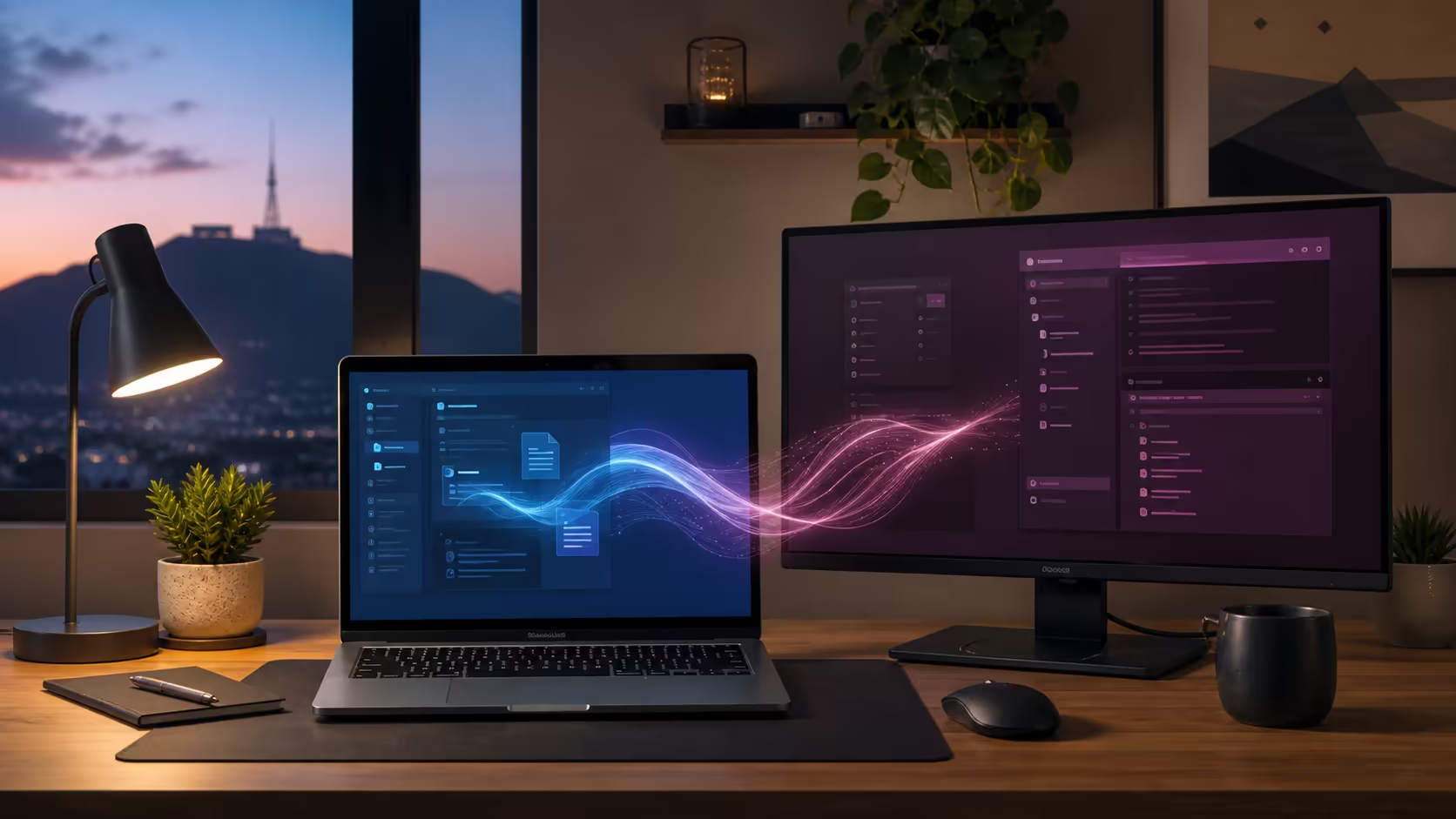
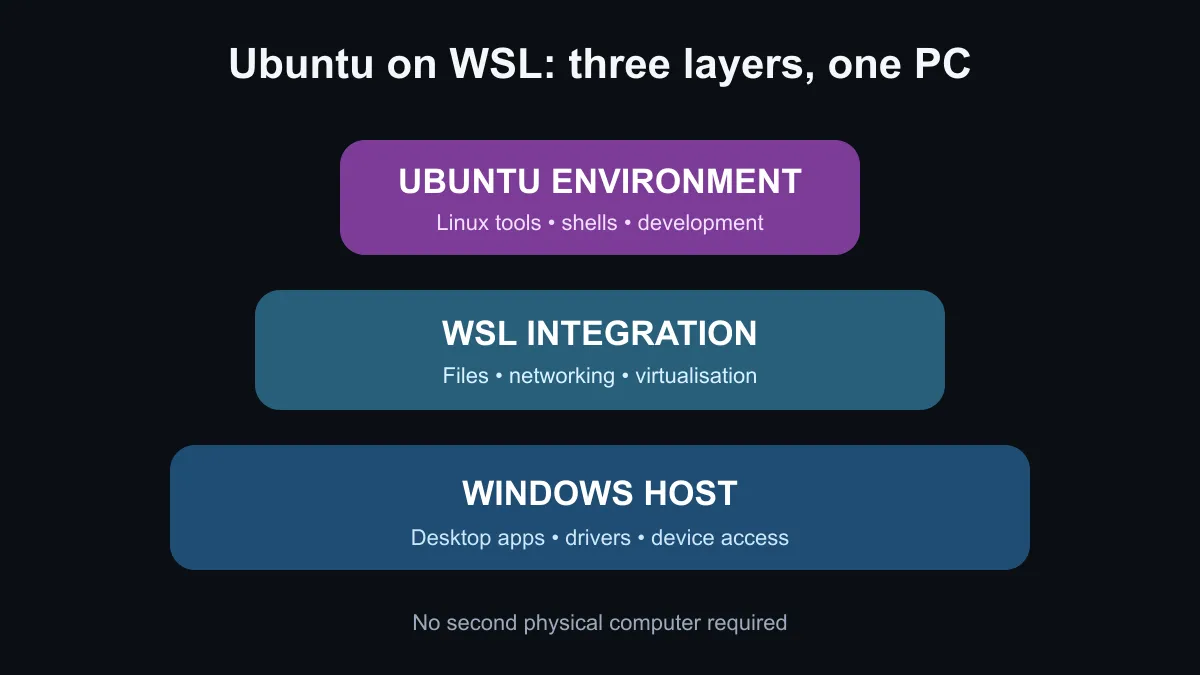
Windows remains the host operating system. WSL provides the integration layer, and Ubuntu supplies the Linux environment and command-line tools. Files and development tools can move between the two sides, and supported editors can connect directly to projects inside WSL. This removes much of the friction of maintaining two separate computers.
It does not turn every Windows device into a perfect Linux workstation. Virtualisation support must be enabled, and WSL 2 uses memory and storage alongside Windows. A small project and command-line lesson can run on modest hardware. Containers, large code builds, local databases and machine-learning work benefit from more RAM, fast storage and a stronger processor.
🧑💻 Who should try WSL
A learner can use common Linux commands without repartitioning a drive. A web developer can run Linux-focused tools while keeping Windows browsers and design software. An operations user can test shell scripts in an environment closer to many servers. Canonical's documentation also covers remote development, cross-operating-system file management, graphics acceleration and DevOps workflows.
The software route costs nothing to test on a compatible existing PC. The real expense appears only if the current machine lacks capacity for the intended work. Before replacing hardware, measure the problem. If memory pressure is constant, more RAM may matter most. If builds and package installs are slow, processor and SSD performance deserve attention. Browse pre-built PC options only after the workload has identified the bottleneck.
🔀 WSL or native Linux
Choose WSL when Windows applications must remain central and Linux tools are part of the workflow. It is quick to start, simpler than repartitioning and well suited to development that targets Linux servers. Keep important project files backed up and learn where they live, because performance can differ depending on whether files sit inside the Linux filesystem or on a mounted Windows drive.
Choose native Linux when direct hardware access, a full Linux desktop or maximum separation from Windows is the goal. Dual boot can provide both operating systems, but it adds partition and reboot decisions. A dedicated Linux machine provides stronger isolation at extra hardware cost. Neither route is automatically more professional; the correct choice follows the applications, device support and team workflow.
Windows licensing still applies to the host PC. The operating-system section is relevant when planning a new build, while Ubuntu itself is an open-source project. Confirm that any specialist software, company security policy and VPN tooling support the chosen environment before moving important work.
Canonical's prediction is a sign that hybrid Windows-and-Linux workflows are becoming normal. It does not mean native Ubuntu is disappearing. For South African users, the practical benefit is choice: try Linux tools on hardware already owned, then spend on a faster system only when measured workloads justify it.
Frequently Asked Questions
Does WSL replace my Windows desktop?
No. It runs alongside Windows, which remains the host and continues to run normal Windows applications.
Can WSL run graphical Linux applications?
Supported Windows and WSL configurations can run Linux graphical applications, although compatibility varies by app and hardware.
How much memory do I need?
Light command-line use needs little, while containers and large builds may require substantially more. Measure the actual project.
Is dual boot better for gaming?
It depends on the game, drivers and anti-cheat support. WSL should not be treated as a general replacement for a native gaming setup.
Ready to test a Linux workflow? Start on the Windows PC you already have, measure the bottleneck, then upgrade only the hardware the work actually needs.