South African gamers often blame the hardware when FPS drops appears, but a DDR5 build usually behaves once a single setting or driver is corrected.
Quick Answer
To stop FPS drops on a DDR5 build, verify 6000 MT/s settings, close background load, and retest the same scene. A 32GB DDR5-6000 kit sits around R1,450, while a fast 6400 CL30 pair runs closer to R2,100. The cause is usually configuration, not a faulty component.
Clear Background Load And Contention
Close capture tools, browser tabs, launchers, RGB utilities, and update services for one clean pass. Background processes quietly steal cycles and bandwidth, and on a DDR5 build they are a common hidden cause of FPS drops. Re-run your scene with a quiet system to see how much frame rate recovers without spending anything.
Match The Workload To The Hardware
Once your scene is stable, read which subsystem is pinned. High GPU load points to lower resolution scale or softer presets; high CPU load points to engine limits or memory behaviour; storage spikes show up when assets stream. Tying FPS drops on a DDR5 build to a measured load pattern makes the next step obvious.
Fix the cause, then shop smart.
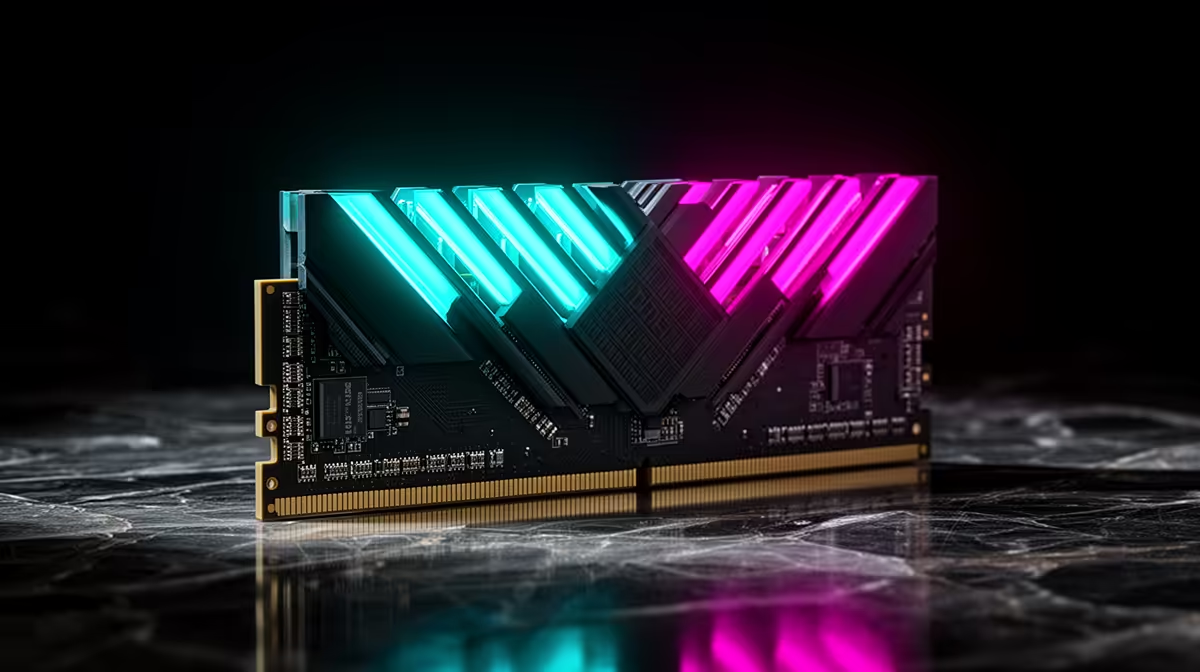
When your before-and-after numbers point to a clear limit on your DDR5 build, the right Evetech memory kit pick becomes obvious.
Confirm Memory And Storage Health
Make sure 6000 MT/s is enabled correctly and that the boot drive has free space and healthy speeds. Misconfigured memory profiles and a near-full drive both surface as FPS drops under load. A 32GB DDR5-6000 kit sits around R1,450, while a fast 6400 CL30 pair runs closer to R2,100. A quick check here often explains stutters that look like a GPU problem on the DDR5 build.
FAQ
Will updating drivers actually reduce FPS drops?
Often yes, because a clean, current driver fixes scheduling and compatibility quirks behind FPS drops. Install the latest stable release, reboot once, and retest the same scene. If a new driver caused it, roll back to the prior version.
Why does FPS drops only appear after the DDR5 build warms up?
That pattern points to thermals or power limits. Log temperatures through your scene, improve airflow, and confirm no part is throttling. frame rate that recovers when cool confirms heat as the cause.
How do I measure frame rate reliably on a DDR5 build?
Use an on-screen overlay and the same in-game scene each test. Capture a 60-second run, note the average and the lows, then compare after every change. Consistent scenes make small differences visible.
Save Time
Lock the in-game preset and resolution first; only then touch one tuning option so you can attribute any gain correctly.