A streaming setup can run Call of Duty while broadcasting when the gaming PC keeps frame time stable and the encoder has spare capacity. A webcam and microphone do not prove the computer can handle both tasks. Test the exact game, scene layout and upload connection together.
Budget performance for the game first
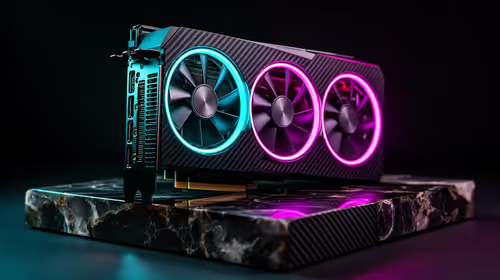
Set the game resolution and frame target used in real matches. Add OBS scenes, alerts, voice chat and the selected encoder. The Palit RTX 5060 8GB graphics card is verified at R4,800 as an entry gaming option for a compatible tower. At a verified R3,500, the AMD Ryzen 5 9600X supplies the processor reference for this component plan. Those component prices do not include the motherboard, memory, cooling, storage, power supply or case.
The Logitech Brio 100 Full HD webcam is verified at R458 for face video. Keep camera bandwidth and other USB devices in mind when selecting ports. Network upload must remain stable after game traffic and household use join the connection. Use Ethernet where practical.
Broadcast a private match
Record or send an unlisted test for one full session. Review game frame time, encoder overload, dropped network frames, audio balance and temperature. Watch the saved file on another device. Hide account names, lobby codes and private messages from the captured scene.
Upgrade the first measured bottleneck. A second computer only earns its complexity when the single-PC test cannot meet the chosen game and stream targets.
Pro Tip ⚡
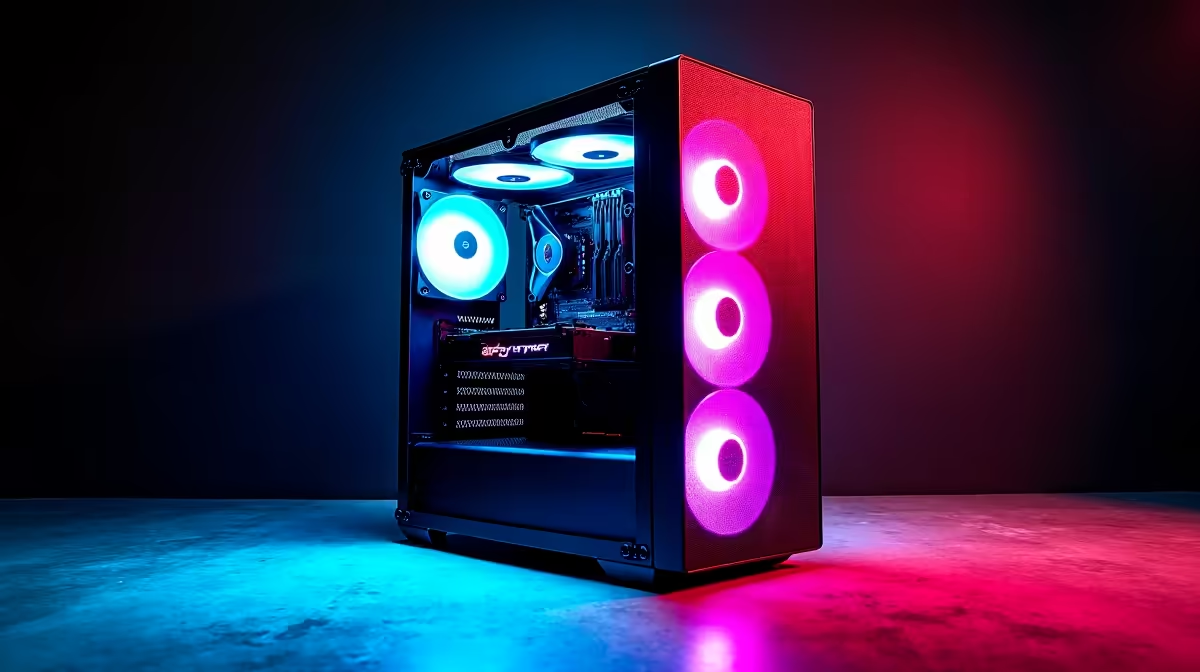
Building a game-streaming tower? > Ask Evetech to match the graphics card, processor and capture gear to the target output.