


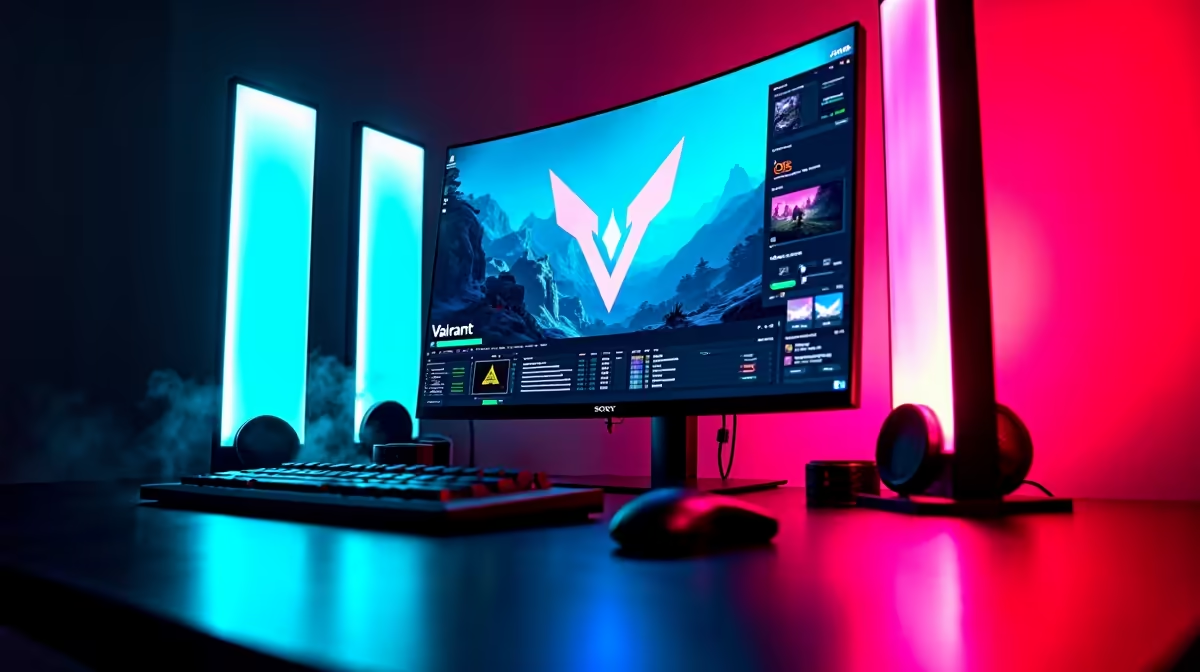
A streaming setup can handle competitive play when the PC keeps game frame times stable while the encoder, camera, audio and overlays run. The stream output and high-refresh monitor create separate targets. Test both together before choosing a creator-focused build.
Benchmark a full competitive match
The Palit RTX 5060 8GB graphics card costs R4,800, and the ASUS TUF VG27AQM5A 27-inch QHD 300Hz monitor costs R5,900 in the verified facts. Confirm current stock, game support, encoder support, power requirements, display connections, cable support and warranty. Processor, memory, storage and network still shape the complete result.
Run a private stream with the normal competitive settings, camera, alerts, chat and microphone. Watch frame-time consistency, dropped frames, processor load, graphics load, temperatures and upload stability through several matches. Review the saved broadcast for motion quality and audio sync. A high monitor refresh does not require the stream to use the same output frame rate.
Close unused background tools and keep scene profiles backed up. If the game stutters only while broadcasting, adjust the encoder or upgrade the measured bottleneck. If the network drops frames, more graphics power will not help. A capable system protects competitive response while producing a stable viewer feed under the normal tournament practice routine and regular practice sessions.
Pro Tip ⚡
Building a competitive streaming PC? > Ask Evetech to match graphics, monitor, processor and network hardware.











