


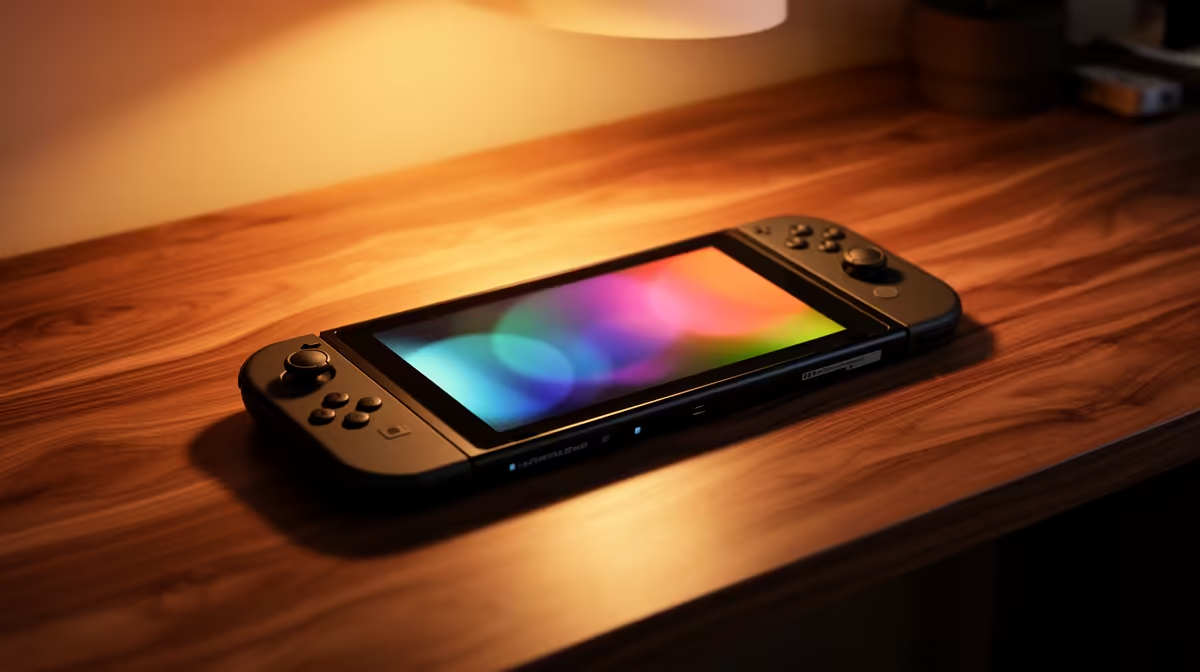
Hand a child a new console without setting boundaries and the surprise may arrive in playtime or purchases. A Switch 2 for kids works best when parents configure the account, protection and house rules before the first game starts.
Quick Answer
Switch 2 can work well for children when you set up the accounts, parental controls and household rules before handing it over. The parent or guardian should create the Nintendo Account, connect the parental-controls app, set age-appropriate software restrictions and decide how online communication will work. Budget for a protective case, screen protector and games the child can read and control. The console is portable and easy to share, but it has a glass screen and detachable parts. Treat it like a small computer, not a toy built for drops.
Set up the adult account first
Nintendo's parental-controls app needs a Nintendo Account held by a parent or guardian aged 18 or older. Complete that setup before the child's first play session. It is easier to test restrictions in a quiet room than during a birthday party.
Create the child's account with the correct date of birth and place it in the appropriate family group. Avoid sharing the adult password. Account ownership affects digital games, online features and future access, so use an email address the household will keep.
Write down which adult manages the account and where recovery information is stored. If two homes share care, agree on the rules before setting different expectations on the same device.
Use parental controls as a conversation
The app can set a daily play-time limit, apply restrictions based on software ratings, manage online communication and control spending settings. You can choose whether software suspends when the time limit is reached. A reminder alone gives the child a chance to save and stop. Suspension enforces the boundary, but it can interrupt unsaved progress.
Test the limit with the actual games. Some titles save at any point, while others need the player to reach a checkpoint. A ten-minute warning and a clear household rule can prevent arguments.
Review the activity summary with the child. It shows what was played and for how long, which makes the discussion concrete. Adjust the rules as school terms, holidays and the child's judgement change.
Understand GameChat and online play
GameChat can include voice, video from a compatible camera and shared game screens. Nintendo requires parent or guardian involvement through the parental-controls app for users under 16. Approval is a starting control. You should still discuss who the child may speak to, what personal information stays private and what to do when another player behaves badly.
Check each game's own communication features as well. Online modes, user-created content and cross-platform play may have separate settings. Software ratings describe content; they do not replace supervision of live interactions.
Place the console in a shared room for the first online sessions. Listen to how the feature works and show the child how to block or report another user. Clear rules are easier to follow when the child has practised the controls.
Choose games for the child in front of you
Age ratings are a useful filter. Reading level, hand size and frustration tolerance matter too. A game rated for a young audience can still contain menus or timing challenges that overwhelm a beginner.
Watch a full round of play before buying. Look at text size, save points, difficulty options and whether two people can play together. A cooperative game with an adult can teach the controls and turn early mistakes into a laugh.
Buy one or two games at the start. Children often spend months with a favourite. A smaller, well-used library is easier to manage and gives you time to learn what they enjoy.
Protect the hardware
Switch 2 has a large screen, kickstand, rails and detachable Joy-Con 2 controllers. No case can promise survival after a hard fall. Fit a compatible screen protector, use a padded travel case and set one safe charging place away from drinks and floor traffic.
Teach the child to carry the console with two hands and to attach wrist straps for motion games. Show them how the magnetic controllers release, rather than letting them pull at the rails. For tabletop play, place the kickstand on a stable surface.
Check charging cables for strain and keep vents clear. Heat needs a route out. A console buried under bedding while running can become hot and noisy.
Plan storage and family use
Digital games and updates use internal storage. Switch 2 game expansion requires microSD Express media, so an older standard microSD card is not a substitute for storing new Switch 2 games. Check the card label and capacity before buying.
Set rules for deleting or archiving software, especially when siblings share the system. Separate user profiles help preserve individual save data. Digital purchase ownership still follows the relevant Nintendo account.
If the console moves between adults or homes, keep the charger, case and physical game cards together. A small labelled pouch prevents the most common scramble.
Price the complete child-ready setup
The approved July 2026 price snapshot does not contain a named Switch 2 price, so use a current South African quote for the exact console bundle. Add the first games, screen protection, case and any full-size controller the child needs. You can compare current handheld gaming devices and popular PC and gaming products while building that list.
Ask the seller what the exact bundle contains. Product photos can show accessories that are not included. Keep the proof of purchase and record the device serial number somewhere safe.
The best first week is calm: account ready, limits tested, one suitable game installed and a safe place to put the console down. That gives your child freedom inside boundaries they can understand.
FAQ
Can a time limit stop the game?
The parental-controls app can suspend software when the limit is reached if the adult enables that option. Test how the child's game saves before using suspension.
Can a child under 16 use GameChat?
Nintendo requires parent or guardian involvement through the parental-controls app for users under 16. Adults should also review contacts and privacy rules with the child.
Is a case enough to prevent damage?
A padded case and screen protector reduce everyday risk, but they cannot guarantee survival after a fall. Teach two-handed carrying and provide a safe charging place.
Compare handheld options and prepare a child-ready setup with the right games, protection and household controls.











