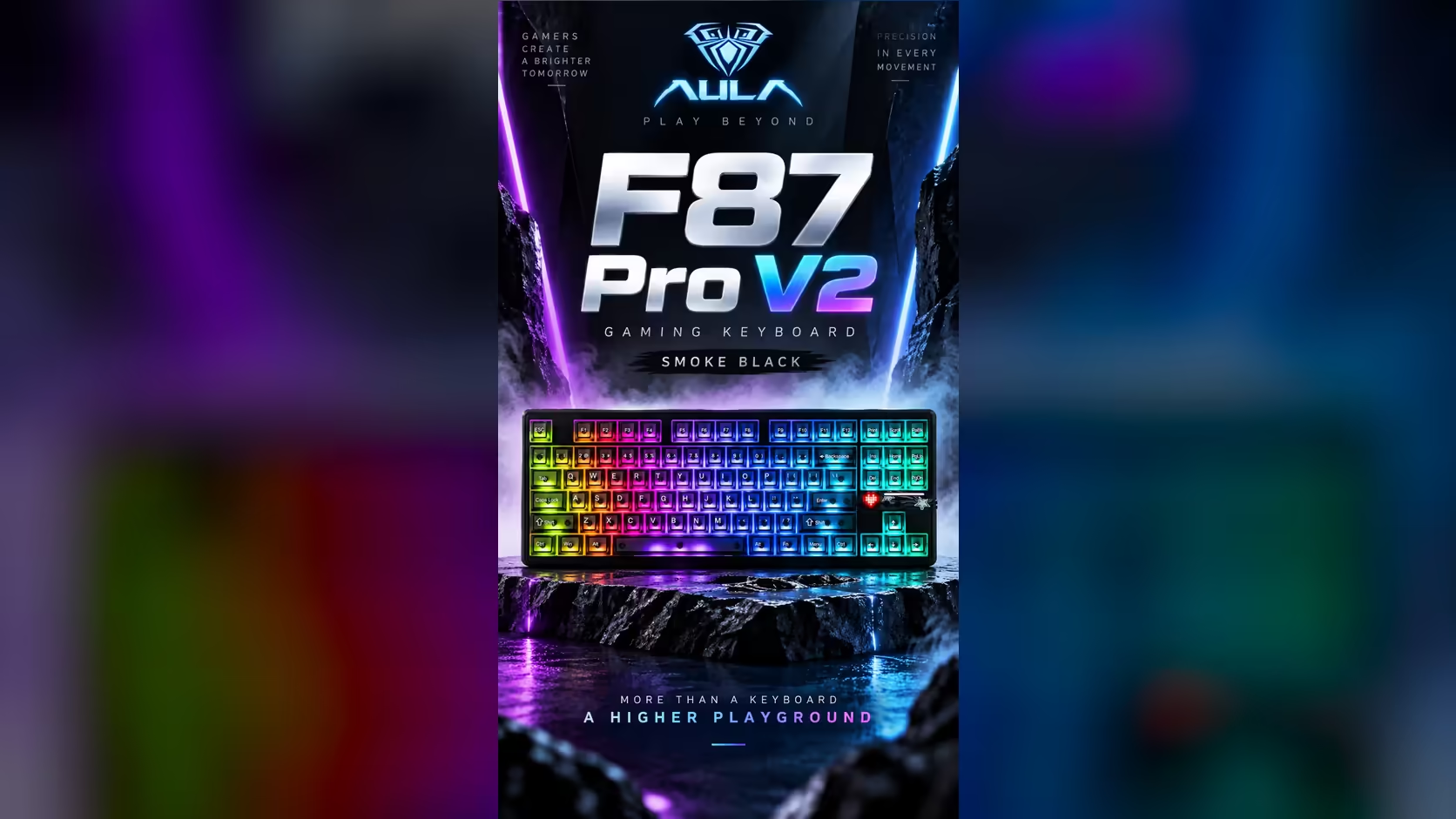
One desk, three machines, one keyboard: that is the promise of a tri-mode board, and it only pays off if the setup is thought through. The AULA F87 Pro V2 can hold three devices at once, reached by cable, by its own 2.4GHz dongle or over Bluetooth, so a gaming PC, a work laptop and a tablet can all share it. Getting a multi-device keyboard setup right means giving each device the connection that suits it, and knowing what to do when the battery runs low.
Quick Answer
Give your gaming PC the 2.4GHz receiver or the USB-C cable, and pair the laptop and tablet over Bluetooth. Pair each device once, leave the receiver plugged into the machine you game on, and connect the cable whenever the 10000mAh battery needs topping up. The F87 Pro V2 handles up to three devices in total, and Evetech offers it at R899 with a 1 Year Local Warranty.
🧭 Plan who gets which connection
The three connection types are not equal, so decide the roles before you pair anything.
The gaming PC: receiver or cable
With 8000Hz reporting (a 0.125ms gap, per AULA) and SOCD for clean strafing, this board is built for play. To make the most of that, the gaming machine should use a dedicated link, meaning the 2.4GHz receiver or the USB-C cable, rather than Bluetooth. Plug the receiver into a rear USB port on the PC, or use a short extension so it sits on the desk with a clear line to the keyboard.
The laptop and tablet: Bluetooth
Bluetooth is the convenient link for machines you move around or only use now and then. It needs no dongle and no free USB port, which matters on thin laptops and tablets.
The cable: power and backup
The USB-C cable is both a connection and the way the battery gets charged. Keep one within reach of the keyboard's usual spot.
🔗 Pairing each device once
Pair each device properly one time and it should reconnect without fuss afterwards.
- Start with the gaming PC. Plug in the 2.4GHz receiver and switch the keyboard over to 2.4GHz.
- Pair the laptop over Bluetooth: open its Bluetooth settings, put the keyboard into pairing mode as AULA's quick guide describes, and select it from the list.
- Repeat for the tablet or second Bluetooth device.
- Test by typing a line on each machine in turn.
AULA's listing confirms the three connection types and the three-device limit, but it does not publish the exact key combinations for pairing, so keep AULA's own user guide for the board handy for those steps.
🔋 When the battery runs low mid-session
The F87 Pro V2's 10000mAh battery, which AULA labels as true capacity, is large for a keyboard, but its lighting is extensive: per-key RGB, a 360-degree light zone and a 49-LED audio display. AULA does not publish runtime in hours, so expect heavy lighting to shorten the time between charges.
When the charge runs low, connect the USB-C cable and keep working; wired mode takes over. If you know a long session is coming, charge beforehand or plug in from the start. Dimming the lighting while unplugged is the simplest way to stretch a charge.
🏠 Hot-desking at home
A household where several people share a desk, or where one person switches between work and play, is exactly where a three-device board earns its place. One keyboard replaces two or three, which clears space and reduces the number of batteries and cables to manage.
The tenkeyless layout helps too. It keeps the arrows and navigation keys that work tasks depend on while handing the mouse the space a number pad would have taken. And because every socket is hot-swappable and the board sits in a gasket structure with seven dampening layers, it types comfortably whether the session is a spreadsheet or a match.
If you are weighing multi-device boards, browse Evetech's gaming keyboards, or look at the tri-mode options showing up on the keyboard best sellers list.
Frequently Asked Questions
Which connection should my gaming PC use?
The 2.4GHz receiver or the USB-C cable. Keep Bluetooth for laptops and tablets, where convenience matters more than speed.
Is the three-device limit shared across all connection types?
AULA lists support for up to three devices in total across its cable, 2.4GHz and Bluetooth modes.
Should the receiver stay in the PC?
Yes, if that PC is your main gaming machine. Leaving it plugged in means the board reconnects without re-pairing.
What if the battery dies during a session?
Plug in the USB-C cable. Wired mode keeps the keyboard working while it charges.
Where do I find the pairing steps?
In AULA's user guide for the board. The product listing confirms the connection types but does not publish the key combinations.
Is one keyboard enough for a shared home desk?
For most households, yes. Three connections cover a gaming PC, a work laptop and a tablet without swapping keyboards.
Ready to run your whole desk from one keyboard?
Browse Evetech's gaming keyboards and compare tri-mode boards like the F87 Pro V2 for your multi-device setup.