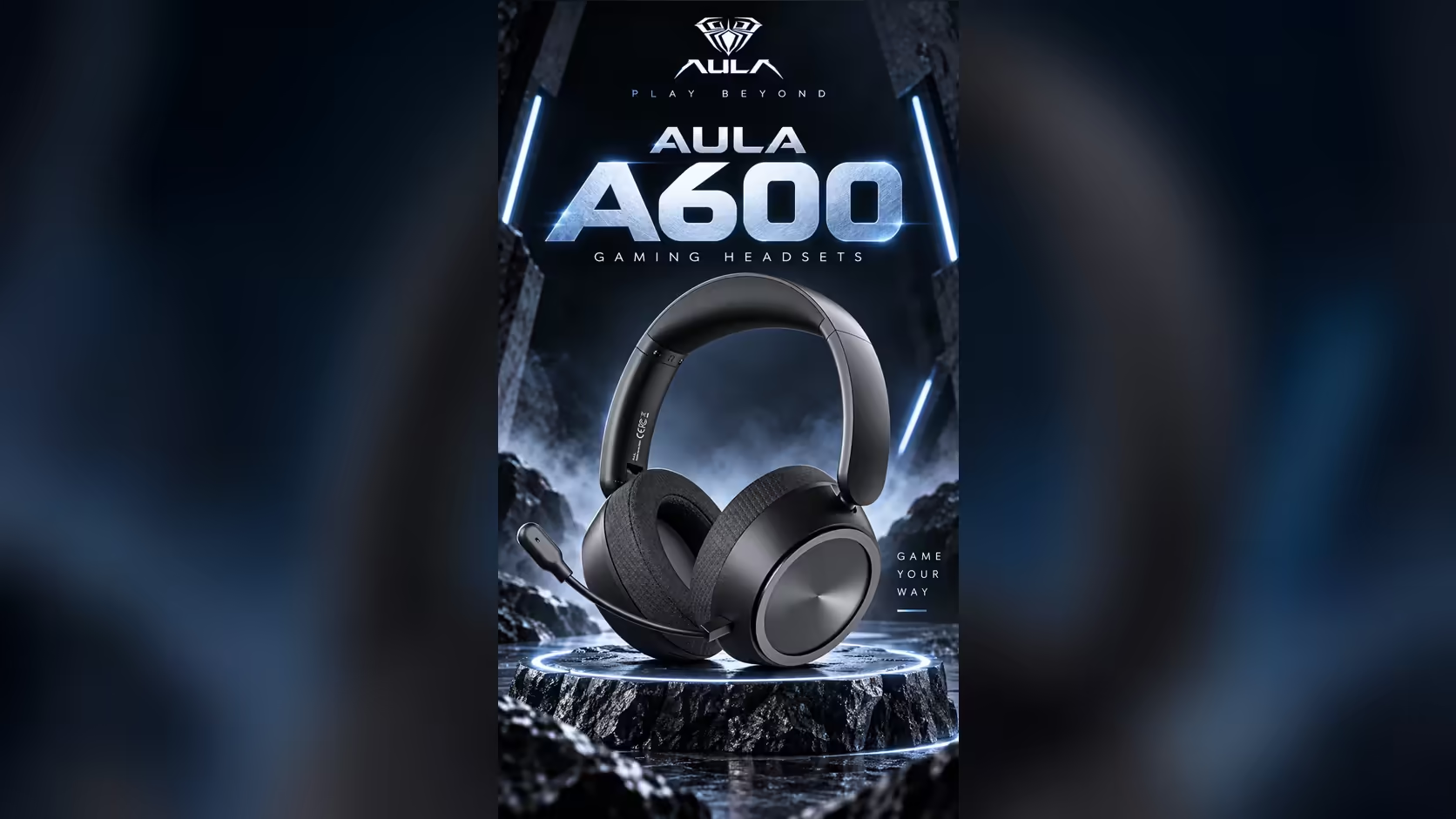
A boom mic is essential on match night and pointless during a film. It hovers at the corner of your vision, catches on a hoodie, and looks a little odd if you wear the headset on a video call you are only listening to. The AULA A600 solves that with a detachable A600 mic that plugs into the ear cup, so the headset can switch roles between a squad-chat tool and a pair of listening cans in a few seconds. Here is a simple routine for doing it well.
Quick Answer
The AULA A600's 360-degree omnidirectional mic unplugs from the ear cup, so you can pull it out for music and films and push it back in before voice chat. Pair the mic-free evening with Music Mode and the squad night with the FPS-tuned Game Mode, both a single press of the M button apart. Nothing about the connection changes when the mic comes out. At Evetech the A600 is R459.
🎧 Evening one: mic out, Music Mode on
Start with the headset switched on and connected however you normally listen. The A600 wakes on 2.4GHz for a PC, and a double-click of the M button moves it to Bluetooth for a phone or laptop.
- Take hold of the mic near its base, where it meets the ear cup, and draw it straight out. Pulling from the tip puts strain on the thin boom, so grip low.
- Store it somewhere you will find it again. A small zip bag or the drawer under your desk beats the gap behind the monitor.
- Press the M button once to move from Game Mode to Music Mode. Game Mode is the default, so unless you changed it earlier, one press is all it takes.
- Settle the fit. The headband extends through 8 steps and each ear cup rotates 125 degrees, so a minute spent getting the cups level pays off over a two-hour film.
With the mic gone, the A600 reads as a plain black over-ear headset. The black version has no RGB, only a black metal side plate, which suits a quiet evening on the couch or a train seat.
Why bother removing it?
Three reasons come up again and again. The boom no longer brushes your cheek when you lie back. Nothing snags when you slip the headset round your neck. And with the mic physically gone, there is no chance of an open channel broadcasting your snacks to a group call you forgot to leave.
🎮 Evening two: mic in, Game Mode back
Before a squad session, reverse the routine.
- Line the mic plug up with the socket on the ear cup and push it home firmly. A partly seated plug is the most common reason a detached mic seems to stop working.
- Press M once to return to Game Mode, AULA's FPS-tuned profile for placing footsteps and gunfire.
- Check the mute slide switch on the ear cup is set to talk. It sits beside the power button, the M button and the volume scroll wheel.
- Say a few words in your chat app's input test before the lobby fills up.
The mic is omnidirectional, which means it listens all the way round rather than in one narrow direction. That is forgiving if the boom drifts a little off your mouth, but it also hears the room, so a closed door and a fan pointed away from you both help. AULA lists its sensitivity at -38dB +/-2dB.
🔇 Mute or remove: which for a short break?
For a pause of a few minutes, use the slide switch rather than unplugging. AULA states it mutes the mic in USB, 3.5mm, Bluetooth and 2.4GHz modes, so it works whichever way you are connected and needs no software. Removing the mic is better suited to a whole evening of listening, when you want the boom out of the way altogether.
A good rule is this: if you expect to talk again within the hour, slide to mute. If the rest of the night is films and playlists, take it out.
🔋 What stays the same either way
Pulling the mic changes nothing about how the A600 connects. The receiver, Bluetooth and both wired routes carry on exactly as before. Its 53mm dynamic drivers are identical in both configurations, and AULA rates the 2000mAh battery at up to 110 hours, so a string of film nights and match nights does not mean charging after each one. A red light shows while it charges and goes out when it is full.
Evetech lists the A600 in black with a 1 Year Local Warranty, and it sits in the wider gaming headset category next to models with fixed booms, if you want to compare the two approaches. For other cable-free options, the wireless headsets page is the shortcut.
Frequently Asked Questions
Do I need a tool to remove the mic?
No. It plugs into the ear cup and comes out by hand. Grip it near the base rather than the tip.
What is the point of taking it off?
The boom stays out of your face during films, nothing snags when the headset hangs round your neck, and you cannot broadcast by accident.
Which profile suits a mic-free evening?
Music Mode. One press of the M button switches to it from the FPS-tuned default.
How does the mic pick up voice once it is back?
It is a 360-degree omnidirectional mic, so it hears sound from all directions, including a bit of the room around you.
Mute or unplug for a quick break?
Slide the mute switch. It works in all four connection modes and is faster than removing the mic.
Does taking the mic out change the connection?
No. The receiver, Bluetooth and both cable options work exactly as before.
After a headset that fits film nights and match nights?
Look through the gaming headsets at Evetech and find a design with a mic that gets out of the way when you only want to listen.