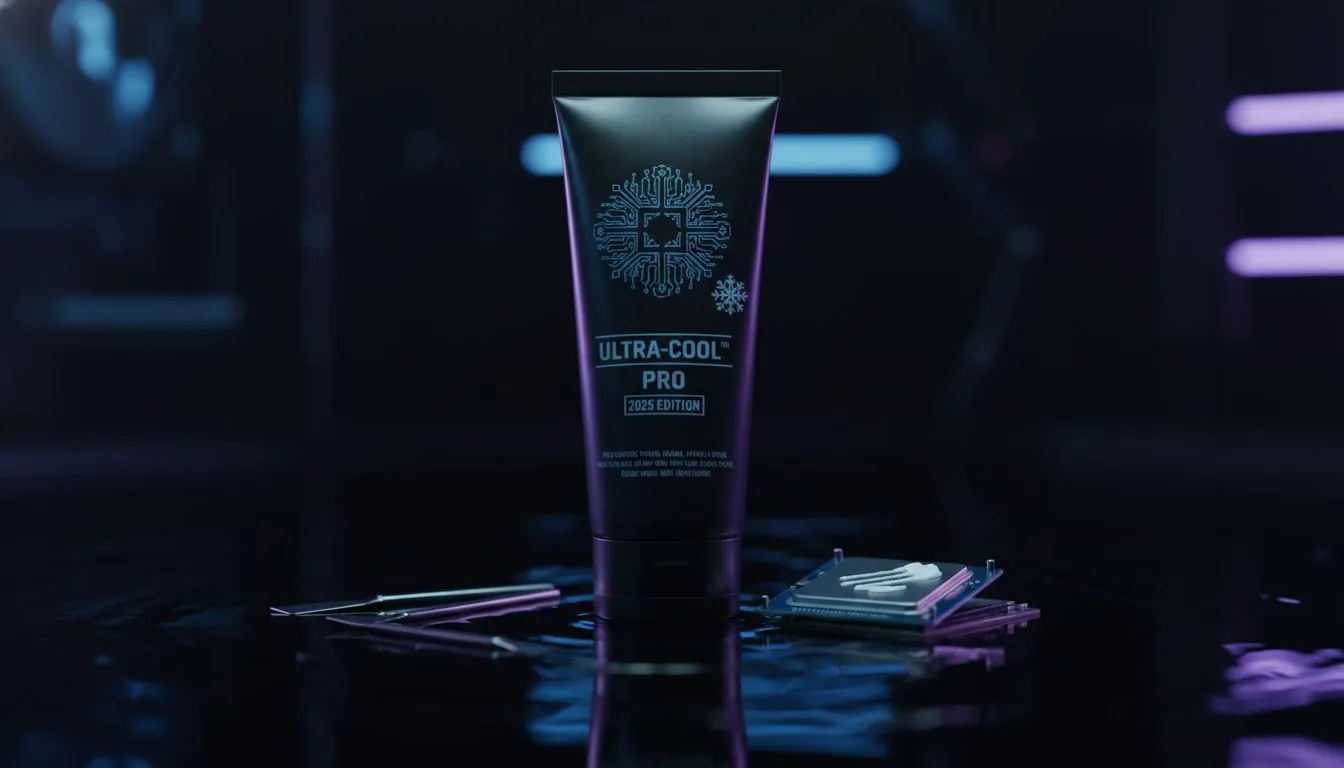
You’ve just built your dream gaming rig, but your CPU temperatures are soaring higher than the rand-dollar exchange rate. What gives? Often, the culprit is a tiny, overlooked detail: thermal paste. Getting it right is crucial for performance, but many PC builders stumble at this final hurdle. Don’t let simple thermal paste mistakes throttle your new hardware. Let's dive into the top five errors beginners make and ensure your machine runs frosty. ❄️
Avoiding Common Thermal Paste Application Mistakes
Applying thermal paste seems simple, but it's a science. The goal is to fill microscopic air gaps between your CPU's Integrated Heat Spreader (IHS) and your cooler's baseplate, ensuring optimal heat transfer. Making one of the common thermal paste mistakes can lead to overheating, performance loss, and even a shorter lifespan for your components.
Mistake #1: The "Too Much" or "Too Little" Problem
More is not better. Applying a giant blob of thermal paste doesn't improve cooling; it actually insulates the CPU, trapping heat. Conversely, using too little will leave air gaps, which are terrible heat conductors.
The Fix: Aim for a pea-sized dot (or a small X pattern) in the centre of the CPU. The mounting pressure from your CPU cooler will spread it evenly. It’s the Goldilocks principle of PC building… you want the amount to be just right.
Mistake #2: Forgetting to Clean Old Paste
If you're upgrading a cooler or reseating your CPU, you absolutely must clean off the old, crusty paste from both the CPU and the cooler's contact plate. Old paste is dry, inefficient, and can prevent the cooler from making proper contact. This is one of the most critical thermal paste errors to avoid.
The Fix: Use a lint-free cloth or coffee filter and a few drops of 90%+ isopropyl alcohol to gently wipe away all residue. Ensure both surfaces are perfectly clean and dry before applying new paste. A clean slate is essential whether you're using high-end liquid coolers or reliable air coolers.
Beginner's Blunder Alert 🔧
Always, always double-check the base of your new CPU cooler for a thin, transparent plastic film. Many coolers ship with this protective layer. Forgetting to remove it is a classic mistake that will block nearly all heat transfer and send your temps through the roof.
Mistake #3: Uneven Spreading or Bad Mounting Pressure
Manually spreading the paste with a small spatula can introduce air bubbles, creating hotspots. The best method for beginners is to let the cooler's mounting pressure do the work. However, if you tighten the screws unevenly, you can cause the paste to spread poorly or even damage your motherboard.
The Fix: Place your cooler down flat onto the CPU. When securing it, tighten the screws in a cross or star pattern, turning each one just a little at a time. This ensures even pressure across the chip, which is especially important for the mounting brackets on modern Liquid Cooler (AIO) systems.
Mistake #4: Using Low-Quality or Expired Paste
Think all grey goo is the same? Think again. The quality of your thermal compound directly impacts its ability to conduct heat. Using the cheap, no-name paste that came with a budget component, or a tube that's been in your drawer since 2015, is a recipe for high temps.
The Fix: Invest in a quality thermal compound from a reputable brand. The difference of a few degrees can impact performance and noise levels. Premium brands like those often included with CORSAIR coolers provide excellent thermal conductivity and longevity right out of the box. ✨
Mistake #5: Reusing Paste After Removing the Cooler
Let's say you installed your cooler but forgot to plug in the fan header. You have to take it off again. Can you just pop it back on? Absolutely not. Once you break the seal between the CPU and the cooler, the paste layer is compromised with air pockets. Reusing it will result in terrible performance.
The Fix: Any time you remove the cooler, for any reason, you must go back to Mistake #2. Clean both surfaces thoroughly and apply a fresh dot of paste. This is non-negotiable, especially when you're working with a large 360mm Radiator AIO where getting a perfect mount is key.
Ready to Keep Your Rig Cool?
Avoiding these thermal paste mistakes is the first step to a healthy, high-performance PC. The next is pairing your CPU with a powerful cooler. Explore our massive range of CPU Coolers and find the perfect cooling solution to unlock your PC's true potential.