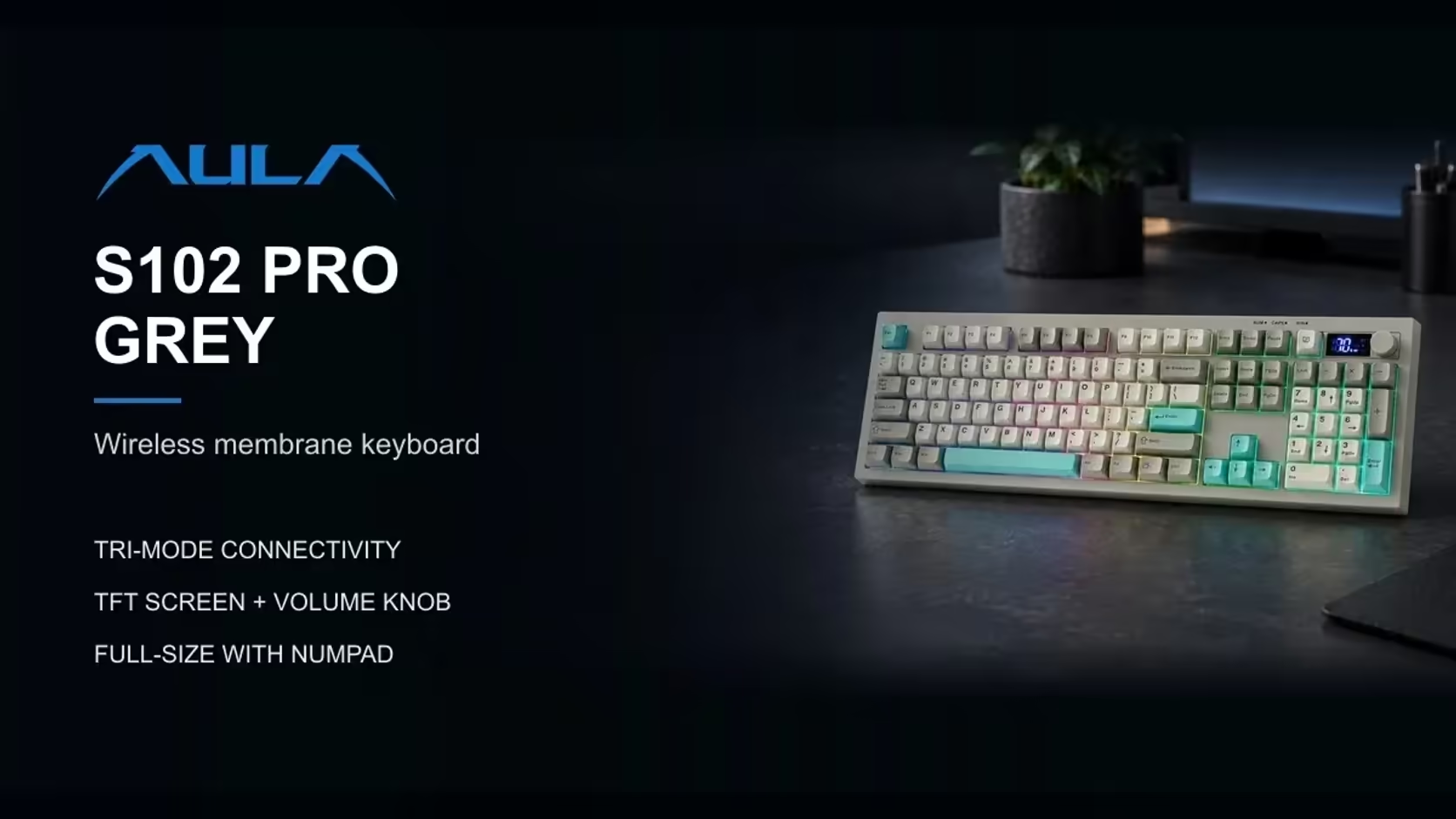
Most people set a keyboard's feet once, on the day it comes out of the box, and never think about them again. That is a pity, because the angle of a keyboard changes how your wrists bend on every keystroke, thousands of times a day. The S102 PRO gives you three typing angles to choose from. Finding the right keyboard typing angle for your wrists takes a few days of honest testing, and the method below makes it simple.
Quick Answer
Try each of the AULA S102 PRO's three typing angles for a full working day, and keep the one where your wrists stay straightest. Flat, from its 2cm front height, suits many typists, since raising the back tends to bend the wrists upward; the kickstands raise the back for anyone who prefers the keys tipped towards them. Sort out chair and desk height before judging the angle. Evetech carries the S102 PRO with a 1 Year Local Warranty, and its price there is R299.
🤲 Why the angle matters to your wrists
The goal is a neutral wrist: your hand roughly in line with your forearm, neither bent up at the back nor dropped down. Holding a wrist bent for long periods is widely linked with discomfort, and typing is a long period.
A keyboard's tilt pushes the wrist one way or the other. When the back of the keyboard is raised, the keys slope towards you and your hands have to lift at the fingers to reach the top rows. Many people compensate by bending the wrist upward, which is the posture ergonomists usually advise against. A flatter board lets the hand stay more level.
That is why flat is a sensible starting point. It is not a rule, though. Hand size, arm length, desk height and how you type all shift the answer.
🧪 A three-day testing method
The S102 PRO's kickstands give three angles. Test them properly rather than for five minutes each:
- Day one: the lowest position, with the board as flat as it goes and 2cm high at the front.
- Day two: the middle angle, for the whole working day.
- Day three: the steepest angle, again for a full day.
At the end of each day, note how your wrists, forearms and shoulders feel, and whether you caught yourself hunching or reaching. Short tests mislead, because an angle that feels fine for ten minutes can ache after six hours.
Signs the angle is wrong
- Your wrists bend noticeably upward at the back of the hand.
- You rest the heels of your hands on the desk and pivot from there to reach keys.
- The top rows feel like a stretch.
- Aches build towards the end of the day in the wrist or the outer forearm.
If you notice any of those, try a different angle or revisit your chair height before blaming the keyboard.
🪑 Chair before keyboard
Keyboard angle is the final adjustment, not the opening one. Work through the bigger things in this order:
- Chair height: feet flat on the floor, knees roughly level with the hips.
- Desk or keyboard height: elbows near your sides, forearms about level with the desk.
- Screen height: top of the screen at or slightly below eye level, so your neck is not bending.
- Keyboard angle: now test the three settings.
If the desk is too high and the chair cannot rise further, a flat keyboard helps compensate. If you sit low relative to the desk, you may find a tilt more comfortable because your hands approach the keys from below.
Do the keycaps change things?
The S102 PRO uses Cherry-profile keycaps, a low, sculpted profile in which each row is angled towards your fingers. That sculpting does some of the work a tilt would otherwise do, which is another reason the flat setting works well for many people. Try each angle and notice whether the top rows still feel within easy reach.
🛋️ Wrist rests and the rest of the desk
A wrist rest can help if you tend to plant your hands while typing, but it should support the heel of the palm lightly rather than prop the wrist up at an angle. Think of it as somewhere to rest between bursts of typing, not something to press on while you type. AULA does not list one with the S102 PRO, so treat it as a separate choice.
The rest of the S102 PRO supports long sessions too. Its silicone membrane is quiet, the full-size layout keeps a number pad for spreadsheet work, a volume knob sits at hand, and a TFT readout keeps you posted on link and charge. Connection options run from its 2.4GHz receiver to two Bluetooth pairings and a USB-C lead.
Evetech files this board under office keyboards. For a keyboard and mouse bought as a pair, look at the keyboard and mouse bundles at Evetech. The price is on the product page.
Frequently Asked Questions
Flat or tilted: which is better for wrists?
Flat is a good starting point for many people because it keeps the wrist straighter, but test all three angles on your own desk.
How long should I test each angle?
A full working day each. Short tests hide the aches that only show up after hours of typing.
What are the signs the angle is wrong?
Wrists bent upward, stretching for the top rows, or aches building in the wrist or forearm by late afternoon.
Do Cherry-profile keycaps change the best angle?
They are sculpted towards your fingers, which reduces the need for tilt, so the flat setting often works well.
Should I add a wrist rest?
It can help as a resting point between typing, as long as it supports the palm lightly rather than bending the wrist.
Chair or keyboard angle: which should I fix before the other?
The chair and desk height. Adjust the keyboard angle last.
Want a keyboard you can set up around your wrists?
Explore Evetech's office keyboard range and see the S102 PRO with its three typing angles.