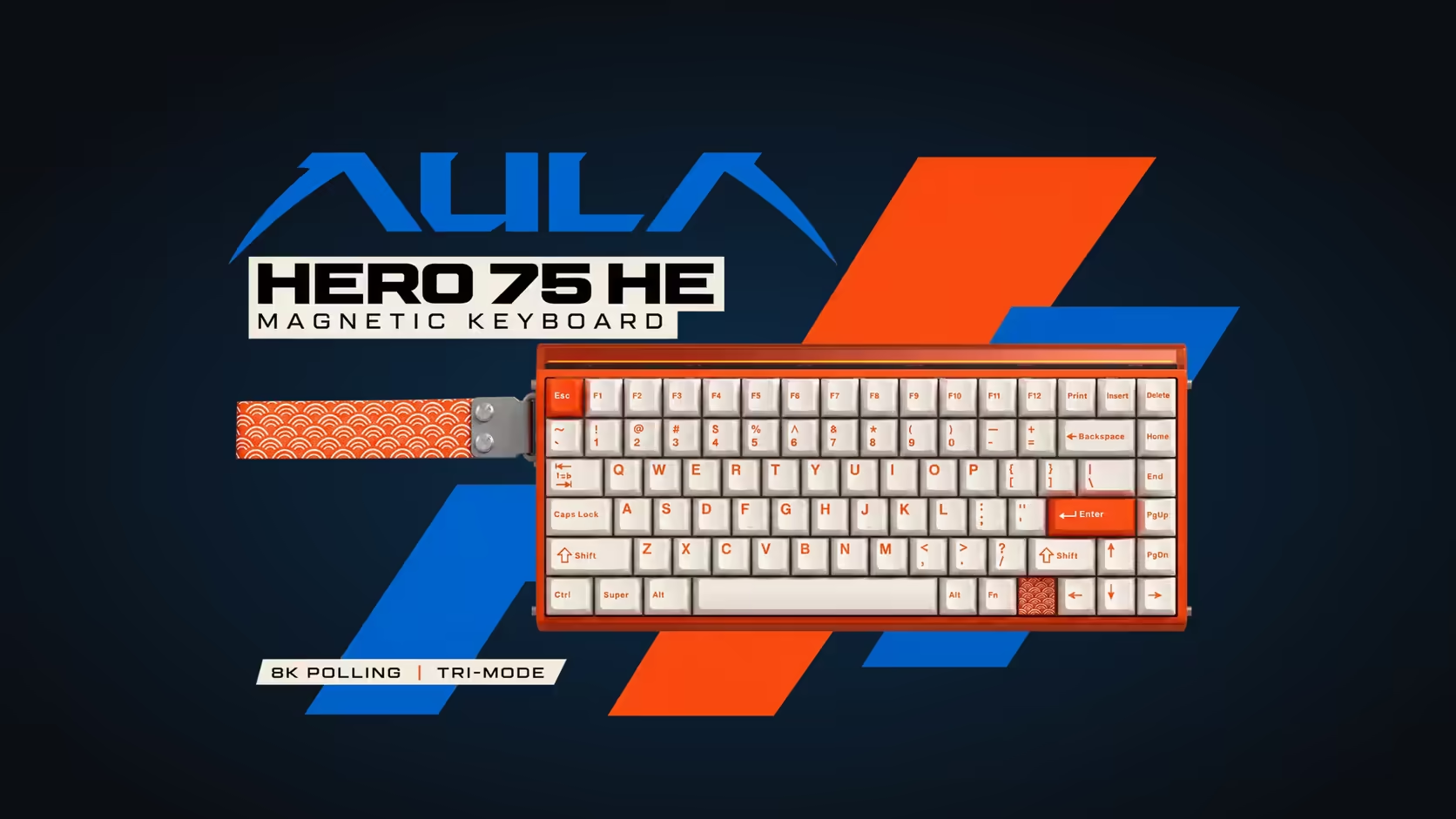
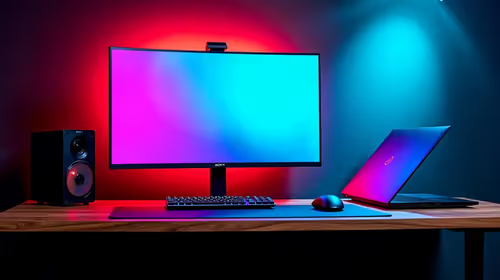
The AULA HERO 75 HE has two layers of light: per-key RGB under the switches and a 36-LED light box running along the top of the board. In a bright room it looks striking. At 1am in a dark bedroom, with someone asleep nearby and your monitor reflecting every colour, it can be a lot. Dimming the HERO 75 HE's light box for night play takes a few adjustments, and it has a side benefit for a wireless board: less light, less drain on the battery.
Quick Answer
Tone down the AULA HERO 75 HE's 36-LED light box for night play by lowering its brightness, picking one steady colour, or switching it off. Keep the per-key south-facing RGB low and lit only on the keys you use, and glare on the screen drops in a dark room. Less lighting also asks less of the 8000mAh battery on wireless. Evetech lists the HERO 75 HE at R899.
💡 Know your two light sources
The HERO's lighting comes from two separate places, and they behave differently at night.
- The light box. A strip of 36 RGB LEDs along the top edge, described by AULA as a neon light box. It sits closest to the monitor, so it is the likeliest source of reflections on the screen and glow on the wall.
- Per-key south-facing RGB. LEDs under each switch, facing towards you. They light the keycaps from below and spill less light upwards.
Treat them separately. The light box is usually the one to calm down before anything else; the per-key layer can often stay on at a low level to help you find keys.
🌙 Setting up a night profile, step by step
AULA's product page does not list the exact lighting menus or key shortcuts, so use the printed manual alongside the steps below. The approach works whichever controls you end up using.
Step 1: switch off animated effects
Waves, ripples and colour cycles are the most distracting at night because movement draws the eye. Choose a static mode for both the light box and the keys.
Step 2: pick one warm, steady colour for the light box
Blue and white light is harsher in a dark room than amber or red. A single dim warm colour keeps some of the look without flooding the space. If even that is too much, turn the light box off entirely.
Step 3: lower the per-key brightness
Bring the key lighting down until the legends are just visible. You want enough to find your movement keys and the handful of actions you use, not a glowing slab.
Step 4: light only the keys that matter
If your lighting controls allow per-key colours, leave movement and core action keys faintly lit and turn the rest off. It works as a quiet map under your fingers.
Step 5: check from your seat
Sit as you would in a game, dim the room and look at the monitor. If you can see colour reflected in the screen, lower the light box further or move the board slightly away from the monitor base.
🔋 Lighting and the battery
The HERO runs on an 8000mAh battery in its 2.4GHz and Bluetooth modes. AULA does not publish how long it lasts, and lighting is one of the main variables you control. Dimmer, static lighting draws less than bright effects, so a night profile also stretches the time between charges. If you play plugged in over the USB-C cable, the battery question disappears, and the cable still gives you 8000Hz.
😴 Playing next to someone asleep
Light is only half of it; sound matters too. Beneath the HERO's aluminium alloy plate, AULA stacks five damping materials, with silicone and cotton among them, aiming for a cleaner, less hollow sound. Magnetic switches have no metal contacts to click, so noise comes mainly from keys landing. Setting actuation shallower, which the board allows anywhere between 0.1mm and 3.4mm, can encourage a lighter touch that stops you bottoming out as hard.
Turning the lights fully off is fine once your hands know the layout. The 75% arrangement keeps a function row and arrow keys, and the HERO's 84 keys follow a standard pattern, so touch typing works in the dark.
The HERO 75 HE comes from Evetech with a 2 Years Local Warranty. Browse it with other boards among Evetech's gaming keyboards, or see the most popular keyboards for comparison.
Frequently Asked Questions
Is the light box causing glare on my monitor?
Often, yes. It sits along the top edge nearest the screen, so its light reflects more than the per-key RGB below the switches.
Should I use a steady colour or effects at night?
A steady colour. Moving effects draw the eye, and a single dim warm shade is much easier to live with in the dark.
Does lighting affect battery life?
Yes. Brighter and animated lighting draws more, so a dim static setup helps the 8000mAh battery go further.
Which keys should stay lit?
Movement and the few actions you press most. Everything else can go dark.
What if someone is sleeping in the room?
Turn the light box off, keep key lighting very low, and use a lighter touch; the dampening layers already take the edge off the sound.
Can I find the keys with lighting off?
Once your hands know the layout, yes. The 75% arrangement follows a standard pattern with a function row and arrows.
Want a keyboard that looks good day and night?
Explore RGB boards like the HERO 75 HE in Evetech's gaming keyboard range and set up lighting that suits your room.