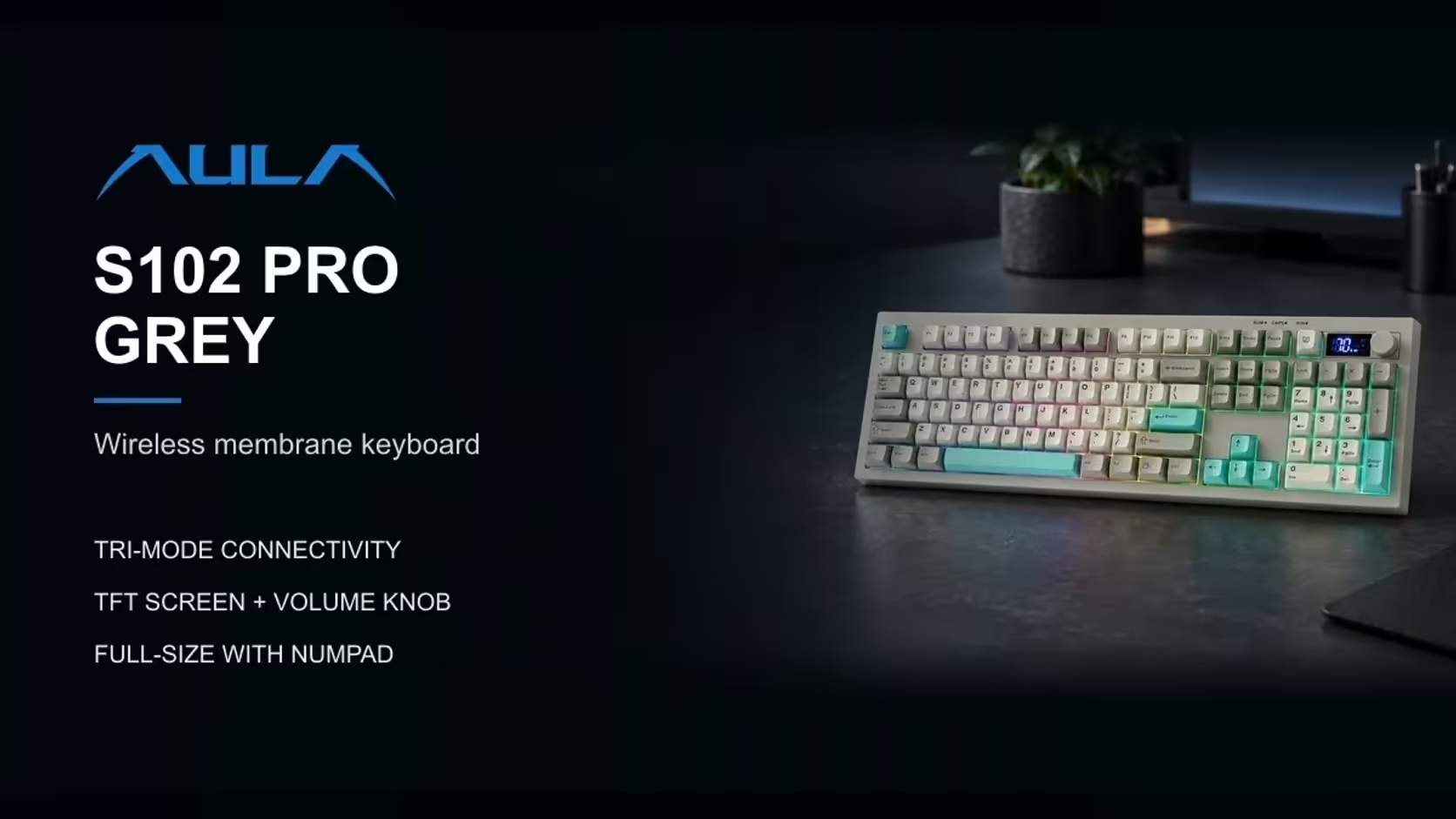
Written Afrikaans relies on accented vowels: the circumflex on the e in the words for "world" and "to say", the two dots of the diaeresis in plurals such as the word for "ideas", and the occasional acute or grave accent. On a standard keyboard none of those has its own key, and hunting through a symbol menu for every one gets old fast. Give yourself a keyboard with a proper numeric keypad, such as the S102 PRO, and that changes. There are three quicker ways of typing Afrikaans accents on a keyboard, depending on your system.
Quick Answer
On the AULA S102 PRO's number pad, Windows Alt codes type Afrikaans accents directly: Alt+0234 gives e with a circumflex, and Alt+0235 gives e with a diaeresis. Windows' US-International layout is faster once learned, and when the board is in Mac mode, macOS's own Option-key shortcuts apply. Bought from Evetech for R299, the board carries a 1 Year Local Warranty.
🔢 Method one: Alt codes on the number pad
Alt codes are the oldest trick in Windows. Hold the left Alt key, type a four-digit code on the number pad, then release Alt, and the character appears. The codes must be typed on the number pad itself; the number row above the letters will not work for this. That is exactly why a full-size keyboard with a dedicated numpad, such as the S102 PRO, makes the method practical.
Make sure Num Lock is on before you start.
The codes Afrikaans typists use most
Lower case:
- Alt+0234: e with a circumflex.
- Alt+0235: e with a diaeresis (two dots).
- Alt+0233: e with an acute accent.
- Alt+0232: e with a grave accent.
- Alt+0244: o with a circumflex.
- Alt+0239: i with a diaeresis.
- Alt+0238: i with a circumflex.
- Alt+0251: u with a circumflex.
Capitals follow a similar pattern with lower numbers, for example Alt+0202 for a capital E with a circumflex and Alt+0203 for a capital E with a diaeresis.
Write the handful you use onto a sticky note next to the screen. Within a week or two, the common ones become automatic.
⌨️ Method two: the US-International layout on Windows
For heavier Afrikaans typing, Windows' US-International keyboard layout is faster than Alt codes. It turns a few punctuation keys into "dead keys" that wait for the next letter:
- Shift+6 (the caret), then e, gives e with a circumflex.
- Shift+apostrophe (the double quote), then e, gives e with a diaeresis.
- Apostrophe, then e, gives e with an acute accent.
- The grave key, then e, gives e with a grave accent.
The same dead keys work with o, i and u. The catch is that you now have to press space after an apostrophe or quote mark when you want the plain character before a vowel. Afrikaans writers who use the apostrophe often, as in the short indefinite article, will notice this at the start.
You add the layout in Windows' language and keyboard settings, and switch between layouts with the Windows key and space bar. No software from AULA is needed, because this is handled entirely by Windows.
🍎 Method three: macOS in Mac mode
Pressing Fn + S tells the S102 PRO it is talking to a Mac (Fn + A reverts to Windows). On a Mac, accents come from macOS itself:
- Option+i, then e: e with a circumflex.
- Option+u, then e: e with a diaeresis.
- Option+e, then e: e with an acute accent.
- Option+grave, then e: e with a grave accent.
macOS also offers a press-and-hold menu in many apps: hold a vowel key and a small pop-up of accented versions appears, each with a number you can press to choose.
🖥️ The keyboard itself
Nothing on the S102 PRO needs configuring for any of these methods. The accents come from the operating system; the keyboard's job is to provide the keys, and on this board that includes the number pad that Alt codes depend on. AULA does not describe accented legends on its keycaps, so the characters are typed rather than printed.
For long Afrikaans documents, the rest of the board helps too. Its silicone membrane is quiet, its Cherry-profile keycaps follow the curve of your fingers, and three typing angles let you find a comfortable position. It connects by 2.4GHz wireless, Bluetooth to two devices or cable, and its little status display keeps track of link and charge.
A local purchase also means warranty questions stay in the country. The S102 PRO sits in Evetech's office keyboards category, and there are also keyboard and mouse bundles at Evetech for anyone kitting out a desk in one go. Check the product page for pricing.
Frequently Asked Questions
Why do Alt codes need the number pad?
Windows reads Alt codes only from the number pad keys, not the number row, so a keyboard with a numpad is required.
Which code gives e with a circumflex?
Alt+0234 on the number pad, with Num Lock on. Alt+0235 gives e with a diaeresis.
Is there anything faster than Alt codes?
Yes. The US-International layout on Windows uses dead keys, so a caret followed by e gives e with a circumflex.
How do I type accents in Mac mode?
Use macOS shortcuts, such as Option+i then e for e with a circumflex, or hold a vowel for the accent menu.
Does Num Lock have to be on?
Yes, for Alt codes. With Num Lock off, the number pad acts as navigation keys instead.
Are accented letters printed on the keycaps?
AULA does not describe accented legends, so the accents are typed using one of these methods.
Writing in Afrikaans every day?
Explore Evetech's office keyboard range and see the full-size S102 PRO with its dedicated number pad.